
Genie 4 vs AI Video Generators: A Readiness Gate for Your Cafe Reveal
Genie 4 vs AI Video Generators: use this practical project-readiness gate to choose an interactive research preview or a composed cafe-opening video workflow.
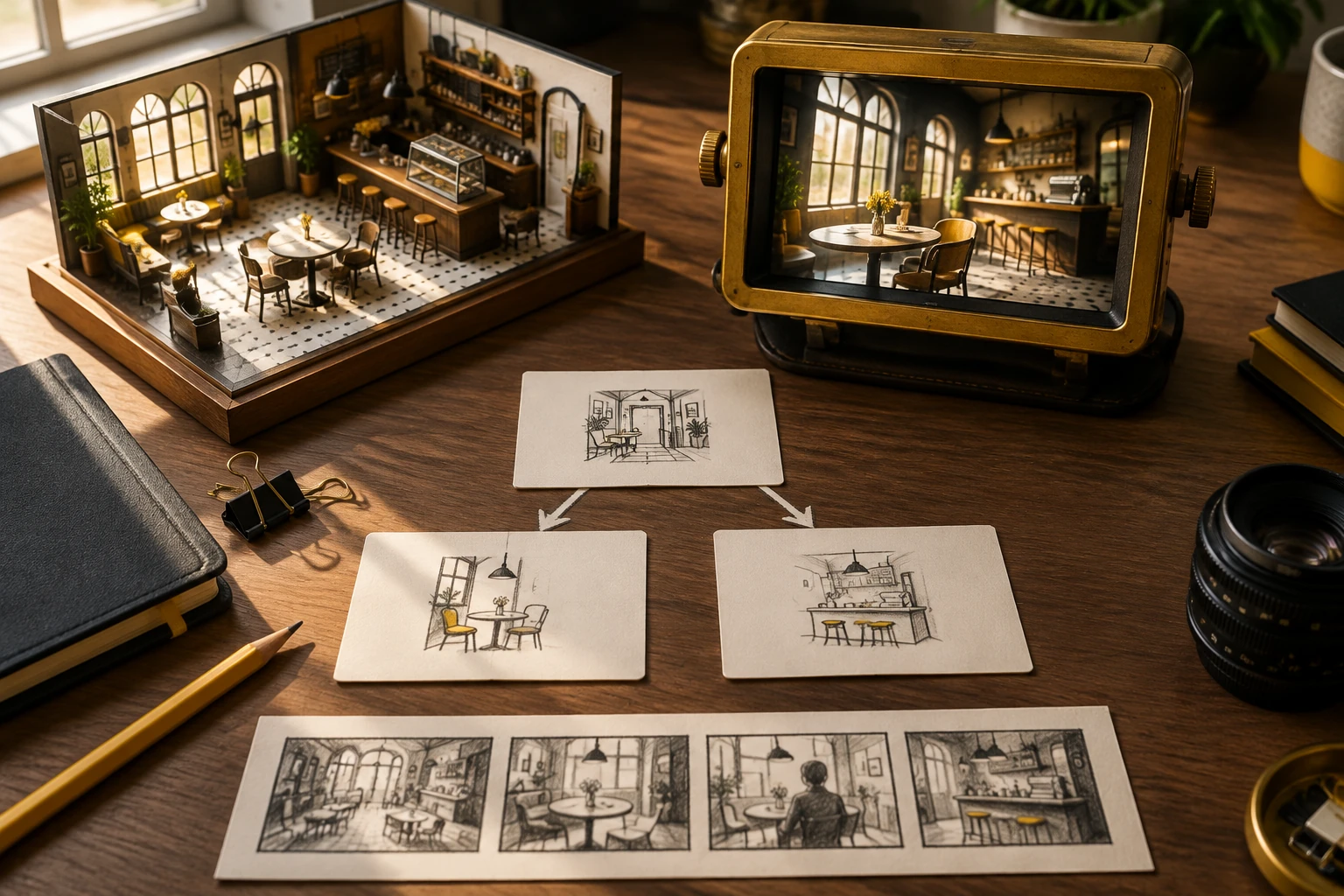
For an original cafe-opening reveal, choose an ordinary video workflow if you need a composed clip you can review and deliver; consider Genie 4 only if you have research-preview access and the viewer must steer the scene. Genie 4 vs AI Video Generators is therefore a project-readiness decision, not a model ranking. Start with access, then test control, delivery requirements, and review before committing creative time.
What's new on this page
- 2026-11-13 — Page published. Added a project-readiness gate and a reusable controlled room-reveal brief.
The four-gate decision
| Gate | Ask this before production | Go | Hold |
|---|---|---|---|
| Access | Can your team actually use the option for this project today? | Confirmed access and a person available to try it | No access, uncertain eligibility, or no tester: plan a fallback |
| Scene control | Must the viewer steer the room while experiencing it? | Yes: an interactive environment could fit the assignment | No: a directed reveal can be planned as a composed clip |
| Deliverable | Is a fixed, reviewable video file required? | No fixed clip; audience interaction is part of the experience | Yes: use a workflow intended to produce a clip, then review the available options |
| Settings and review | Can you inspect the current controls, credits, and output before promising delivery? | Check the live model options and credits; make a review plan | Unclear settings, credits, or review route: hold the promise and verify first |
A “go” means proceed to a small, purposeful planning step, not guarantee a particular result. If an earlier gate is on hold, resolve it before writing a detailed production plan. In particular, don’t choose a research preview merely because its concept sounds exciting when the project needs an approved clip and your team cannot access the preview.
Facts that affect the gate
Google DeepMind announced Genie 4 on October 27, 2026, as an interactive world-model research preview for trusted testers; wider access is described as forthcoming. It supports real-time scene steering with native audio, while continuity and audio remain limited. We have not tested it and make no claims about country availability, price, or latency. (Official model page; announcement.)
Highsfield offers ordinary prompt- and image-based video workflows and image tools; it does not provide Genie 4 access. These video tools create a clip rather than a user-steered environment. Check the live model options, credits, and History in the product before settling the workflow; don’t assume a particular model’s settings or output format.
A usable brief: the cafe room-reveal
Project: Announce an original neighborhood cafe opening with a visual reveal that makes the room feel welcoming.
Audience and response: Future visitors should understand the atmosphere and want to learn more. The creative goal is a clear first impression, not a walkthrough visitors control.
Delivery decision: A composed video clip is the working deliverable. The viewer watches a planned sequence; they are not expected to turn, choose a route, or interact with objects. That makes a conventional video workflow the practical starting point, subject to checking its current options and credits.
Visual idea: Begin on the entrance, move into a warm main room, and finish on a wide composition that reveals the counter and seating together. Let daylight, material textures, and a few carefully placed everyday details carry the mood. Keep the sequence simple enough to review as one coherent introduction.
Control boundary: The creator decides the order, framing, and intended ending in the brief. The audience receives the authored reveal. Do not describe this as an explorable environment or promise a precise camera move until the chosen tool’s live controls have been checked.
Review questions: Can a first-time viewer tell what the space is? Does the reveal have a legible beginning and ending? Are key details consistent enough for the project’s purpose? Does the actual output meet the team’s requirements? Record any issue in the project’s review notes rather than assuming a result from the brief.
This is an original hypothetical creative brief, not a claim that any model has generated or validated these scenes. It gives a creator a concrete way to test the task shape before spending effort on prompts or production.
If preview access is unavailable
Hold the interactive branch; don’t treat a composed clip as a substitute for viewer-controlled exploration. For the cafe announcement, retain the room-reveal brief and explore the available clip workflow instead. If genuine audience steering is essential, mark the project as blocked and revisit the plan when access and a suitable delivery route are confirmed. Keep that decision visible to whoever approves the deliverable.
Turn the gate into your next action
Use AI video when the deliverable is a composed clip, or AI image when the next step is developing a still visual direction. Check pricing for the current credits and options before committing, and use the blog to explore more prompt and creative-brief ideas. The useful question behind Genie 4 vs AI Video Generators is not which option wins in general: it is whether your team has access, whether the viewer needs control, and what the project must actually deliver.