
Talk Dirty Dance AI
Create your stage cameo
Preview the fixed dance reference
This fixed video supplies the dance and stage structure. Your uploaded image supplies the central lead appearance.
History
Loading history…
A fashion portrait built for a moving stage
Put a distinctive outfit at the center of a short stage sequence. Talk Dirty Dance AI uses a single subject image to recast the lead in a fixed concert performance. Our emerald-jacket concept focuses on hair, fabric and footwear that remain recognizable as the body moves. Start with the person or character whose appearance you want to carry into the scene.
The lead image defines appearance; the supplied reference defines the broad dance and camera structure. This page starts with an eight-second output duration and accepts optional style notes. It does not require you to record choreography or supply a second character. Preview the reference first, then inspect the current quote before creating.
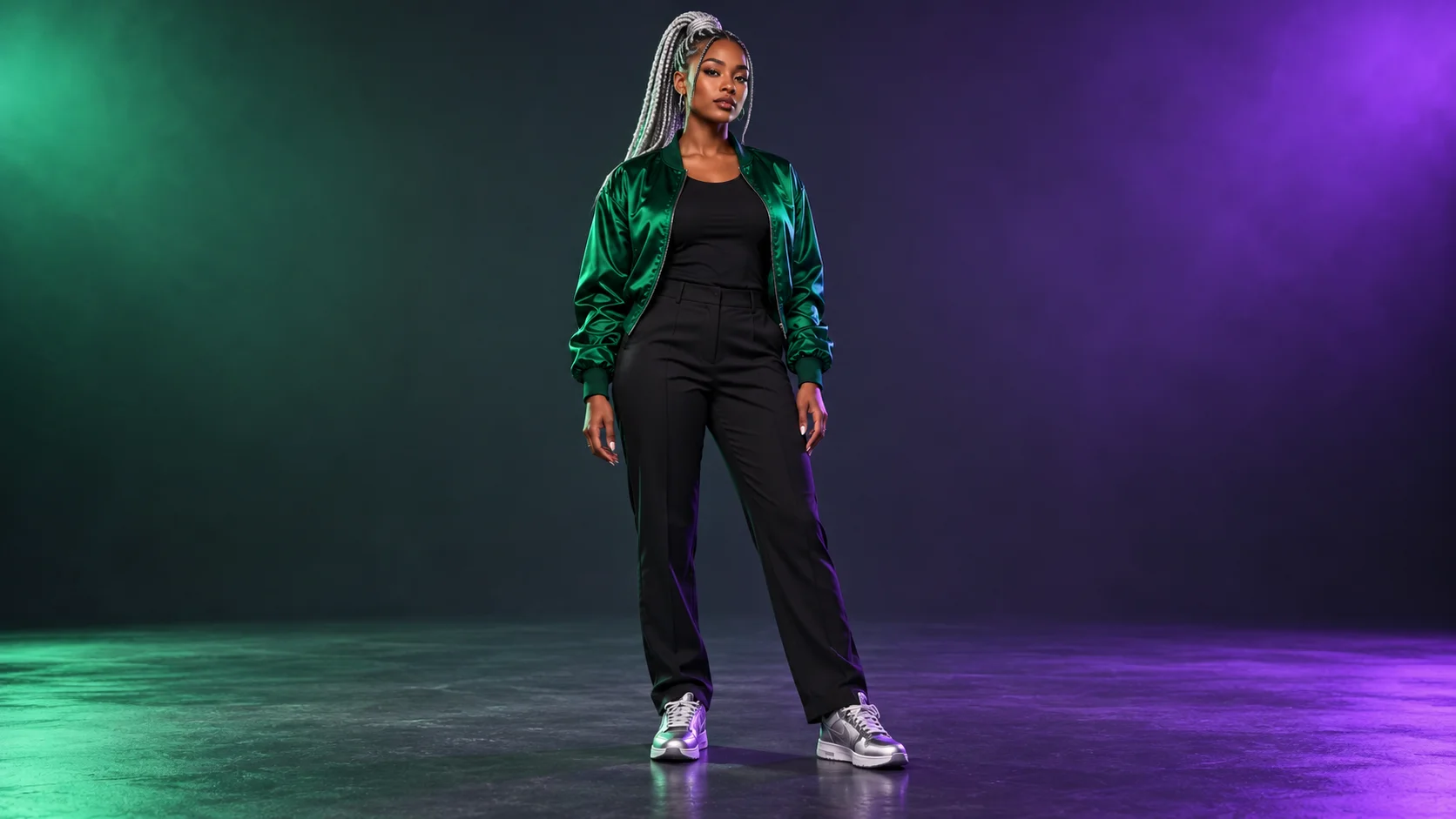
How to create your Talk Dirty Dance AI remake
1. Select the outfit and subject
Choose one clearly visible lead with enough body detail to communicate the clothing. If the shoes or hairstyle matter, include them in the source. Avoid a crop that removes the very details you want to recognize in the finished performance.
2. Check lighting and separation
Look at the edges of dark clothing, shiny fabric and hair. Our emerald satin jacket is separated from black trousers by shape and reflected light. A source with readable contrast is more useful than a dramatic image where the body disappears into shadow.
3. Review the fixed stage setup
Watch the motion reference and confirm that its short performance suits your idea. Check the uploaded image, output options and refreshed credit estimate. Add only a concise compatible style direction if needed, then create when the visible settings match your intention.
4. Inspect the finished sequence
Open the result in History. Follow the face and ponytail through the movement, then check jacket seams, trouser legs and shoe contact. Review the background and sound as well. Select a take with consistent appearance across the whole clip.
Use the source to explain the complete look
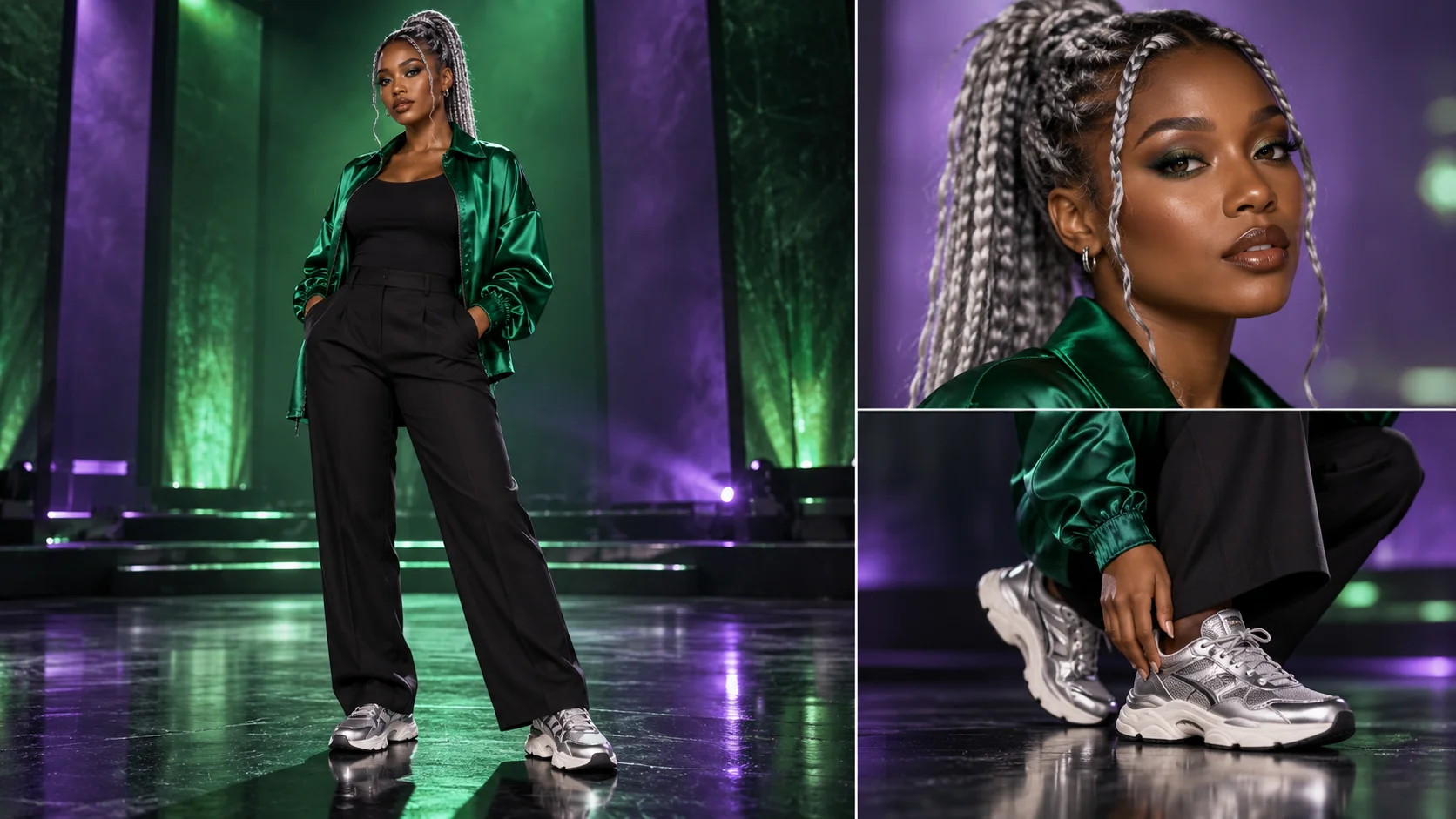
A fashion-led cameo depends on more than the face. The guide's silver braids, emerald jacket and metallic sneakers create three clear appearance cues. Decide which details define your own look and ensure they are visible in the upload. A tight portrait may communicate identity well while leaving the model to interpret the rest of the outfit. A fuller view offers more information when costume continuity matters.
The detail board helps you inspect the face, body silhouette and footwear separately. It is a preparation aid, not a multi-image input. Upload one coherent view with a consistent outfit. Avoid heavy blur, clipped shoes or strong reflections across the eyes. Those issues make it harder to tell whether a later change comes from the generation or was already unclear in the source.
Keep the visual treatment compatible with the reference
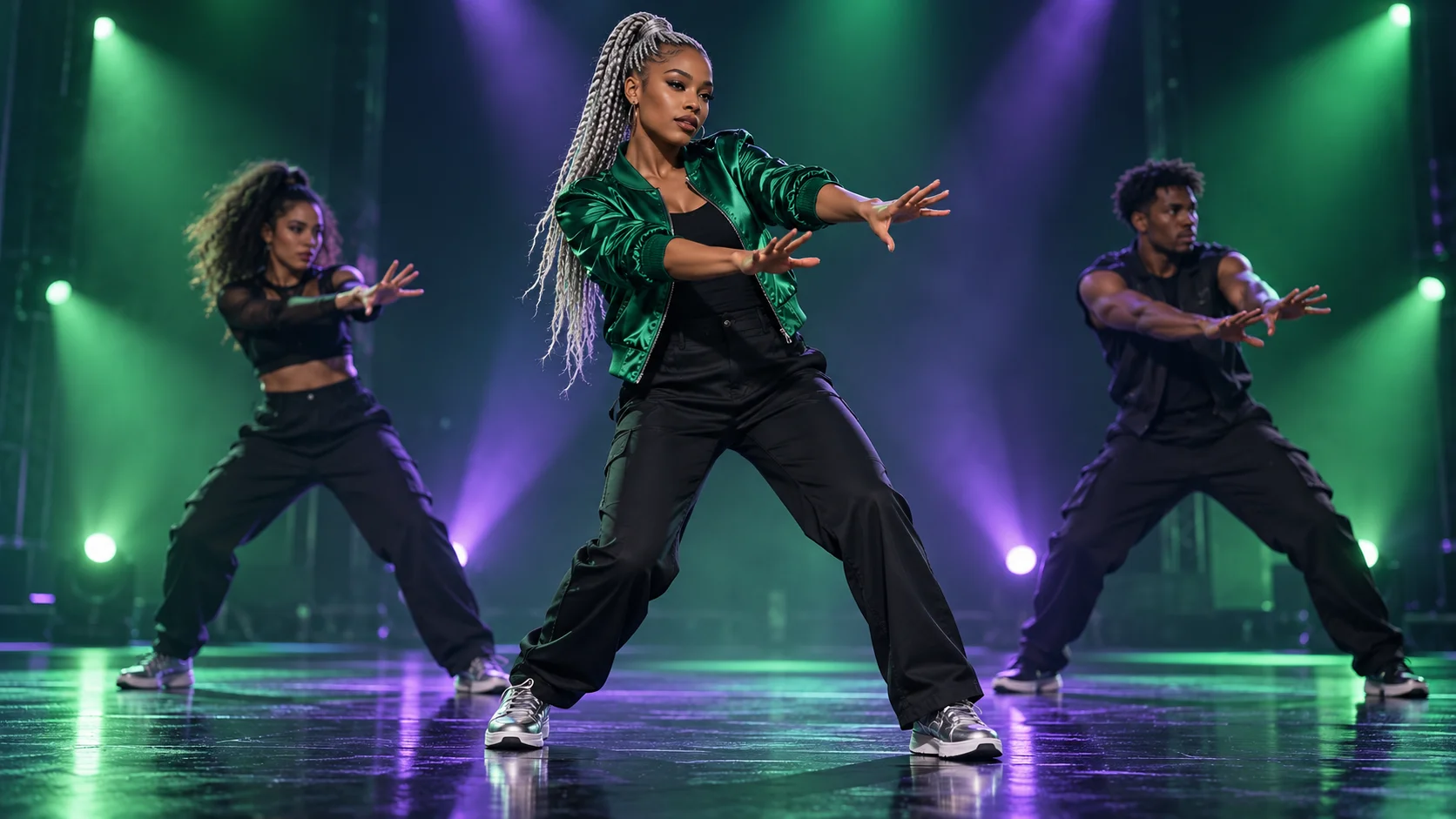
The stage concept uses green and violet light to complement the emerald jacket, but it is an illustration rather than a guaranteed output frame. The actual workflow follows a fixed movement reference. Optional notes can suggest a restrained treatment; they do not provide independent control over every light, camera angle or background performer. Start with a small number of choices you can actually evaluate in the returned take.
Shiny fabric and long hair can change shape quickly during motion. Watch for highlights that jump between unrelated parts of the jacket or braids that merge into the background. Some variation is part of the generated interpretation. If it becomes distracting, simplify the source lighting or choose a hairstyle and garment outline that are easier to read. More description is not always a better correction.
Judge continuity beyond the strongest pose
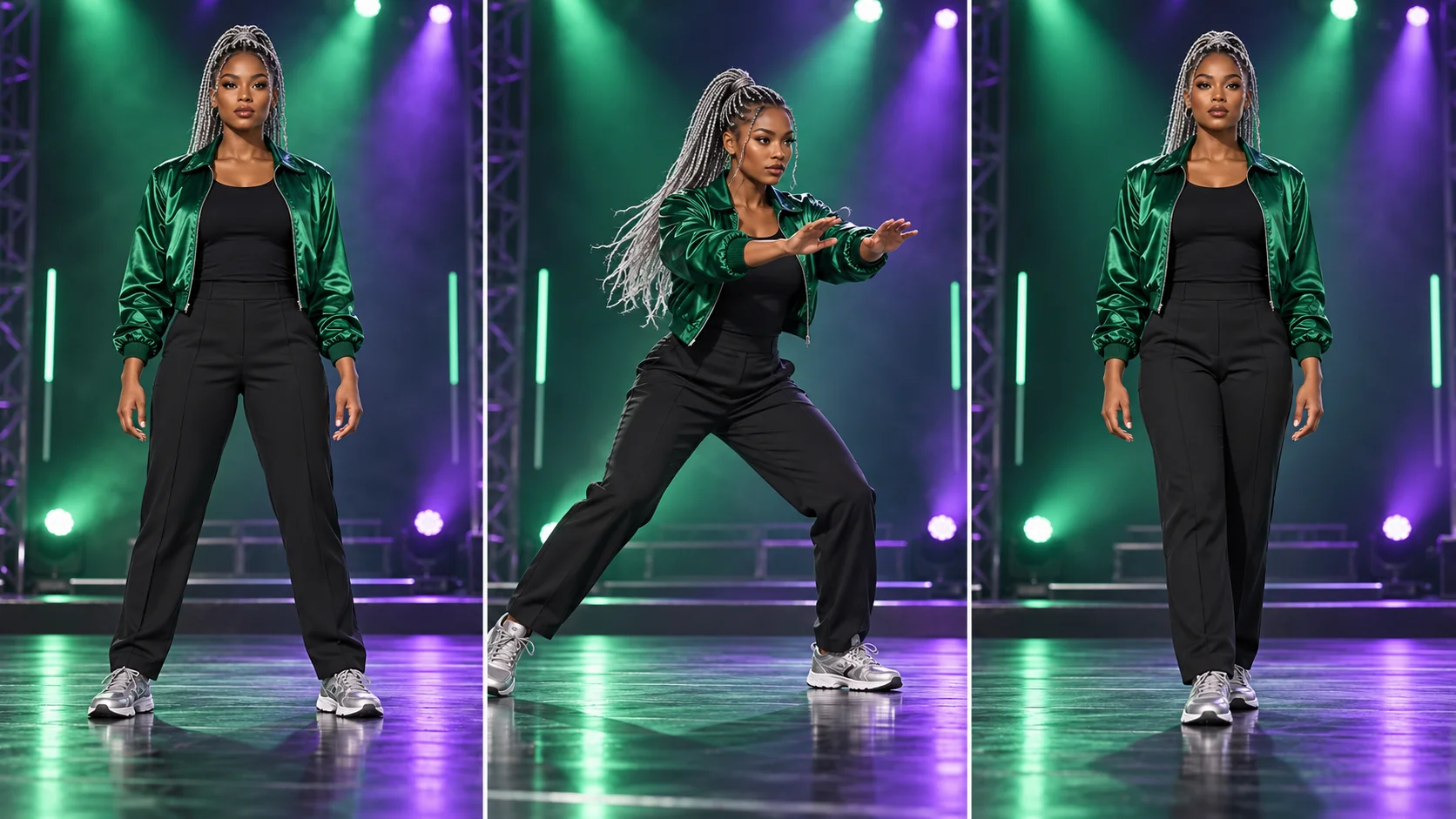
The three-pose study gives you a review rhythm: establish the appearance, inspect the broad step and check how the body recovers. Follow the shoes against the stage floor and make sure the hands remain distinct from the sleeves. The face should still belong to the same subject when the head turns. A beautiful middle frame is not enough if the beginning or ending changes the character unexpectedly.
Watch the clip at normal speed, then replay any uncertain transition. Test it at phone size if that is where the audience will see it. Preview audio before publishing an edit: the page does not guarantee a particular recording, voice or precise synchronization. For a fashion reel, a coherent short take with readable movement may be more useful than a more dramatic take with unstable details.
Input, cost and result questions
Can I use a fashion photo?
Yes, if it clearly shows one subject. Include the outfit details you want the video to interpret, and keep the face readable.
Does the page preserve every garment detail?
No exact reproduction is guaranteed. Check seams, colors, accessories and footwear throughout the actual returned video.
Do I need a performance recording?
No. The fixed reference supplies the dance structure. Your image supplies the replacement lead's appearance.
What does the optional text change?
It adds compatible direction to the prepared task. Keep it concise; this is not a separate control for arbitrary choreography or a completely new stage.
How long is the starting setting?
The initial output setting is eight seconds. The reference lasts approximately 7.24 seconds, while generation waiting time depends on service conditions.
What should I know about cost and audio?
Check the live quote and your account eligibility before submitting. Listen to the result afterward; exact music and vocals are not promised.
Explore another part of the workflow
Prepare a stronger appearance image
Refine a portrait or outfit study before making the stage cameo.
Explore video workflows
Find a different structure for your next visual idea.
Review current plans
Check access and credit options before creating more takes.
highsfield.com · Updated
What's new on this page
- — Added photo inputs, a motion reference preview and guidance for creating this video effect.