
Plan Focused Image Edits with Nano Banana 2
Explain Your Subject, Changes and References
List the details that matter in your Nano Banana 2 image brief: identity, shape, colors, clothing and background. Use supported references where appropriate and compare every result; exact consistency is not guaranteed.

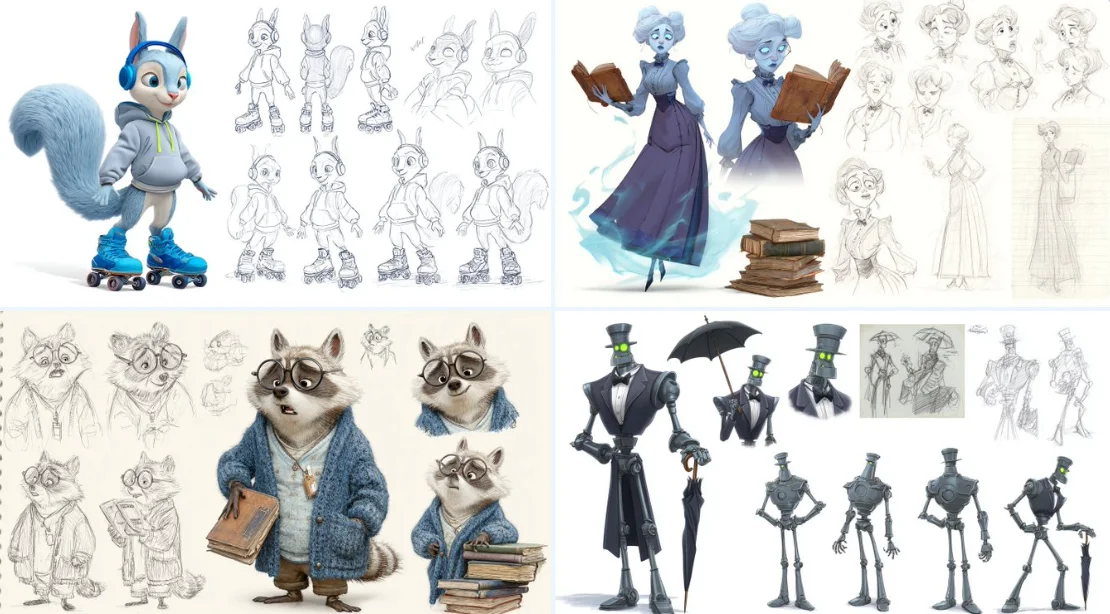
Verified prompt
A character sheet of [detailed description of thecharacter], in the style of Pixar, featuring multiple poses and expressions from different angles, including concept art, pencil sketches, a full-body reference sheet, and a white background. The sheet includes wide shots, low-angle views, 3D renders, and Octane renderings, highly detailed result.
A character sheet of [detailed description of thecharacter], in the style of Pixar, featuring multiple poses and expressions from different angles, including concept art, pencil sketches, a full-body reference sheet, and a white background. The sheet includes wide shots, low-angle views, 3D renders, and Octane renderings, highly detailed result.
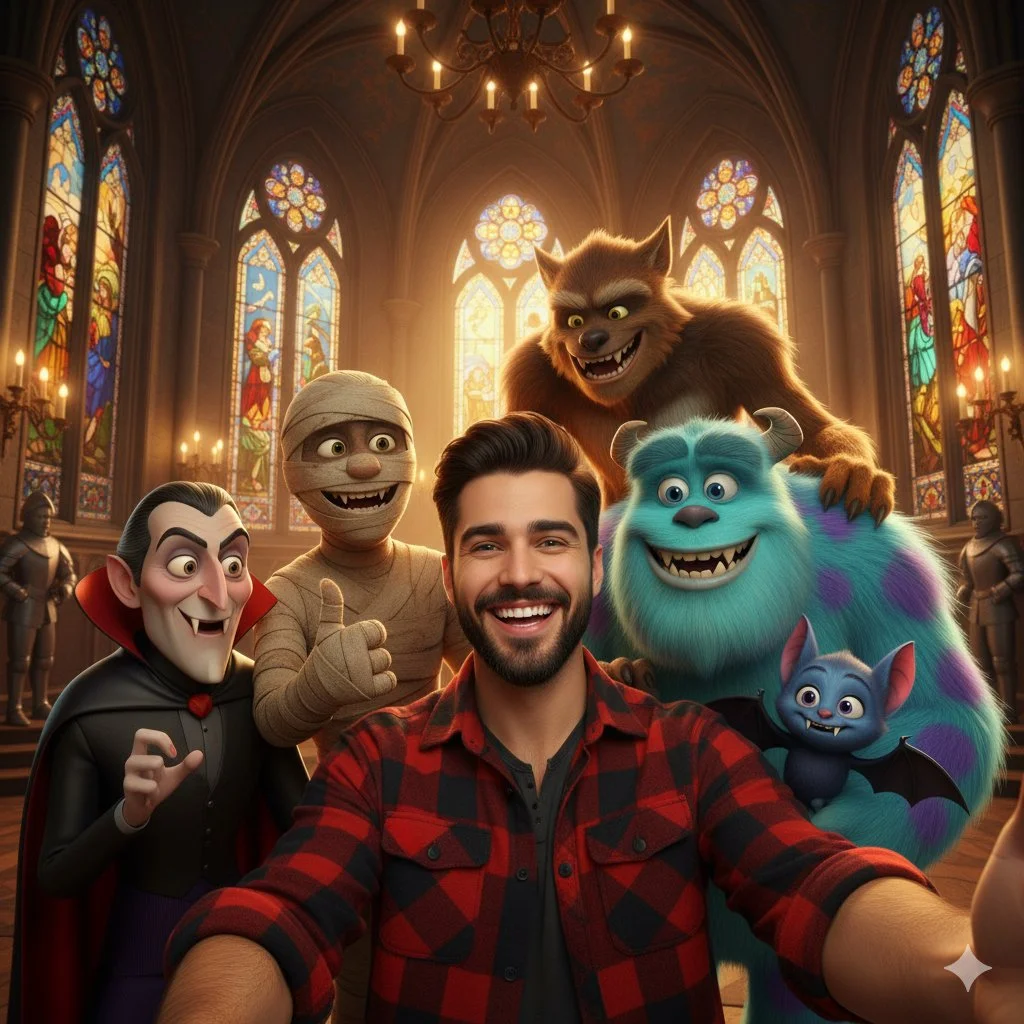
Verified prompt
A selfie-style shot of a smiling young man with dark hair and a beard, wearing a red and black plaid shirt. He is surrounded by several animated movie monsters, including Count Dracula, a mummy, a large blue furry monster resembling Sulley from Monsters Inc., a werewolf, and a smaller blue vampire bat character. They are all smiling and posing for the selfie. The background is a grand hall with stained-glass windows and chandeliers, resembling a gothic castle or church interior. The lighting is warm and inviting.
A selfie-style shot of a smiling young man with dark hair and a beard, wearing a red and black plaid shirt. He is surrounded by several animated movie monsters, including Count Dracula, a mummy, a large blue furry monster resembling Sulley from Monsters Inc., a werewolf, and a smaller blue vampire bat character. They are all smiling and posing for the selfie. The background is a grand hall with stained-glass windows and chandeliers, resembling a gothic castle or church interior. The lighting is warm and inviting.

Verified prompt
xture this image in the following JSON style aesthetic: { "styleAesthetic": { "title": "Isometric Multicolor Extrusion with Grid Control", "overallVibe": "Playful modern 3D iconography with directional extrusion and dynamic isometric grids", "viewAngle": { "type": "Isometric", "facingDirection": "right", // options: left, right, front "rotationDegrees": { "x": 30, "y": 30 } }, "renderingStyle": "Clean 3D extruded vector with soft lighting and high contrast between faces", "objectSurface": { "frontFace": { "color": "#ffffff", "material": "Matte white plastic", "lighting": "Soft diffuse" }, "extrudedSide": { "type": "Multicolor gradient", "gradientStyle": "Diagonal sweep", "colorStops": [ "#ff0040", "#ff8000", "#ffff00", "#00ff90", "#00cfff", "#8000ff" ], "material": "Glossy plastic", "lighting": "Ambient with light falloff" } }, "extrusion": { "direction": "right", // determines which side is extruded: left, right, front "depth": "moderate" }, "shadows": { "type": "Drop shadow", "direction": "bottom-right", "opacity": 0.15, "blurRadius": "6px" }, "background": { "type": "Isometric grid", "color": "#ffffff", "gridStyle": { "lineColor": "#e0e0e0", "lineWeight": "1px", "orientation": "opposite-extrusion" // automatically flips grid lines to oppose the extrusion direction } }, "moodKeywords": [ "Dimensional", "Clean", "Geometric", "Colorful", "Tactile", "Structured" ] } }
xture this image in the following JSON style aesthetic: { "styleAesthetic": { "title": "Isometric Multicolor Extrusion with Grid Control", "overallVibe": "Playful modern 3D iconography with directional extrusion and dynamic isometric grids", "viewAngle": { "type": "Isometric", "facingDirection": "right", // options: left, right, front "rotationDegrees": { "x": 30, "y": 30 } }, "renderingStyle": "Clean 3D extruded vector with soft lighting and high contrast between faces", "objectSurface": { "frontFace": { "color": "#ffffff", "material": "Matte white plastic", "lighting": "Soft diffuse" }, "extrudedSide": { "type": "Multicolor gradient", "gradientStyle": "Diagonal sweep", "colorStops": [ "#ff0040", "#ff8000", "#ffff00", "#00ff90", "#00cfff", "#8000ff" ], "material": "Glossy plastic", "lighting": "Ambient with light falloff" } }, "extrusion": { "direction": "right", // determines which side is extruded: left, right, front "depth": "moderate" }, "shadows": { "type": "Drop shadow", "direction": "bottom-right", "opacity": 0.15, "blurRadius": "6px" }, "background": { "type": "Isometric grid", "color": "#ffffff", "gridStyle": { "lineColor": "#e0e0e0", "lineWeight": "1px", "orientation": "opposite-extrusion" // automatically flips grid lines to oppose the extrusion direction } }, "moodKeywords": [ "Dimensional", "Clean", "Geometric", "Colorful", "Tactile", "Structured" ] } }
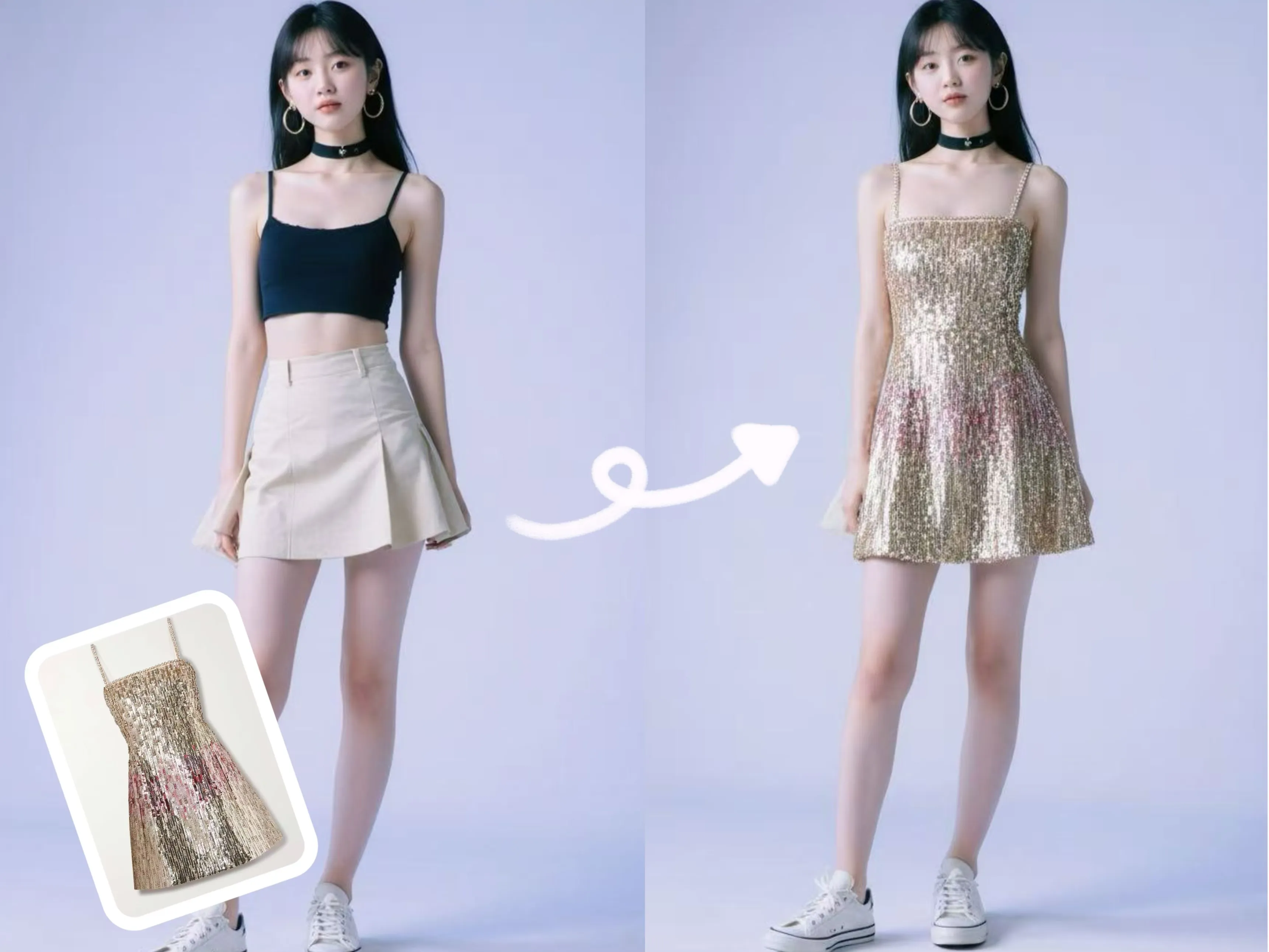
Verified prompt
Replace the clothing of the person in the input image with the target clothing shown in the reference image. Keep the person's pose, facial expression, background, and overall realism unchanged. Make the new clothing look natural, well-fitted, and consistent with the lighting and shadows. Do not alter the person's identity or environment—only change the clothing.
Replace the clothing of the person in the input image with the target clothing shown in the reference image. Keep the person's pose, facial expression, background, and overall realism unchanged. Make the new clothing look natural, well-fitted, and consistent with the lighting and shadows. Do not alter the person's identity or environment—only change the clothing.
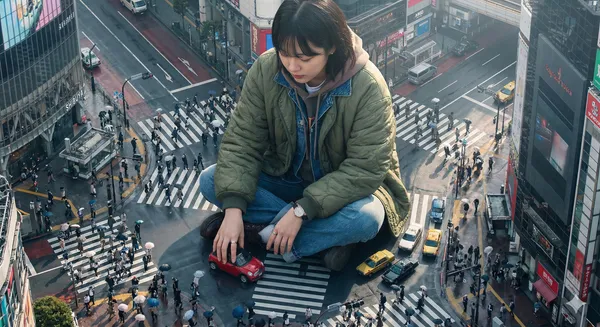
Verified prompt
ghly detailed photorealistic aerial shot looking down on a colossal Korean young woman wearing a stylish jacket and layered outfits, positioned in a crowded Tokyo street; the giant is playfully driving a tiny car with her hands while interacting with nearby buildings and street signs, tiny people and cars clustered near her feet for scale; visible close-up hands and textured clothing details; morning daylight with soft directional sunlight casting long gentle shadows, cool urban reflections on wet pavement, slight atmospheric haze and depth of field, high-resolution, crisp details, cinematic composition with leading lines along the street, muted vibrant color palette, realistic skin textures and fabric wrinkles, subtle motion blur on the tiny cars, photorealistic lens characteristics
ghly detailed photorealistic aerial shot looking down on a colossal Korean young woman wearing a stylish jacket and layered outfits, positioned in a crowded Tokyo street; the giant is playfully driving a tiny car with her hands while interacting with nearby buildings and street signs, tiny people and cars clustered near her feet for scale; visible close-up hands and textured clothing details; morning daylight with soft directional sunlight casting long gentle shadows, cool urban reflections on wet pavement, slight atmospheric haze and depth of field, high-resolution, crisp details, cinematic composition with leading lines along the street, muted vibrant color palette, realistic skin textures and fabric wrinkles, subtle motion blur on the tiny cars, photorealistic lens characteristics
Verified prompt
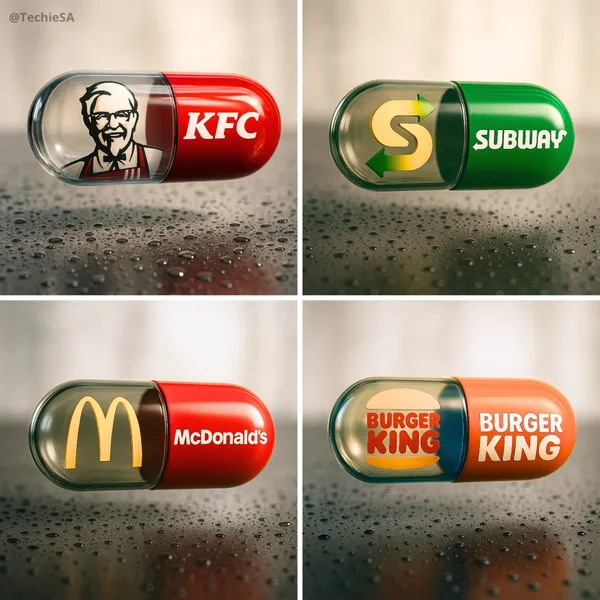
te a hyper-realistic, stylish poster [1080x1080] aspect ratio featuring a horizontal tablet-capsule hovering above a surface covered in condensation and water droplets, with its shadow cast on the wet ground. One side of the capsule is transparent glass, while the other is glossy [BRAND COLORS] plastic, displaying the [BRAND] logo and name. Seamlessly floating inside the glass portion of the capsule is a photorealistic 3D model of the [BRAND LOGO OR ICON], perfectly centered and suspended in zero gravity. The glass and plastic surfaces showcase strong reflections, refractions, and environmental distortions. The background is a softly blurred, elegant light-toned setting. Use a dynamic perspective with a stylish camera angle, professional studio lighting, and ultra-high detail to make the image look like a DSLR-captured photograph with impeccable realism.
te a hyper-realistic, stylish poster [1080x1080] aspect ratio featuring a horizontal tablet-capsule hovering above a surface covered in condensation and water droplets, with its shadow cast on the wet ground. One side of the capsule is transparent glass, while the other is glossy [BRAND COLORS] plastic, displaying the [BRAND] logo and name. Seamlessly floating inside the glass portion of the capsule is a photorealistic 3D model of the [BRAND LOGO OR ICON], perfectly centered and suspended in zero gravity. The glass and plastic surfaces showcase strong reflections, refractions, and environmental distortions. The background is a softly blurred, elegant light-toned setting. Use a dynamic perspective with a stylish camera angle, professional studio lighting, and ultra-high detail to make the image look like a DSLR-captured photograph with impeccable realism.
Verified prompt
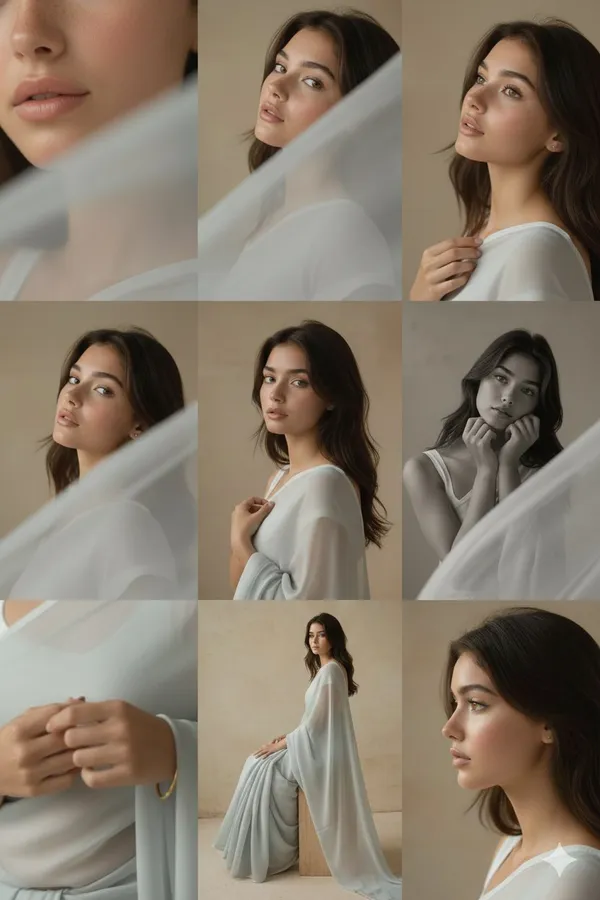
orial 3x3 grid in soft golden-beige studio. Character (face characteristics 100% same as uploaded image) wearing a glossy silk saree with minimal jewelry. Lighting: warm soft key from right, reflector fill left. Shots match original structure: extreme lip/cheek macro with blurred silk, tight eye reflection crop, B&W chin-on-fist frame-fill, fabric-framed shoulder view, frontal close-up with hand-light pattern, angled portrait with loose strands, jawline-focused hand crop, half-body seated on cube, profile with rim slice. Same lens & aperture set. RAW, elegant tonal grade, smooth cinematic grain.
orial 3x3 grid in soft golden-beige studio. Character (face characteristics 100% same as uploaded image) wearing a glossy silk saree with minimal jewelry. Lighting: warm soft key from right, reflector fill left. Shots match original structure: extreme lip/cheek macro with blurred silk, tight eye reflection crop, B&W chin-on-fist frame-fill, fabric-framed shoulder view, frontal close-up with hand-light pattern, angled portrait with loose strands, jawline-focused hand crop, half-body seated on cube, profile with rim slice. Same lens & aperture set. RAW, elegant tonal grade, smooth cinematic grain.
Verified prompt
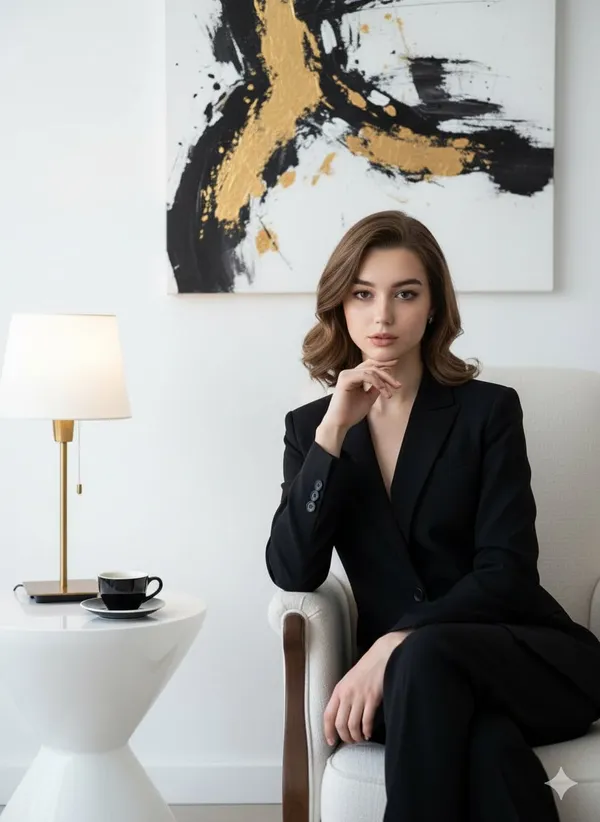
autiful, confident woman wearing a black suit sits elegantly on a luxurious white chair that highlights her slim, graceful figure. Her right hand rests gently beneath her chin, with her chin slightly raised in a pose of self-assurance. Her head tilts subtly to the right, eyes steady and looking forward with confidence. Her facial features glow under high-quality cinematic lighting, enhancing her natural beauty. The background is pure white, featuring a rare art painting and soft, cinematic illumination. Beside the chair stands a unique white table topped with a black coffee cup and a stylish lamp decor, creating a refined and elegant atmosphere.
autiful, confident woman wearing a black suit sits elegantly on a luxurious white chair that highlights her slim, graceful figure. Her right hand rests gently beneath her chin, with her chin slightly raised in a pose of self-assurance. Her head tilts subtly to the right, eyes steady and looking forward with confidence. Her facial features glow under high-quality cinematic lighting, enhancing her natural beauty. The background is pure white, featuring a rare art painting and soft, cinematic illumination. Beside the chair stands a unique white table topped with a black coffee cup and a stylish lamp decor, creating a refined and elegant atmosphere.
Verified prompt
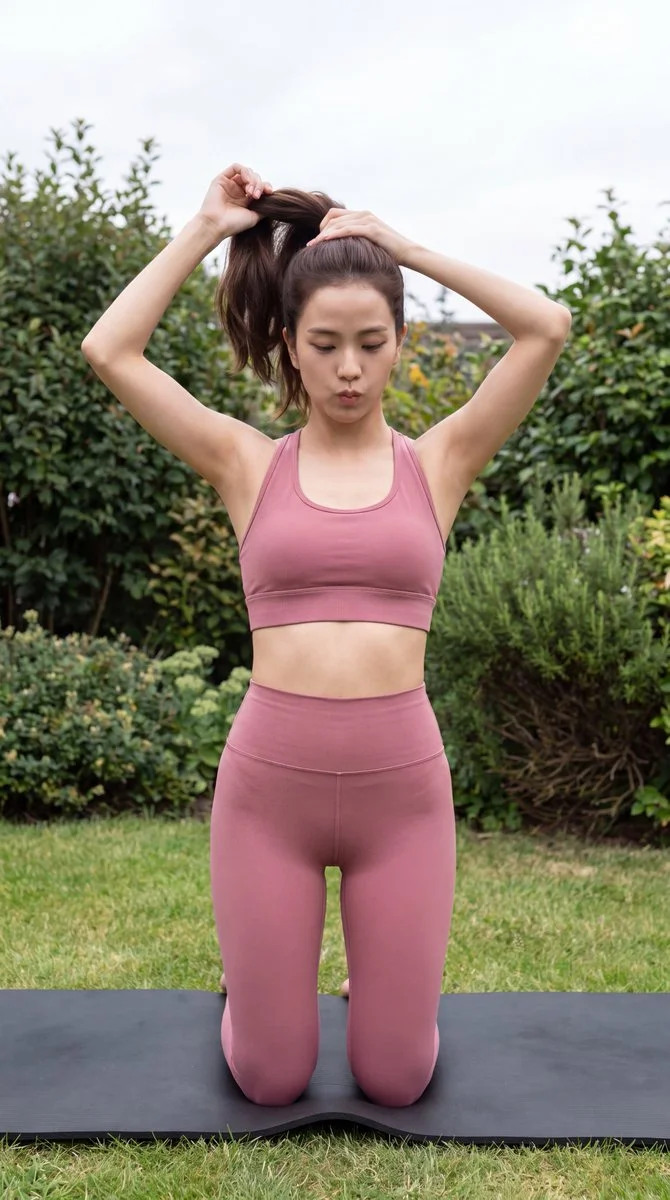
Create an understated vertical fitness photograph of an adult woman preparing for a workout in a garden. She kneels upright on a black exercise mat and gathers her dark hair into a ponytail with both hands. Dress her in a dusty rose sports top and matching full-length, high-waisted leggings. Keep her expression focused and the pose natural. Frame her against a green lawn and dense shrubs with a little overcast sky visible. Use soft, even outdoor light, realistic skin and fabric texture, and a slightly elevated camera position. The result should feel like a candid moment before an exercise session.
Create an understated vertical fitness photograph of an adult woman preparing for a workout in a garden. She kneels upright on a black exercise mat and gathers her dark hair into a ponytail with both hands. Dress her in a dusty rose sports top and matching full-length, high-waisted leggings. Keep her expression focused and the pose natural. Frame her against a green lawn and dense shrubs with a little overcast sky visible. Use soft, even outdoor light, realistic skin and fabric texture, and a slightly elevated camera position. The result should feel like a candid moment before an exercise session.
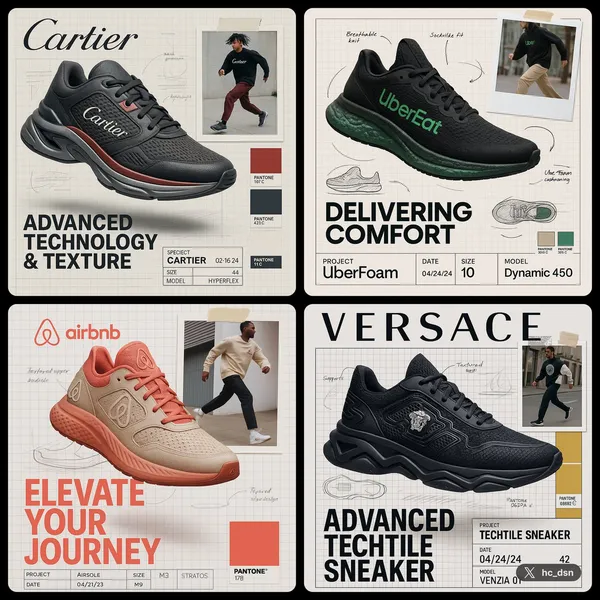
Verified prompt
te image with 1:1 ratio A branded footwear ad for [Brand], showcasing the high-end Brand shoe using brand technology and texture.(fiction a technology and texture based on brand DNA). The shoe is shown in dynamic floating perspective over a graph paper background layout with technical sketches and handwritten notes. A random lifestyle authentic photo featuring brand clothing in motion is taped in the corner, styled with street wear fashion. Emphasize the product's slogan with bold typography. Layout features include product spec labels like Project a fiction brand title, Date, Size, and fiction model name in engineering style. The background reference with brand pantone color palettes with code number
te image with 1:1 ratio A branded footwear ad for [Brand], showcasing the high-end Brand shoe using brand technology and texture.(fiction a technology and texture based on brand DNA). The shoe is shown in dynamic floating perspective over a graph paper background layout with technical sketches and handwritten notes. A random lifestyle authentic photo featuring brand clothing in motion is taped in the corner, styled with street wear fashion. Emphasize the product's slogan with bold typography. Layout features include product spec labels like Project a fiction brand title, Date, Size, and fiction model name in engineering style. The background reference with brand pantone color palettes with code number
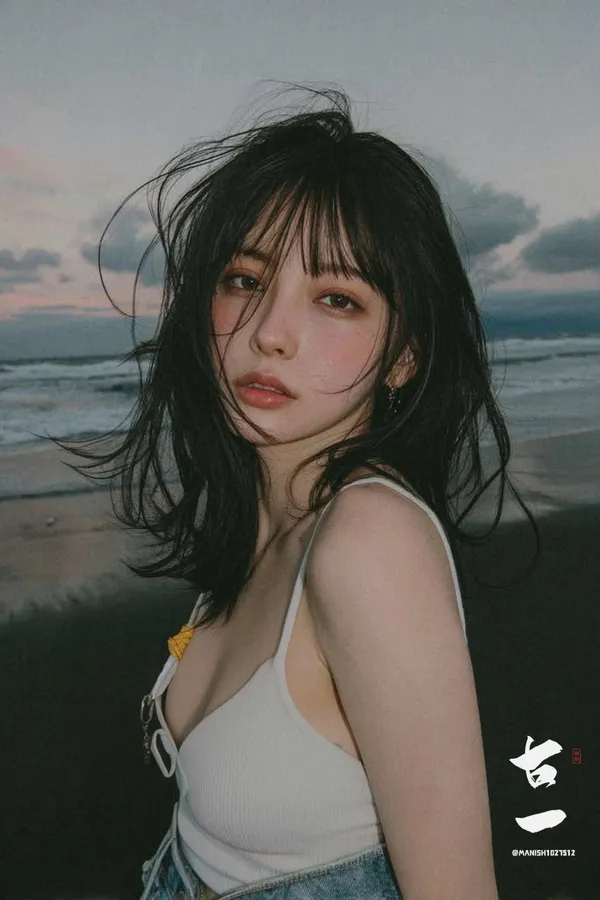
Verified prompt
ung woman standing on the beach at dusk, captured in a soft emotional film-style portrait. Her dark hair is messy from the sea breeze, strands blowing across her face. She has natural, slightly flushed skin with a subtle grainy texture. Wearing a white spaghetti-strap top and denim bottoms. The background shows dark ocean waves and a moody sky with soft sunset colors—dusty pink, blue-gray, and muted lavender. The overall image features a low-saturation, cool-toned cinematic film filter with soft contrast, slight grain, and a hazy atmosphere. Close-up portrait, melancholic mood, natural lighting, realistic details, 8K.
ung woman standing on the beach at dusk, captured in a soft emotional film-style portrait. Her dark hair is messy from the sea breeze, strands blowing across her face. She has natural, slightly flushed skin with a subtle grainy texture. Wearing a white spaghetti-strap top and denim bottoms. The background shows dark ocean waves and a moody sky with soft sunset colors—dusty pink, blue-gray, and muted lavender. The overall image features a low-saturation, cool-toned cinematic film filter with soft contrast, slight grain, and a hazy atmosphere. Close-up portrait, melancholic mood, natural lighting, realistic details, 8K.
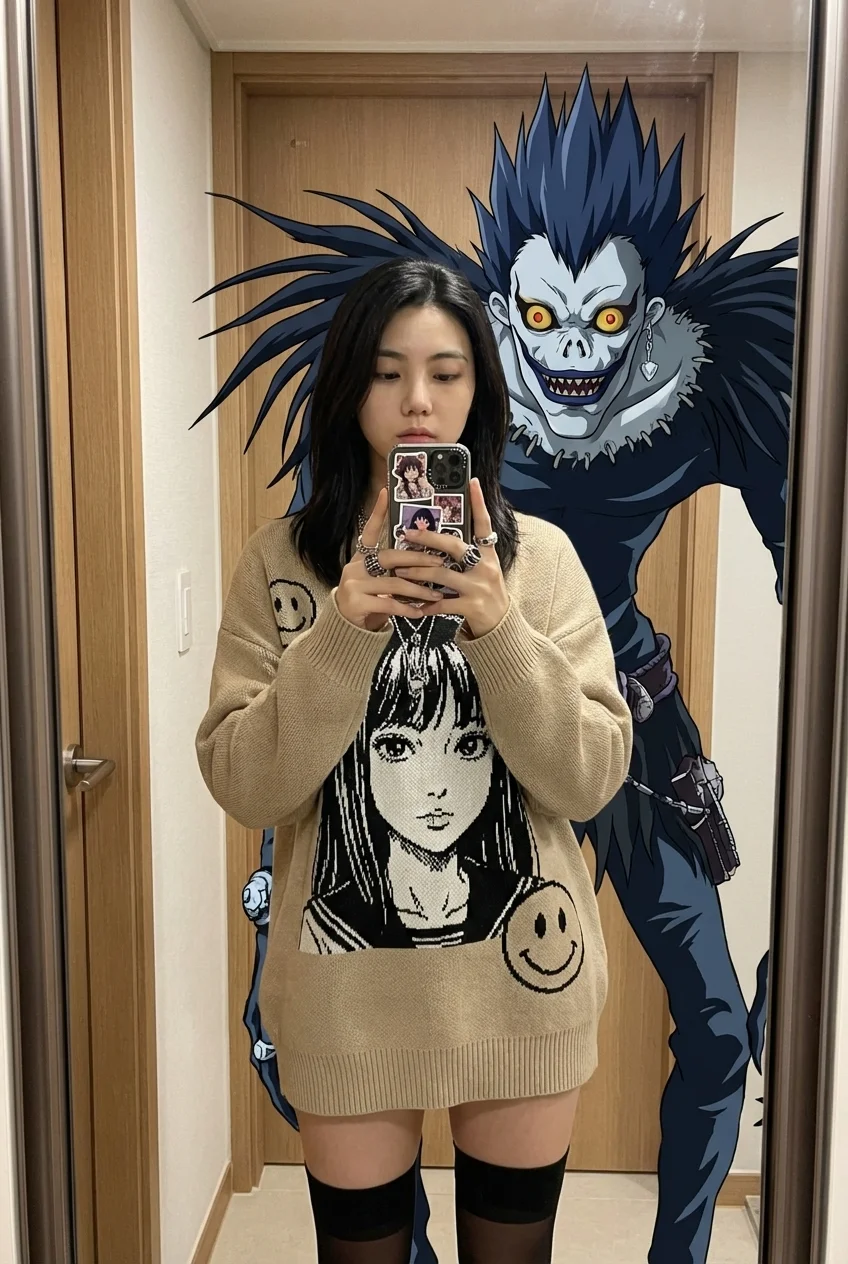
Verified prompt
te a Gen Z anime-core streetwear mirror selfie blending [UPLOADED IMAGE] with 2D anime illustration elements. Best Quality, Ultra-Detailed, Mixed Reality, Smartphone Photography. Playful Gen Z streetwear fashion mixed with 2D anime overlay, casual 'fit check' vibe, juxtaposition of cute styling with gothic anime horror elements, vibrant eclectic footwear, indoor mirror selfie aesthetic. anime culture/streetwear fashion / mixed reality / playful casual. playful confident / otaku chic / quirky / casual cool. mirror selfie. streetwear. anime overlay. mixed media. Gen Z fashion. casual. playful. 2 (1 human female [UPLOADED IMAGE] + 1 anime character overlay). Strictly preserve facial features, hair, and body structure from [UPLOADED IMAGE]. Use [UPLOADED IMAGE] as the reference for the main subject. Derived from [UPLOADED IMAGE]. Derived from [UPLOADED IMAGE]. Derived from [UPLOADED IMAGE]. Derived from [UPLOADED IMAGE]. Derived from [UPLOADED IMAGE]. Derived from [UPLOADED IMAGE]. Derived from [UPLOADED IMAGE]. Derived from [UPLOADED IMAGE]. Derived from [UPLOADED IMAGE]. Derived from [UPLOADED IMAGE]. Derived from [UPLOADED IMAGE]. Derived from [UPLOADED IMAGE]. soft indoor overhead reflection. minimal. oversized beige knit sweater with distressed hem, featuring large black-and-white manga girl portrait graphic and smiley face print (OR retain clothing from [UPLOADED IMAGE] if preferred). sheer black thigh-high stockings (OR retain clothing from [UPLOADED IMAGE]). Subject from [UPLOADED IMAGE] styled in Gen Z anime-core fashion. layered pearl and chain necklaces, rings, quirky phone case with text stickers. N/A. N/A. Smartphone with sticker-covered case held in both hands. Standing full-body mirror selfie matching [UPLOADED IMAGE]. Derived from [UPLOADED IMAGE]. Derived from [UPLOADED IMAGE]. Derived from [UPLOADED IMAGE]. Derived from [UPLOADED IMAGE]. holding smartphone at chest level to take a photo. static pose. Indoor hallway or hotel room entrance. in front of full-length mirror. N/A (indoor). indoor artificial light. casual/domestic/playful. neutral tones/wood door / white walls. standard depth of field, clear background with looming anime figure overlay. overhead. top-down. moderate / even. on [UPLOADED IMAGE] subject. gradual. diffused artificial. ceiling fixture. neutral to slightly warm. casual daily life. even illumination on [UPLOADED IMAGE]. ambient indoor. 3500K-4000K. soft shadows behind subject. diffused. smartphone reflection. indoor lighting glare. Wide angle main lens (approx 24-26mm eq). eye-level (reflection). arm's length / approx 1.5 meters from mirror. full body portrait 9:16. deep (everything mostly in focus). [UPLOADED IMAGE] centered, mirror frame visible on edges. flat layering of 2D character behind 3D [UPLOADED IMAGE] subject. outfit details and the juxtaposition of the anime character. straight on. N/A. N/A. N/A. N/A. N/A. N/A. Beige, Black, Yellow, Red, White. Standard Smartphone / True to Life. casual vivid. standard. Composite overlay of large 2D anime 'Shinigami' (death god) character looming behind [UPLOADED IMAGE]—spiky blue/black hair, skeletal face, yellow eyes, dark feathery wings/shoulders (Ryuk style). blurry, low res, painting, 3D render of girl (girl must be photoreal), distorted hands. cluttered background, bad lighting, cropped feet. warped phone, extra fingers. The [UPLOADED IMAGE] subject and the anime character overlay. feet firmly planted. The image features a distinct 'mixed reality' style where a 2D anime illustration is superimposed behind [UPLOADED IMAGE] in a mirror selfie. playful anime fan. A realistic mirror selfie of [UPLOADED IMAGE] with a convincing 2D anime character integration.
te a Gen Z anime-core streetwear mirror selfie blending [UPLOADED IMAGE] with 2D anime illustration elements. Best Quality, Ultra-Detailed, Mixed Reality, Smartphone Photography. Playful Gen Z streetwear fashion mixed with 2D anime overlay, casual 'fit check' vibe, juxtaposition of cute styling with gothic anime horror elements, vibrant eclectic footwear, indoor mirror selfie aesthetic. anime culture/streetwear fashion / mixed reality / playful casual. playful confident / otaku chic / quirky / casual cool. mirror selfie. streetwear. anime overlay. mixed media. Gen Z fashion. casual. playful. 2 (1 human female [UPLOADED IMAGE] + 1 anime character overlay). Strictly preserve facial features, hair, and body structure from [UPLOADED IMAGE]. Use [UPLOADED IMAGE] as the reference for the main subject. Derived from [UPLOADED IMAGE]. Derived from [UPLOADED IMAGE]. Derived from [UPLOADED IMAGE]. Derived from [UPLOADED IMAGE]. Derived from [UPLOADED IMAGE]. Derived from [UPLOADED IMAGE]. Derived from [UPLOADED IMAGE]. Derived from [UPLOADED IMAGE]. Derived from [UPLOADED IMAGE]. Derived from [UPLOADED IMAGE]. Derived from [UPLOADED IMAGE]. Derived from [UPLOADED IMAGE]. soft indoor overhead reflection. minimal. oversized beige knit sweater with distressed hem, featuring large black-and-white manga girl portrait graphic and smiley face print (OR retain clothing from [UPLOADED IMAGE] if preferred). sheer black thigh-high stockings (OR retain clothing from [UPLOADED IMAGE]). Subject from [UPLOADED IMAGE] styled in Gen Z anime-core fashion. layered pearl and chain necklaces, rings, quirky phone case with text stickers. N/A. N/A. Smartphone with sticker-covered case held in both hands. Standing full-body mirror selfie matching [UPLOADED IMAGE]. Derived from [UPLOADED IMAGE]. Derived from [UPLOADED IMAGE]. Derived from [UPLOADED IMAGE]. Derived from [UPLOADED IMAGE]. holding smartphone at chest level to take a photo. static pose. Indoor hallway or hotel room entrance. in front of full-length mirror. N/A (indoor). indoor artificial light. casual/domestic/playful. neutral tones/wood door / white walls. standard depth of field, clear background with looming anime figure overlay. overhead. top-down. moderate / even. on [UPLOADED IMAGE] subject. gradual. diffused artificial. ceiling fixture. neutral to slightly warm. casual daily life. even illumination on [UPLOADED IMAGE]. ambient indoor. 3500K-4000K. soft shadows behind subject. diffused. smartphone reflection. indoor lighting glare. Wide angle main lens (approx 24-26mm eq). eye-level (reflection). arm's length / approx 1.5 meters from mirror. full body portrait 9:16. deep (everything mostly in focus). [UPLOADED IMAGE] centered, mirror frame visible on edges. flat layering of 2D character behind 3D [UPLOADED IMAGE] subject. outfit details and the juxtaposition of the anime character. straight on. N/A. N/A. N/A. N/A. N/A. N/A. Beige, Black, Yellow, Red, White. Standard Smartphone / True to Life. casual vivid. standard. Composite overlay of large 2D anime 'Shinigami' (death god) character looming behind [UPLOADED IMAGE]—spiky blue/black hair, skeletal face, yellow eyes, dark feathery wings/shoulders (Ryuk style). blurry, low res, painting, 3D render of girl (girl must be photoreal), distorted hands. cluttered background, bad lighting, cropped feet. warped phone, extra fingers. The [UPLOADED IMAGE] subject and the anime character overlay. feet firmly planted. The image features a distinct 'mixed reality' style where a 2D anime illustration is superimposed behind [UPLOADED IMAGE] in a mirror selfie. playful anime fan. A realistic mirror selfie of [UPLOADED IMAGE] with a convincing 2D anime character integration.
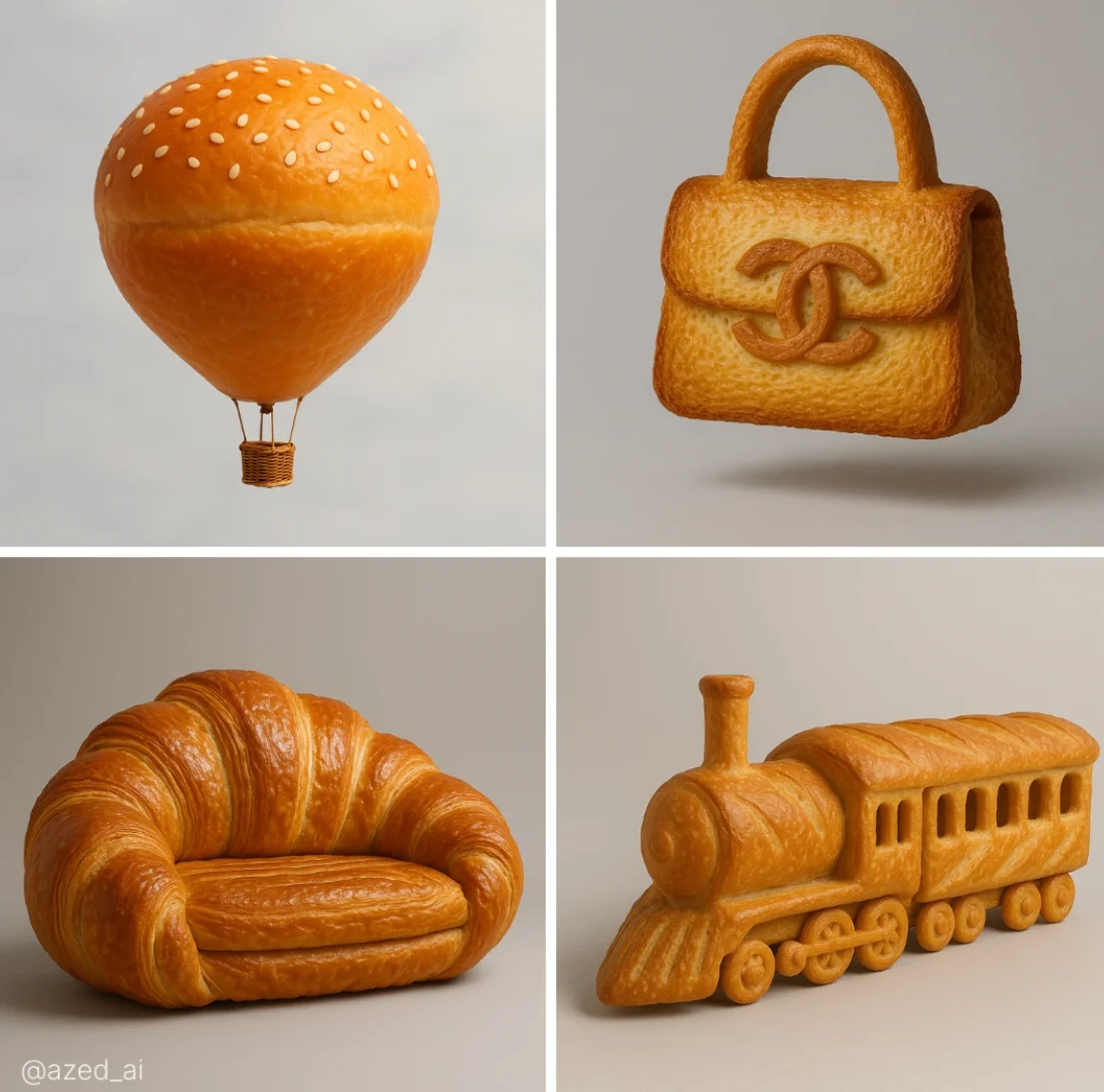
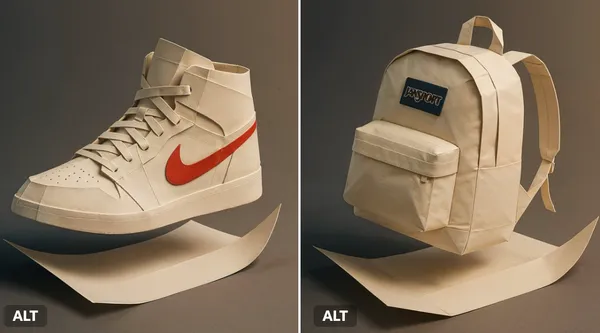
Nano Banana 2: Create and Edit with Natural Language
Describe the new image you want, or name a change to a supported reference. Keep the instruction focused on one result you can evaluate.
Choose only the resolution and aspect ratio shown for the selected model. Check framing, fine details and any text in the completed image. A larger output size does not guarantee a more accurate result.
Explore Nano Banana 2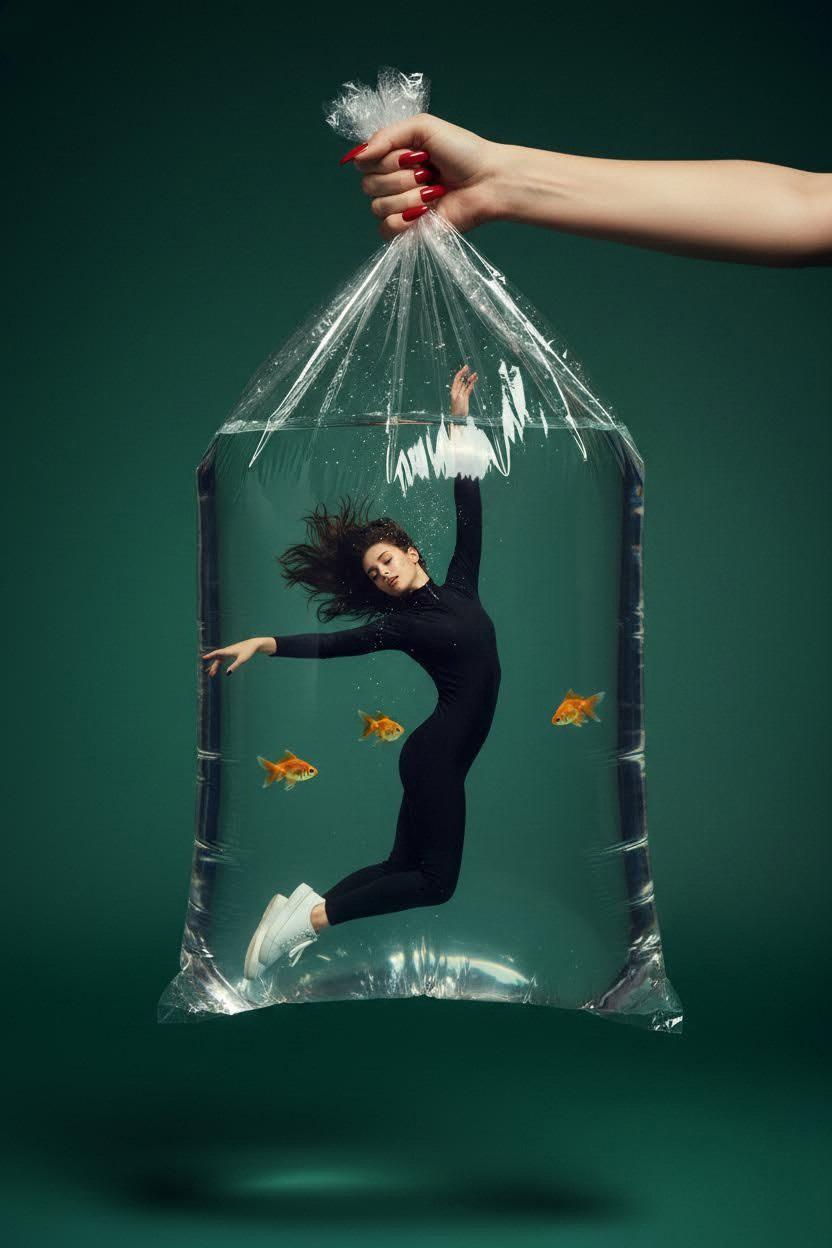
From a Brief to a Reviewed Image: The Nano Banana 2 Workflow
Prepare an input, review settings and credits, then inspect the completed image before downloading.
Enter prompt or upload image
Start your Nano Banana 2 image brief with a source image you have permission to use. Name the area to change and the colors, proportions or objects to preserve. Reference count and editing support depend on the selected model.
Review Availability, Settings and Credits
Check the selected model, supported references, output settings and required credits before submitting.
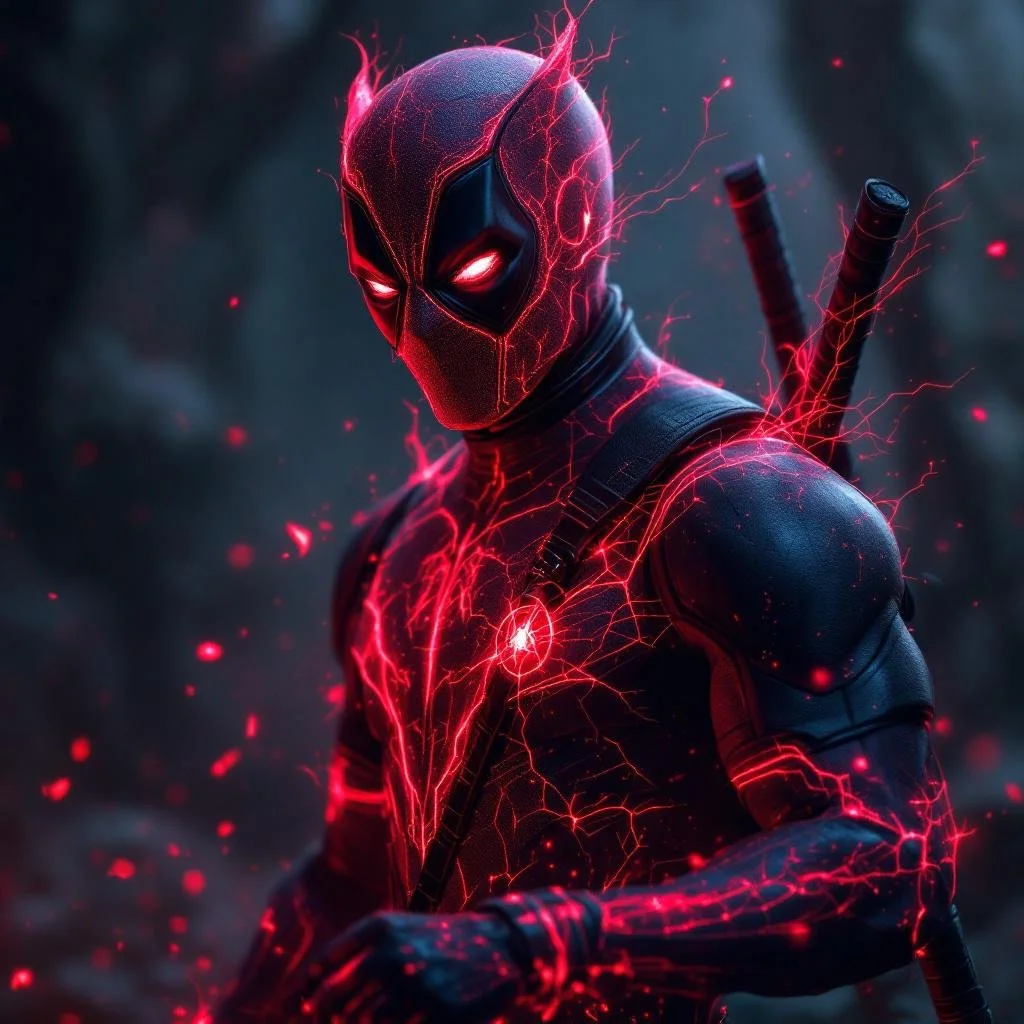
Review and Download Completed Results
When a request completes, inspect the image in History and download the result you want to keep. Review the composition and any unintended details before sharing it with your team or publishing it.
Build Your Nano Banana 2 Image Brief
Separate the subject, requested change and details to preserve in your Nano Banana 2 brief.
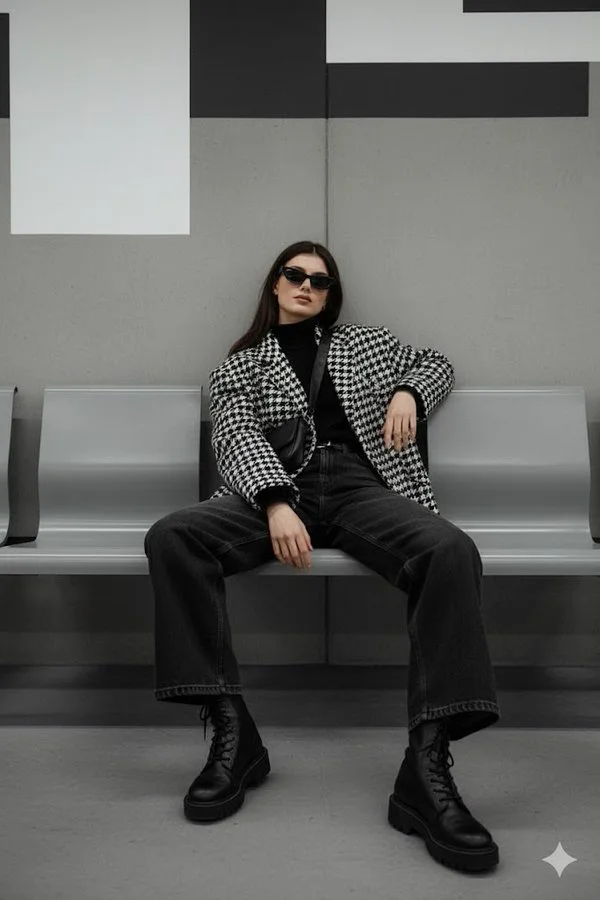
Explain Your Subject, Changes and References
Use a clear reference image when the model supports it. State how it relates to the requested image or edit.

Describe the Changes and Details to Preserve
Name the area to change and the colors, clothing, shapes or background details that should stay the same.
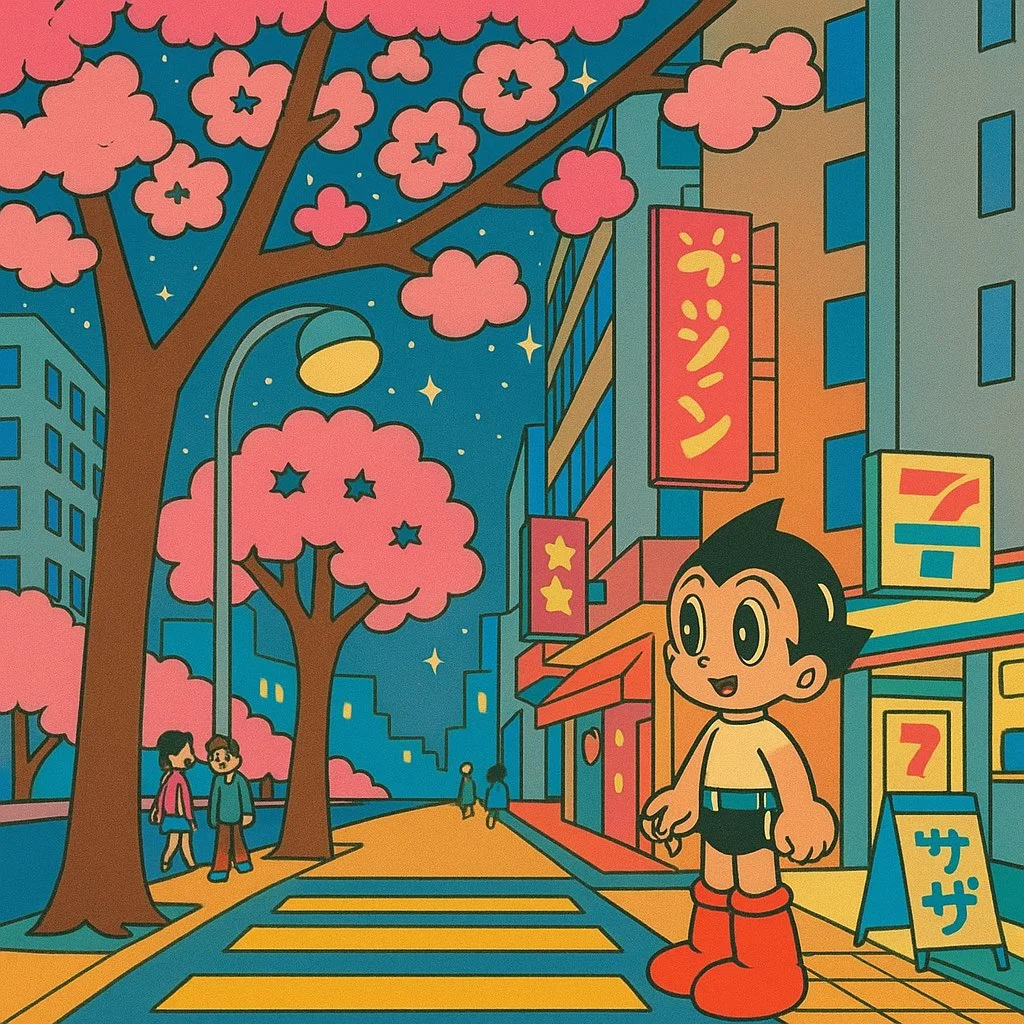
Check Details Across Every Result
Inspect faces, hands, text and edges in the completed image. Compare important details with the original reference.
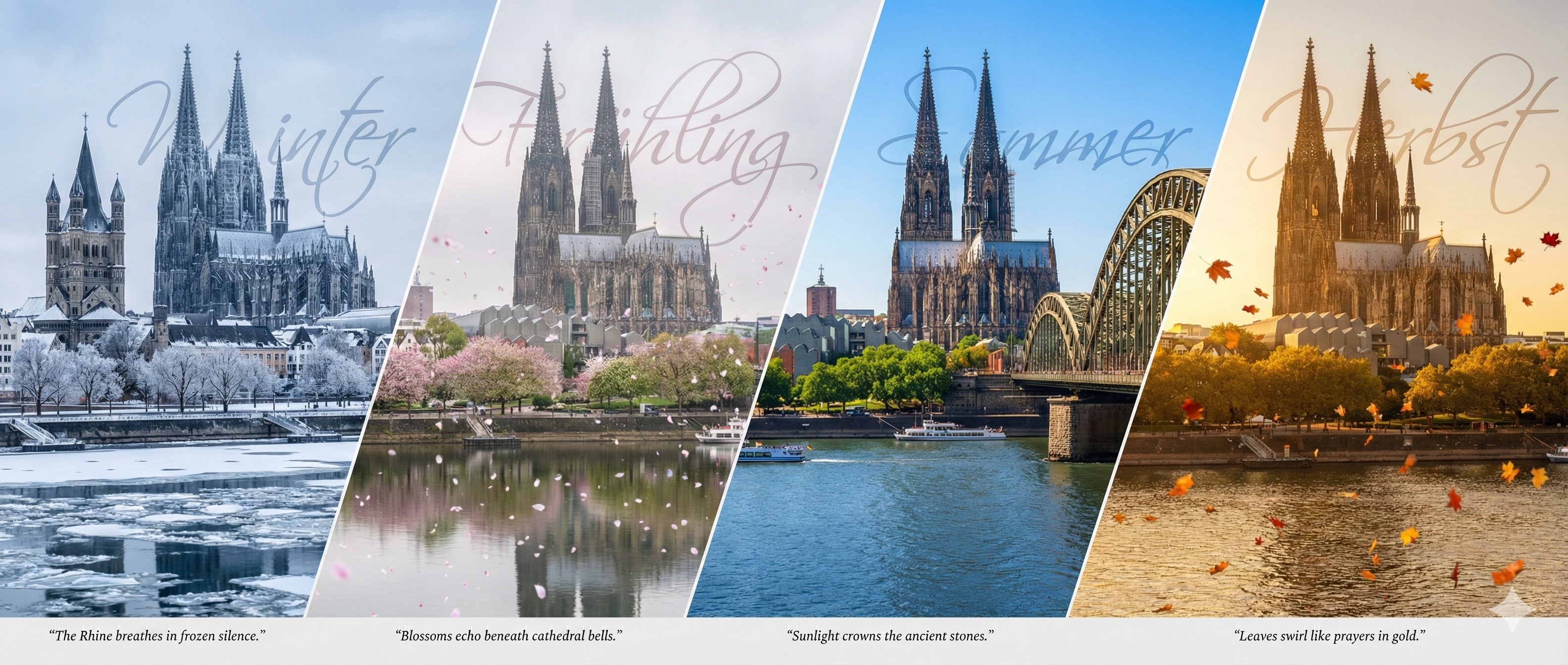
Plan a Focused Variation
Change one direction, such as lighting or background, while keeping the rest of the brief consistent.
A Clearer Creative Brief for Nano Banana 2
Use the intended purpose of the image to decide what to describe and what to inspect in the result.
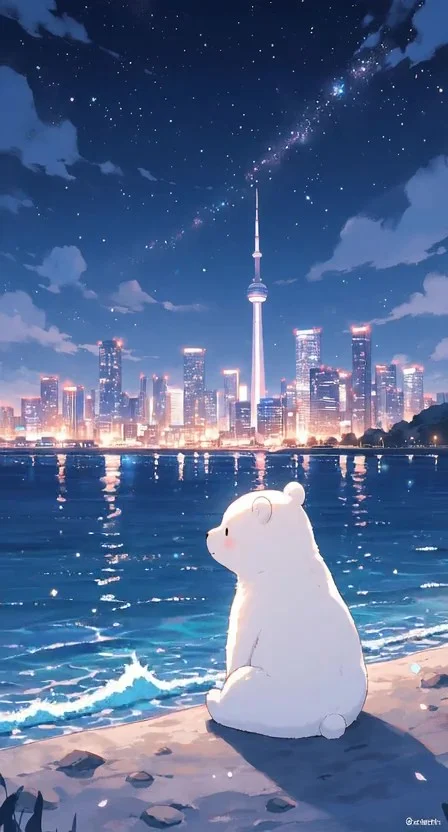
Describe an Image Edit
For a supported edit, use a direct instruction and identify the source details that matter to you.
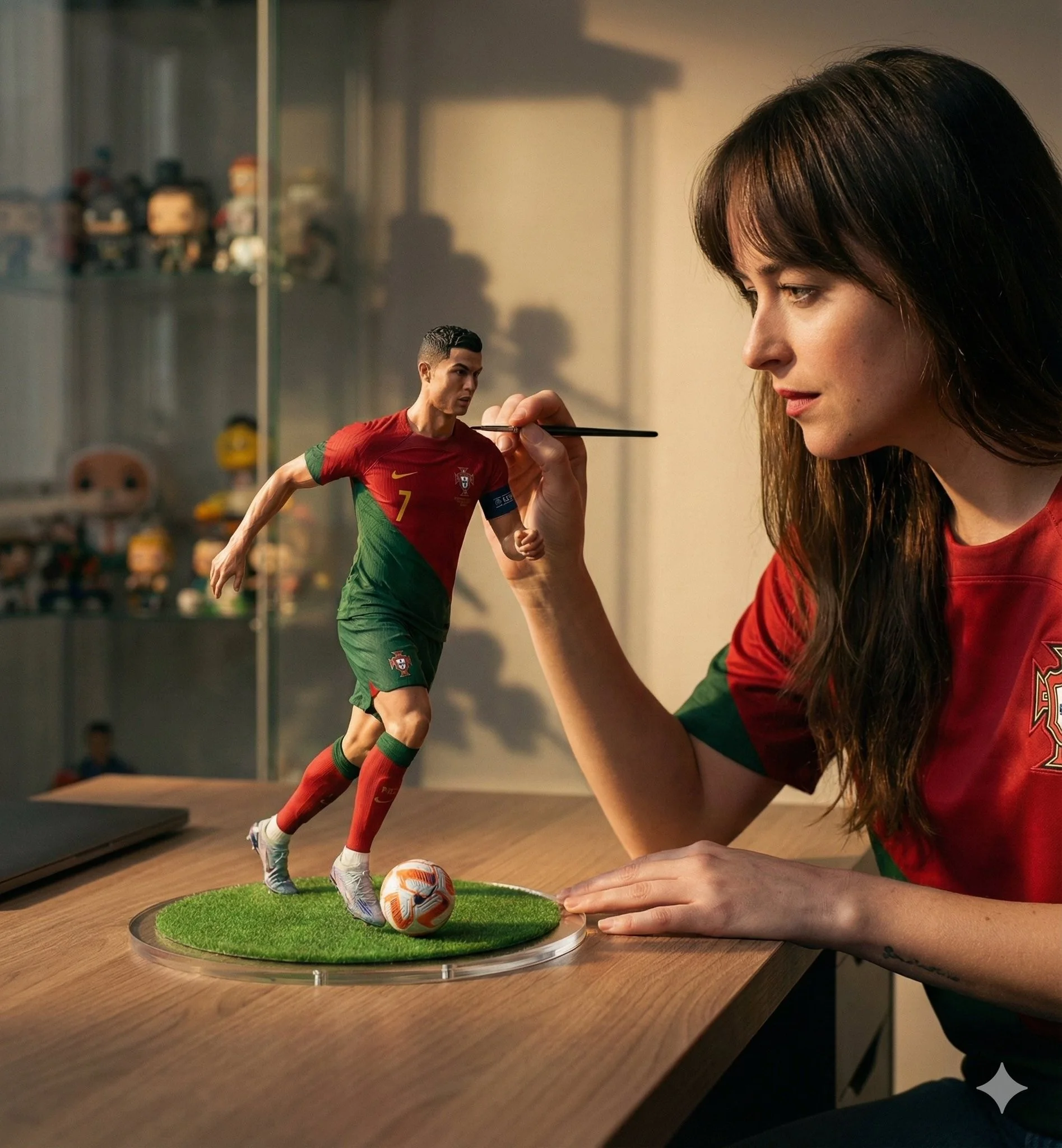
Social Media & Advertising
Choose framing for the target placement and leave room for captions or offers added during publishing.
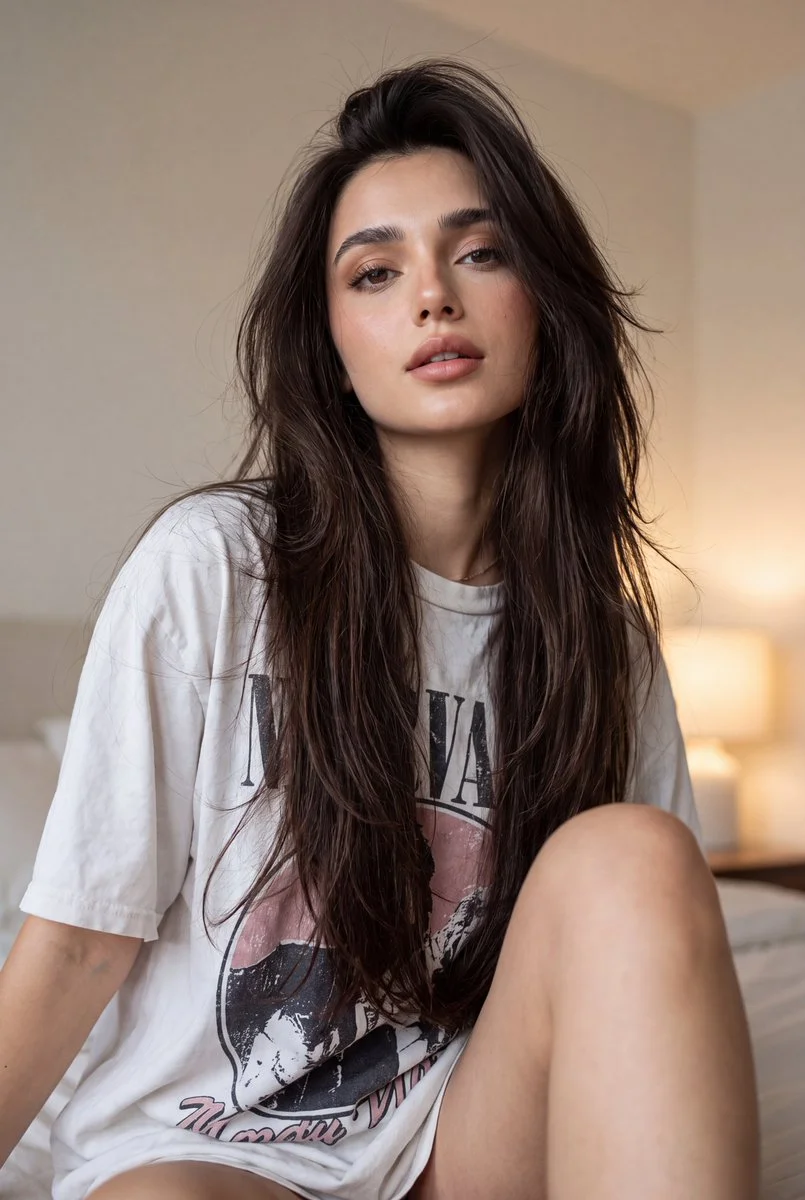
Check Details Across Every Result
Compare identity, proportions and product details across results. A reference does not guarantee an exact match.
Efficient Production Workflow
Keep a record of each prompt, reference and output setting so you can compare versions.
Creative Notes for Your Nano Banana 2 Image Brief
Give the main subject one clear action. For a Nano Banana 2 concept, a precise brief is easier to assess than a list of competing effects.

Nano Banana 2 Image Workflow: Questions & Answers
Check these answers for input requirements and prompt guidance before generating.
This Highsfield page explains the Nano Banana 2 image workflow. It helps you write a focused brief and review the available inputs. Current access is shown in the generator; a model name on a guide does not mean it currently accepts requests.
Write your Nano Banana 2 image brief around a subject, composition, lighting and intended style. Add a material or texture when it matters. For edits, state one precise change and explain which parts of the source should remain intact.
Start your Nano Banana 2 image brief with a source image you have permission to use. Name the area to change and the colors, proportions or objects to preserve. Reference count and editing support depend on the selected model.
Develop your Nano Banana 2 image brief around the result you need. Keep the main direction specific, check supported settings in the generator, and review the completed work before using it in your project.
Use only the input modes and controls offered by the selected model. Describe the intended image clearly and add supported references when useful. This page does not promise separate motion-brush, audio-upload, restoration or editing tools.
List the details that matter in your Nano Banana 2 image brief: identity, shape, colors, clothing and background. Use supported references where appropriate and compare every result; exact consistency is not guaranteed.
For a Nano Banana 2 product concept, specify the product shape, material, key detail and setting. Keep logos and claims accurate, allow room for your own typography, and review the result before using it in an advertisement.
Choose only the resolution and aspect ratio shown for the selected model. Check framing, fine details and any text in the completed image. A larger output size does not guarantee a more accurate result.
You can request a refund within 10 days of purchase if you have unused credits from that purchase and provide a clear reason, subject to our Refund Policy. If eligible, an unused purchase can be fully refunded; a partly used purchase is refunded in proportion to its remaining unused credits. Fully used purchases and free or promotional credits are not refundable.
Credit validity depends on the pack, subscription or promotion that issued them. Review the purchase terms and expiration dates in Settings > Credits. A renewal or new purchase does not extend older credits. Use credits before their stated expiration; do not assume unused subscription credits roll over indefinitely.
Credits charged for a task that is confirmed as failed due to a system error are returned automatically. A task that is still processing has not yet been confirmed as failed. Check its status and your credit history before submitting again. If a confirmed failure still shows an unresolved charge, email support@highsfield.com with the task ID.
AI results can vary, so a completed result that differs from your expectations is not automatically treated as a technical failure. Eligible completed image tasks can be submitted for credit refund review using the refund option where available; approval is required. For a video or another issue, contact support@highsfield.com with the task ID and details. A credit refund returns credits, not money to your payment method.
Email support@highsfield.com. For billing, include your account email and order ID; for generation, include the task ID, issue description and relevant screenshots. If you purchased as a guest, keep the original browser data and payment receipt so we can help locate the purchase.
Explore Your Next Nano Banana 2 Image Idea
Prepare one clear image instruction, add supported references and review the current credit quote.
highsfield.com · Updated
What's new on this page
- — Added editable example prompts and separate drafts for text and reference modes, with an action to restore the example.
- — Updated page copy and content.
- — Updated page copy and content.
- — Page content published.