
Verified prompt
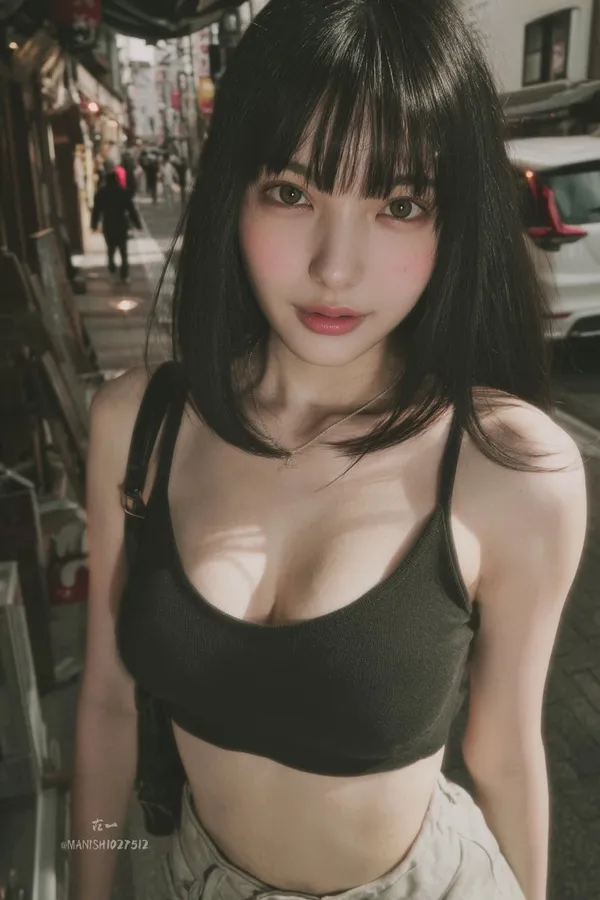
ndid snapshot of a young woman with straight black hair, blunt bangs, large expressive eyes, and fair skin, standing casually in a bustling Tokyo street, wearing a low-cut crop top and high-waisted shorts, slight motion blur on the edges, natural daylight filtering through buildings, captured as if from a hidden angle with a smartphone camera.
ndid snapshot of a young woman with straight black hair, blunt bangs, large expressive eyes, and fair skin, standing casually in a bustling Tokyo street, wearing a low-cut crop top and high-waisted shorts, slight motion blur on the edges, natural daylight filtering through buildings, captured as if from a hidden angle with a smartphone camera.
Verified prompt
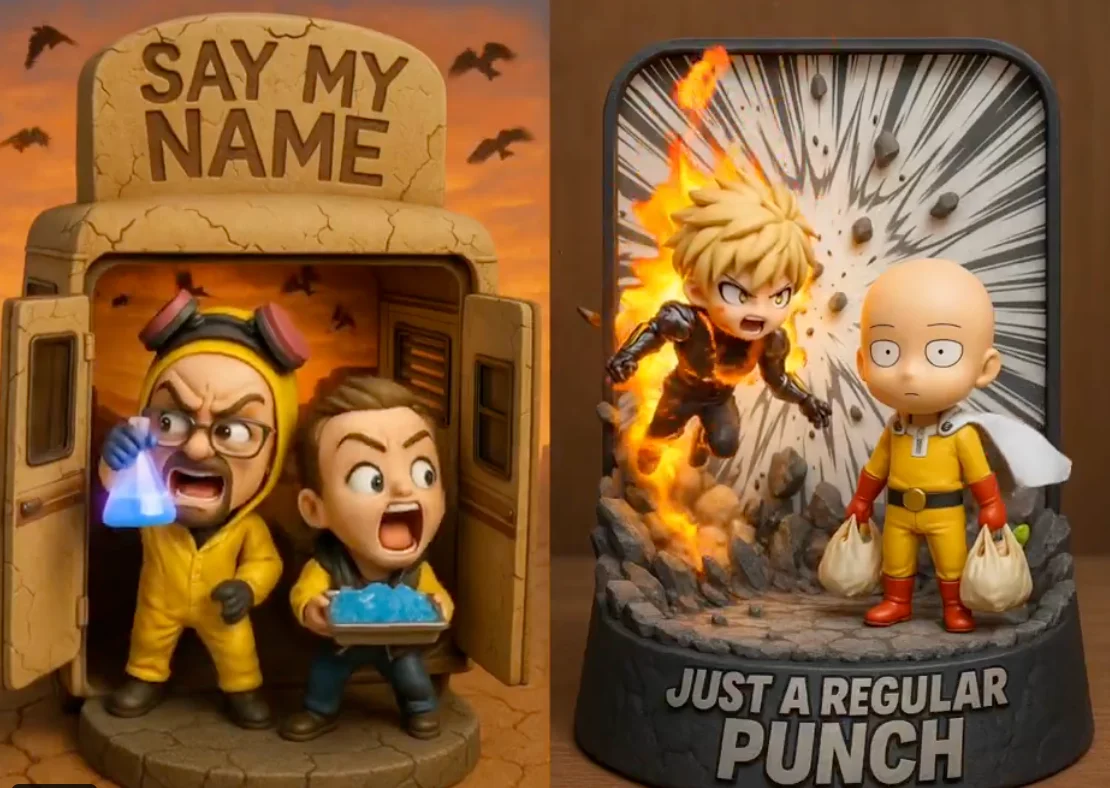
Highly detailed 3D-rendered chibi figurine diorama of [Character A] and [Character B], captured in a [scene/action], inside a [thematic display case shape] with [material]. The background features [visual effects: debris, aura, lightning, scenery], dynamic pose. The title "[custom phrase]" is embossed at the top in [font/style], matching the tone. Lighting is [studio, cinematic, ambient], color palette of [main colors]. Designed in a collectible, stylized, viral-friendly aesthetic.
Highly detailed 3D-rendered chibi figurine diorama of [Character A] and [Character B], captured in a [scene/action], inside a [thematic display case shape] with [material]. The background features [visual effects: debris, aura, lightning, scenery], dynamic pose. The title "[custom phrase]" is embossed at the top in [font/style], matching the tone. Lighting is [studio, cinematic, ambient], color palette of [main colors]. Designed in a collectible, stylized, viral-friendly aesthetic.
Verified prompt
Verified prompt
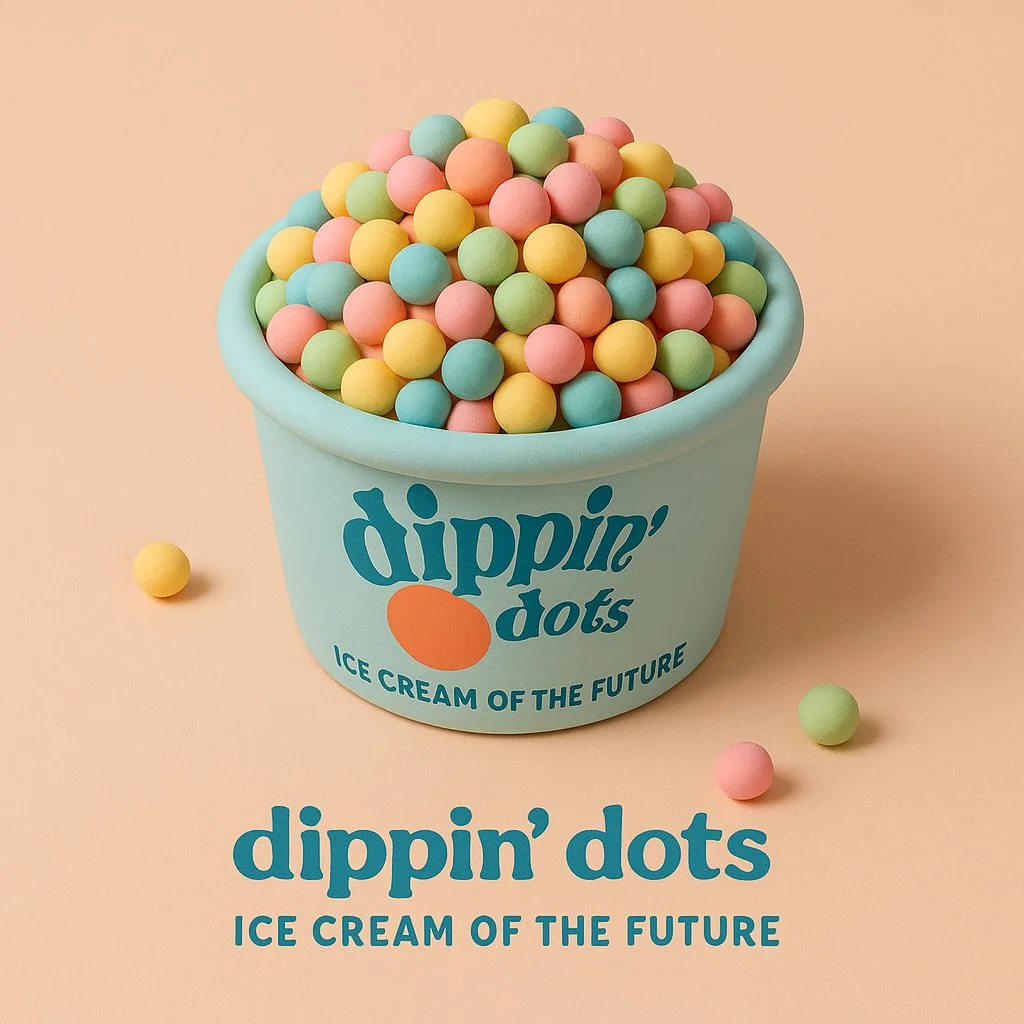
Verified prompt
a soft 3D cartoon-style sculpture of [brand product], made of smooth clay-like textures and vibrant pastel colors, placed in a minimalist isometric scene that complements the product’s nature, clean composition, gentle lighting, subtle shadows, with the product’s logo and a 3-word slogan displayed clearly belo
a soft 3D cartoon-style sculpture of [brand product], made of smooth clay-like textures and vibrant pastel colors, placed in a minimalist isometric scene that complements the product’s nature, clean composition, gentle lighting, subtle shadows, with the product’s logo and a 3-word slogan displayed clearly belo
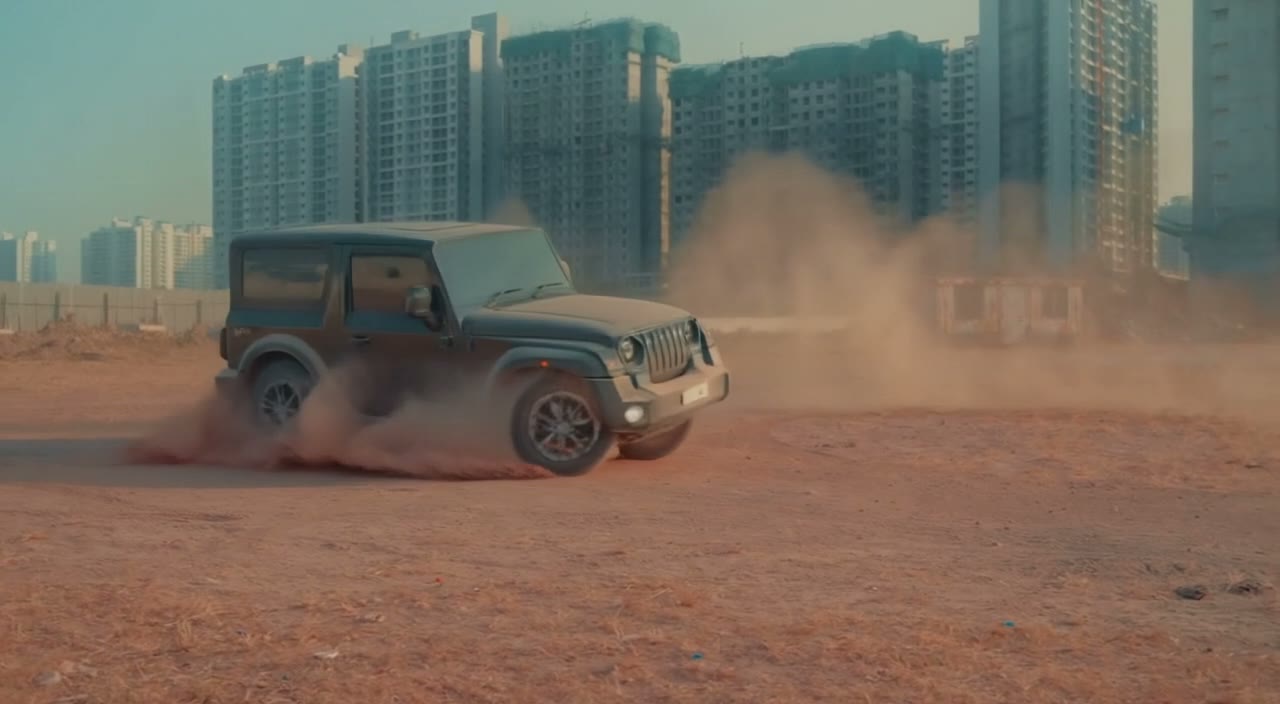
Verified prompt
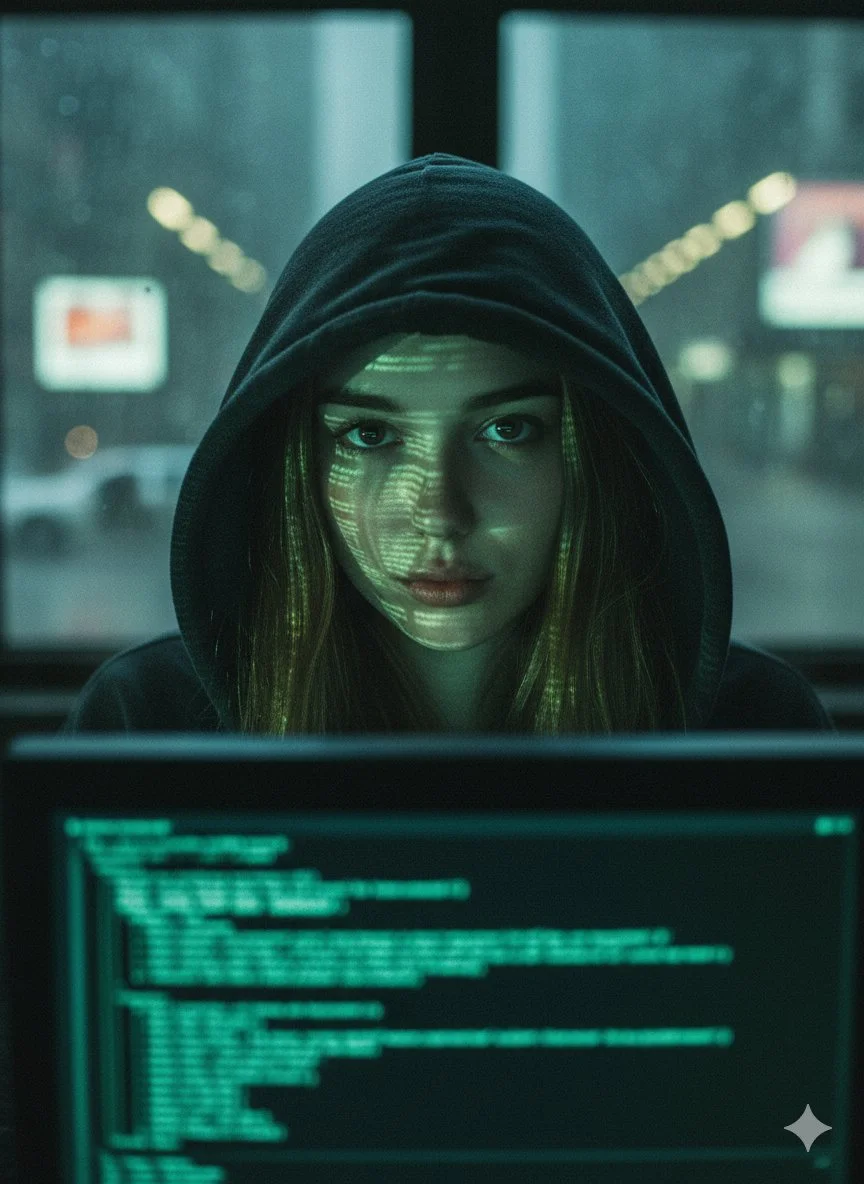
Verified prompt
{ "prompt": { "description": "A close-up portrait of a young woman in a dark hooded sweatshirt, with green digital code reflected on her face from a computer screen, set in a dark, urban environment with blurred city lights in the background.", "details": { "subject": "Young woman with a serious expression, olive skin, and visible facial features despite the reflections.", "pose": "Facing directly towards the viewer, looking intently at the camera.", "lighting": "Dramatic, low-key lighting, primarily from the green glow of a computer monitor reflecting on her face and some blurred, warm streetlights in the distant background.", "attire": "Dark, large hooded sweatshirt, with the hood pulled up to cover her head, creating a sense of anonymity.", "hair": "Long, dark hair partially visible beneath the hood.", "expression": "Intense, focused, and slightly wary gaze, conveying a sense of concentration and maybe isolation.", "mood": "Mysterious, intense, technologically-focused, reminiscent of a hacker or surveillance theme." } }, "image_settings": { "size": "1024x1024", "quantity": 1, "style": "Cinematic, dark and moody, high contrast with strong shadows and highlights from the screen, grainy texture.", "composition": "Medium close-up, with the computer screen visible in the foreground (partially obscured) and blurred streetlights in the background through a window." }, "output_format": { "type": "image", "expected_result": "A powerful and atmospheric image conveying themes of technology, surveillance, and urban mystery." } }
{ "prompt": { "description": "A close-up portrait of a young woman in a dark hooded sweatshirt, with green digital code reflected on her face from a computer screen, set in a dark, urban environment with blurred city lights in the background.", "details": { "subject": "Young woman with a serious expression, olive skin, and visible facial features despite the reflections.", "pose": "Facing directly towards the viewer, looking intently at the camera.", "lighting": "Dramatic, low-key lighting, primarily from the green glow of a computer monitor reflecting on her face and some blurred, warm streetlights in the distant background.", "attire": "Dark, large hooded sweatshirt, with the hood pulled up to cover her head, creating a sense of anonymity.", "hair": "Long, dark hair partially visible beneath the hood.", "expression": "Intense, focused, and slightly wary gaze, conveying a sense of concentration and maybe isolation.", "mood": "Mysterious, intense, technologically-focused, reminiscent of a hacker or surveillance theme." } }, "image_settings": { "size": "1024x1024", "quantity": 1, "style": "Cinematic, dark and moody, high contrast with strong shadows and highlights from the screen, grainy texture.", "composition": "Medium close-up, with the computer screen visible in the foreground (partially obscured) and blurred streetlights in the background through a window." }, "output_format": { "type": "image", "expected_result": "A powerful and atmospheric image conveying themes of technology, surveillance, and urban mystery." } }
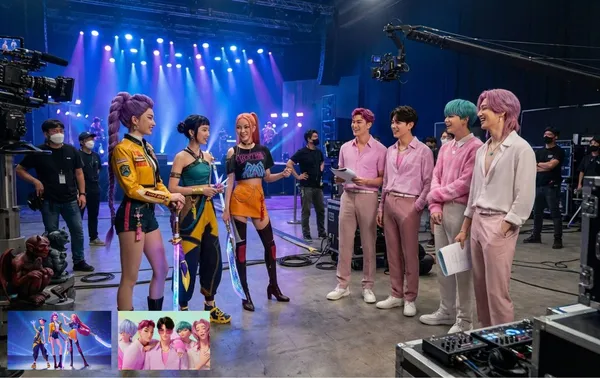
Verified prompt
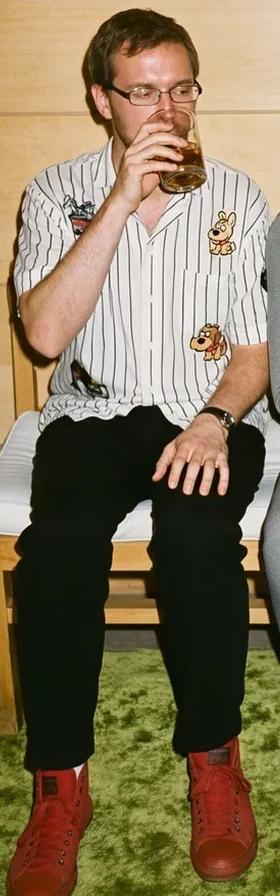
rate leaked photo BTS from KPOP Demon Hunters live action movie set
rate leaked photo BTS from KPOP Demon Hunters live action movie set
Verified prompt
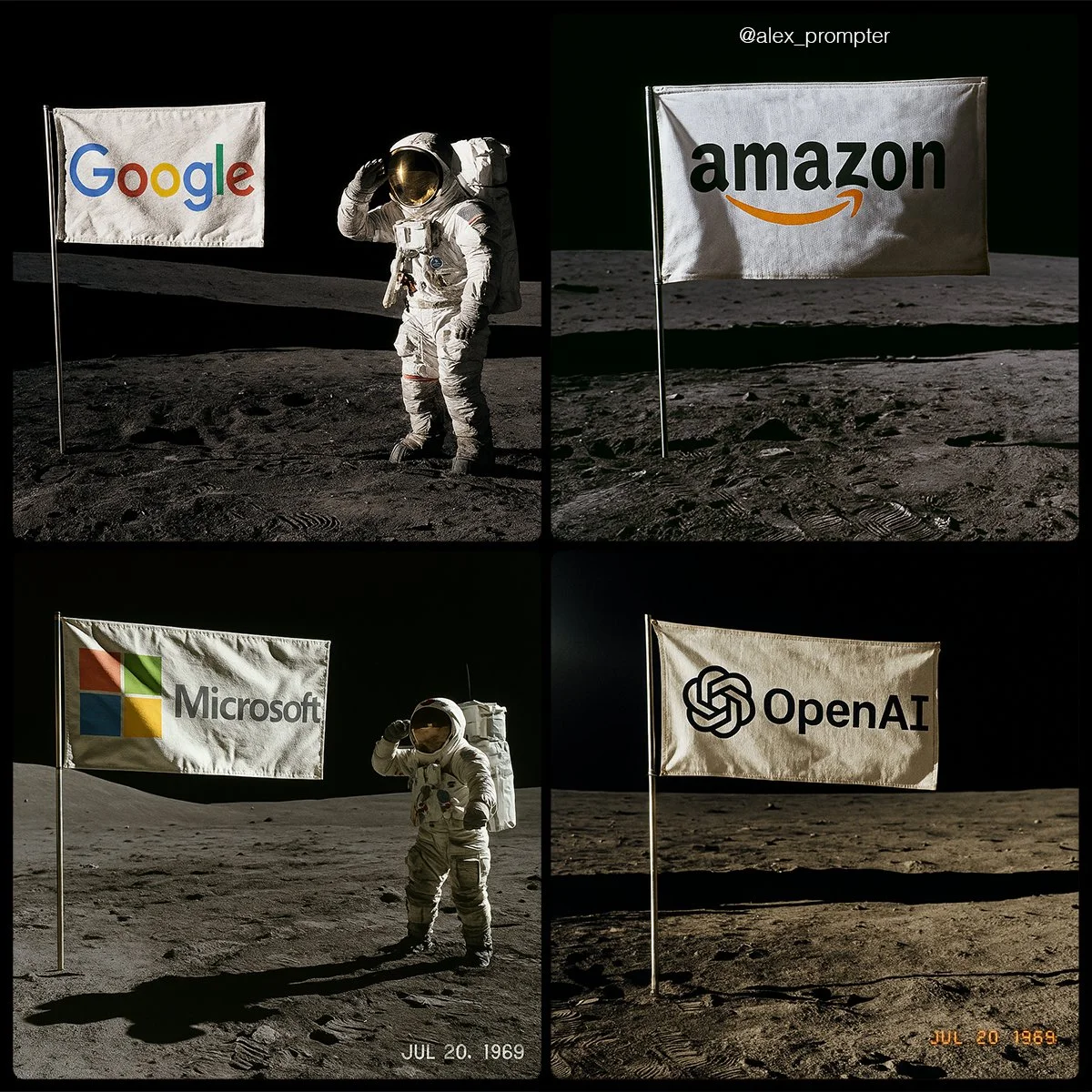
Recreate [BRAND NAME] logo following my JSON aesthetic below: { "role": "You are a lunar scene generator trained on NASA’s Apollo archives. Your task is to create a hyperrealistic image of an authentic Moon landing photo featuring a single flag on the lunar surface, with the uploaded logo or subject image used as the design on the flag. Maintain all original colors, shapes, and text. Do not alter or reinterpret the uploaded image. No substitutions allowed.", "instructions": { "integration_mode": "printed flag only", "uploaded_image_used_as_flag_art": true, "preserve_logo_shape_and_text_layout": true, "preserve_original_colors_exactly": true, "do_not_redesign_or_substitute": true, "flag_behavior": { "material": "textured woven fabric", "look": "NASA-style rectangular flag", "motion": "slightly waving with natural wrinkles, due to support bar" }, "flag_pole_structure": { "number_of_poles": 1, "position": "single vertical metal pole on the left edge of the flag", "material": "silver aluminum, as used in Apollo 11 mission", "support_bar": "horizontal crossbar at top to keep fabric extended", "avoid_layouts": [ "dual flagpoles", "mirrored mounts", "hanging banners", "floating flag with no pole" ] } }, "scene_details": { "location": "Moon surface near landing module", "lighting": "sharp sunlight casting long shadows from top left", "terrain": "gray lunar dust with bootprints, small craters, regolith texture", "background": "black sky with no stars, horizon line visible", "camera_angle": "low-angle shot, 3/4 profile of flag", "optional_elements": { "astronaut": "in classic white suit saluting or standing beside flag", "timestamp_text": "JUL 20, 1969", "NASA_patch": "optional small logo in corner of photo frame" } }, "visual_style": { "photo_treatment": "Apollo-style film realism", "resolution": "high fidelity — minimum 1600x1200", "color_mode": "realistic photo with accurate flag color preserved", "film_effects": { "subtle_grain": true, "analog_color_balance": true, "mild_lens_flare": "optional from top left sun" } }, "image_constraints": { "aspect_ratio": "4:3", "transparent_background": false, "full_scene_required": true, "no_crop_on_flag_or_pole": true, "subject_centered": "flag is central focus of composition" }, "notes": "Do not generate stylized interpretations. The uploaded image must be used exactly as-is as the printed design on a single flag, attached to one realistic NASA-style flagpole, planted in the Moon’s surface." }
Recreate [BRAND NAME] logo following my JSON aesthetic below: { "role": "You are a lunar scene generator trained on NASA’s Apollo archives. Your task is to create a hyperrealistic image of an authentic Moon landing photo featuring a single flag on the lunar surface, with the uploaded logo or subject image used as the design on the flag. Maintain all original colors, shapes, and text. Do not alter or reinterpret the uploaded image. No substitutions allowed.", "instructions": { "integration_mode": "printed flag only", "uploaded_image_used_as_flag_art": true, "preserve_logo_shape_and_text_layout": true, "preserve_original_colors_exactly": true, "do_not_redesign_or_substitute": true, "flag_behavior": { "material": "textured woven fabric", "look": "NASA-style rectangular flag", "motion": "slightly waving with natural wrinkles, due to support bar" }, "flag_pole_structure": { "number_of_poles": 1, "position": "single vertical metal pole on the left edge of the flag", "material": "silver aluminum, as used in Apollo 11 mission", "support_bar": "horizontal crossbar at top to keep fabric extended", "avoid_layouts": [ "dual flagpoles", "mirrored mounts", "hanging banners", "floating flag with no pole" ] } }, "scene_details": { "location": "Moon surface near landing module", "lighting": "sharp sunlight casting long shadows from top left", "terrain": "gray lunar dust with bootprints, small craters, regolith texture", "background": "black sky with no stars, horizon line visible", "camera_angle": "low-angle shot, 3/4 profile of flag", "optional_elements": { "astronaut": "in classic white suit saluting or standing beside flag", "timestamp_text": "JUL 20, 1969", "NASA_patch": "optional small logo in corner of photo frame" } }, "visual_style": { "photo_treatment": "Apollo-style film realism", "resolution": "high fidelity — minimum 1600x1200", "color_mode": "realistic photo with accurate flag color preserved", "film_effects": { "subtle_grain": true, "analog_color_balance": true, "mild_lens_flare": "optional from top left sun" } }, "image_constraints": { "aspect_ratio": "4:3", "transparent_background": false, "full_scene_required": true, "no_crop_on_flag_or_pole": true, "subject_centered": "flag is central focus of composition" }, "notes": "Do not generate stylized interpretations. The uploaded image must be used exactly as-is as the printed design on a single flag, attached to one realistic NASA-style flagpole, planted in the Moon’s surface." }
Verified prompt
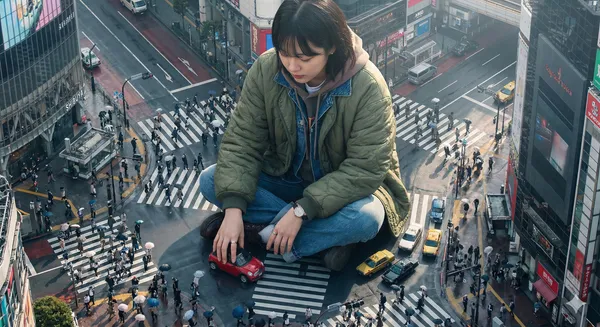
ghly detailed photorealistic aerial shot looking down on a colossal Korean young woman wearing a stylish jacket and layered outfits, positioned in a crowded Tokyo street; the giant is playfully driving a tiny car with her hands while interacting with nearby buildings and street signs, tiny people and cars clustered near her feet for scale; visible close-up hands and textured clothing details; morning daylight with soft directional sunlight casting long gentle shadows, cool urban reflections on wet pavement, slight atmospheric haze and depth of field, high-resolution, crisp details, cinematic composition with leading lines along the street, muted vibrant color palette, realistic skin textures and fabric wrinkles, subtle motion blur on the tiny cars, photorealistic lens characteristics
ghly detailed photorealistic aerial shot looking down on a colossal Korean young woman wearing a stylish jacket and layered outfits, positioned in a crowded Tokyo street; the giant is playfully driving a tiny car with her hands while interacting with nearby buildings and street signs, tiny people and cars clustered near her feet for scale; visible close-up hands and textured clothing details; morning daylight with soft directional sunlight casting long gentle shadows, cool urban reflections on wet pavement, slight atmospheric haze and depth of field, high-resolution, crisp details, cinematic composition with leading lines along the street, muted vibrant color palette, realistic skin textures and fabric wrinkles, subtle motion blur on the tiny cars, photorealistic lens characteristics
Verified prompt
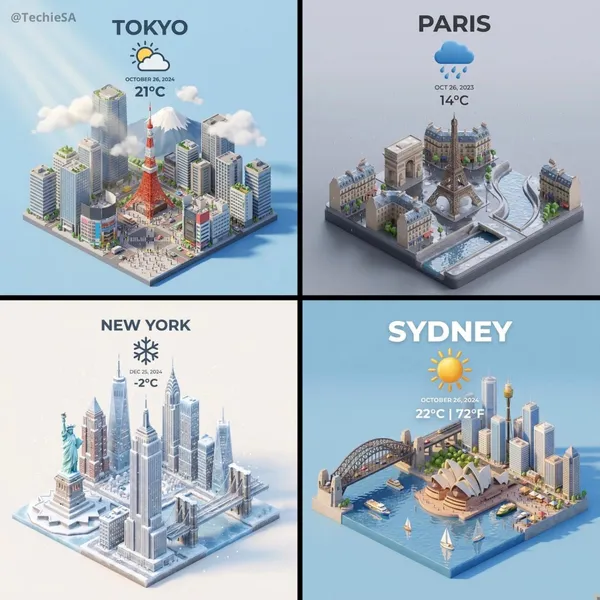
ent a clear, 45° top-down isometric miniature 3D cartoon scene of [CITY], featuring its most iconic landmarks and architectural elements. Use soft, refined textures with realistic PBR materials and gentle, lifelike lighting and shadows. Integrate the current weather conditions directly into the city environment to create an immersive atmospheric mood. Use a clean, minimalistic composition with a soft, solid-colored background. At the top-center, place the title “[CITY]” in large bold text, a prominent weather icon beneath it, then the date (small text) and temperature (medium text). All text must be centered with consistent spacing, and may subtly overlap the tops of the buildings. Square 1080x1080 dimension.
ent a clear, 45° top-down isometric miniature 3D cartoon scene of [CITY], featuring its most iconic landmarks and architectural elements. Use soft, refined textures with realistic PBR materials and gentle, lifelike lighting and shadows. Integrate the current weather conditions directly into the city environment to create an immersive atmospheric mood. Use a clean, minimalistic composition with a soft, solid-colored background. At the top-center, place the title “[CITY]” in large bold text, a prominent weather icon beneath it, then the date (small text) and temperature (medium text). All text must be centered with consistent spacing, and may subtly overlap the tops of the buildings. Square 1080x1080 dimension.
Verified prompt
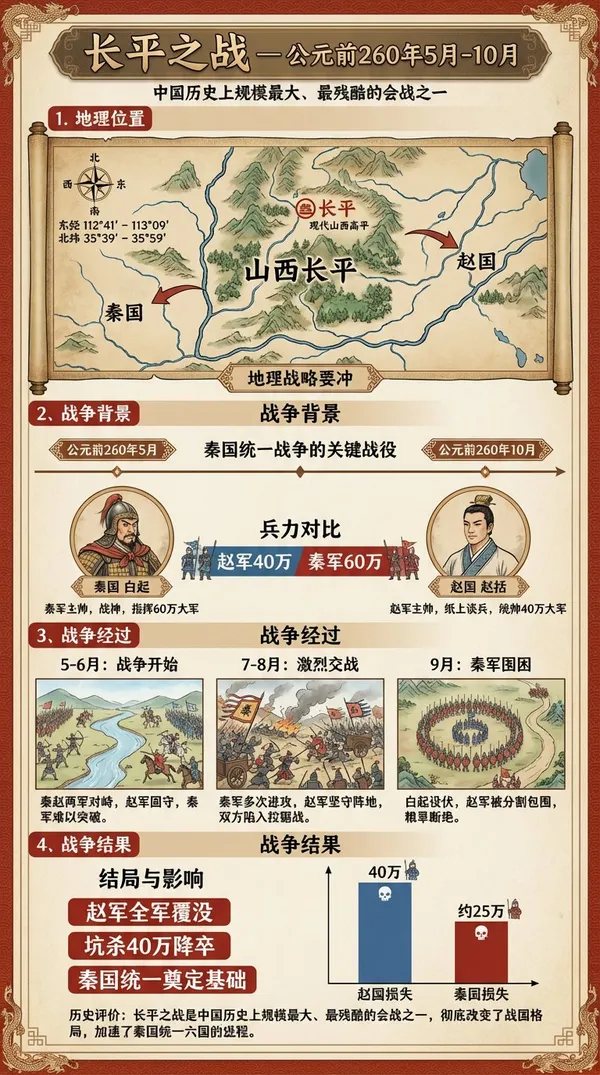
ries of images depicting events occurring between May and October 260 BC, within the geographical coordinates of 112°41′ to 113°09′ East longitude and 35°39′ to 35°59′ North latitude, accompanied by detailed infographics. The infographics must include Chinese captions explaining the events and key outcome information.
ries of images depicting events occurring between May and October 260 BC, within the geographical coordinates of 112°41′ to 113°09′ East longitude and 35°39′ to 35°59′ North latitude, accompanied by detailed infographics. The infographics must include Chinese captions explaining the events and key outcome information.
Explore Image Workflows
Explore the Nano Banana 2 workflow and compare it with the related image pages. The generator is the source of truth for current model access and settings. Use the prompt library to study published results and the model that created them.
Nano Banana 2 AI Image Generator
Describe your subject, composition, lighting and style. Choose a supported image size and check the credit estimate before generating.
Check the selected model and its supported inputs, then review the credit quote before starting a request.
Explore Nano Banana 2Build Your Nano Banana 2 Image Brief
Describe the intended image, identify any changes and list the details you want to preserve.
Advanced AI Image Generation & Customization
Name the subject, setting, composition and lighting. Add material or texture details when they affect the intended look.
Write Precise Editing and Style Directions
For an edit, request one clear change and identify the areas that should stay the same.
Preserve Your Subject While Editing
Use a permitted reference that clearly shows the subject. Check whether the selected model accepts that reference type.
Inspect Fine Details
Review faces, hands, lettering and object edges at the delivered image size.
Review Usage Terms Before Sharing
Check the applicable model and platform terms before using a result commercially. You are responsible for the rights to uploaded images, identifiable people, logos and any other source material in your Nano Banana 2 image brief.
Keep Your Workflow Simple
Keep your input, prompt and settings together so you can compare the result with your original brief.
A Clearer Creative Brief for Nano Banana 2
Diverse Styles & Effects for Every Vision
Choose a visual style that fits the image you intend to use, such as an illustration, product concept or scene study.
Keep the subject and composition consistent while testing a different style direction.
Versatile Nano Banana 2 AI Image Generator for Every Creator's Vision
Choose a visual task and describe the details that matter to it. Review the result as a concept before using it in finished work.
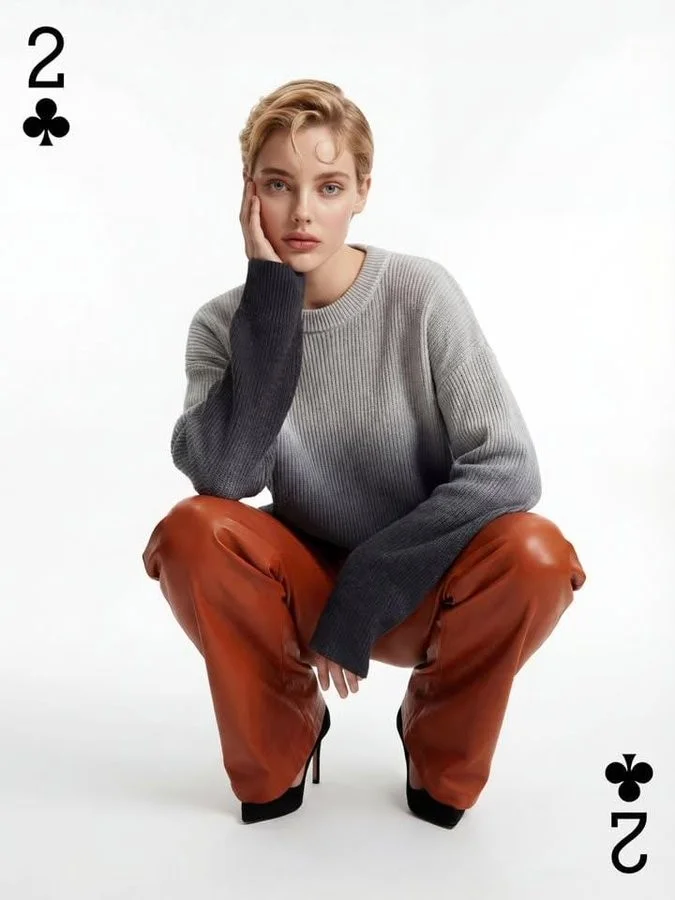
For Architects and Designers
Describe the space, viewpoint, materials and lighting for a design concept. Check proportions and practical details yourself.
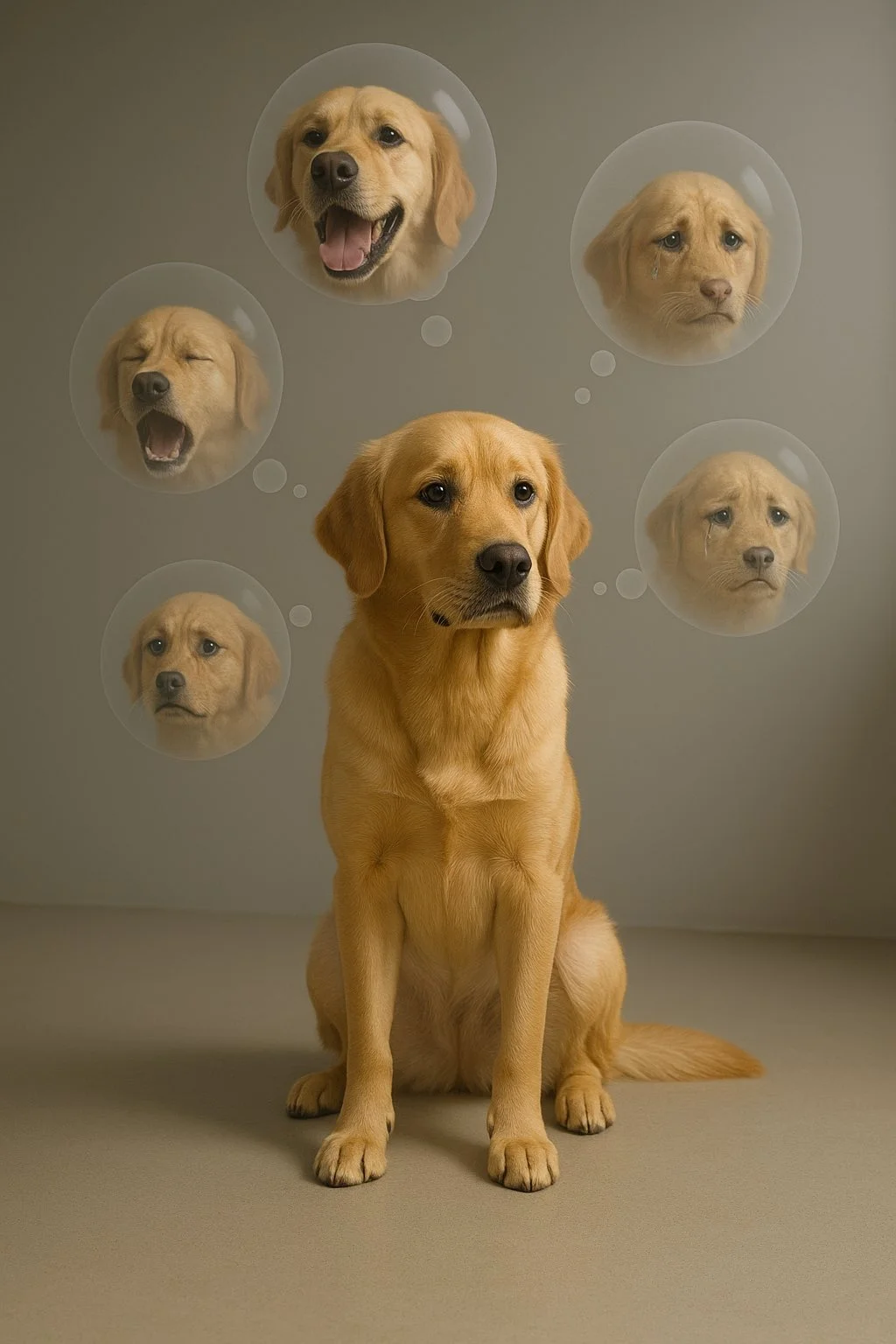
For E-Commerce Professionals
Specify the product shape, color and material. Compare the result with the actual item before using it in a listing.
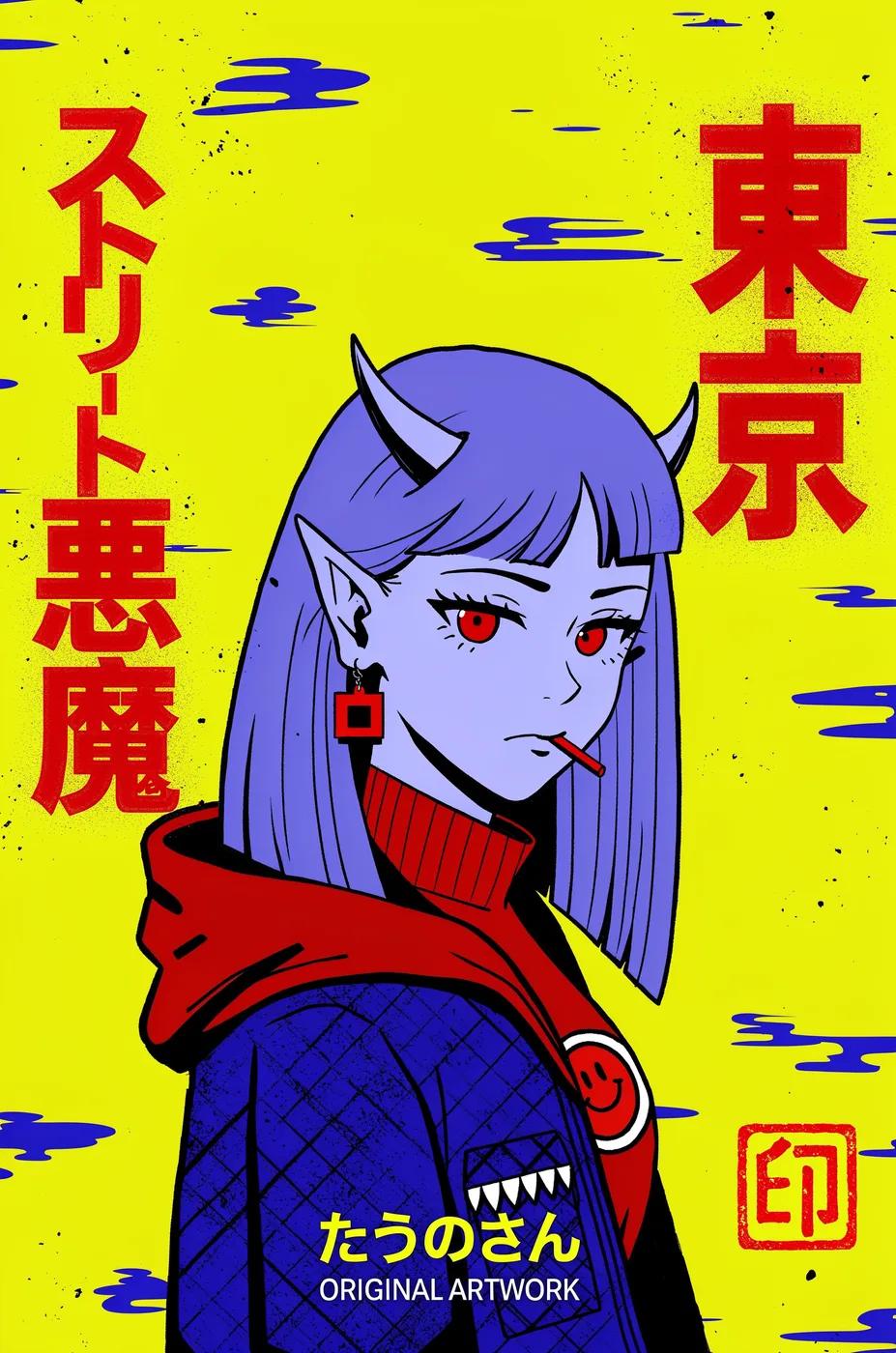
For Content Publishers
Plan an image that supports one story or article point. Add final captions in your publishing workflow.
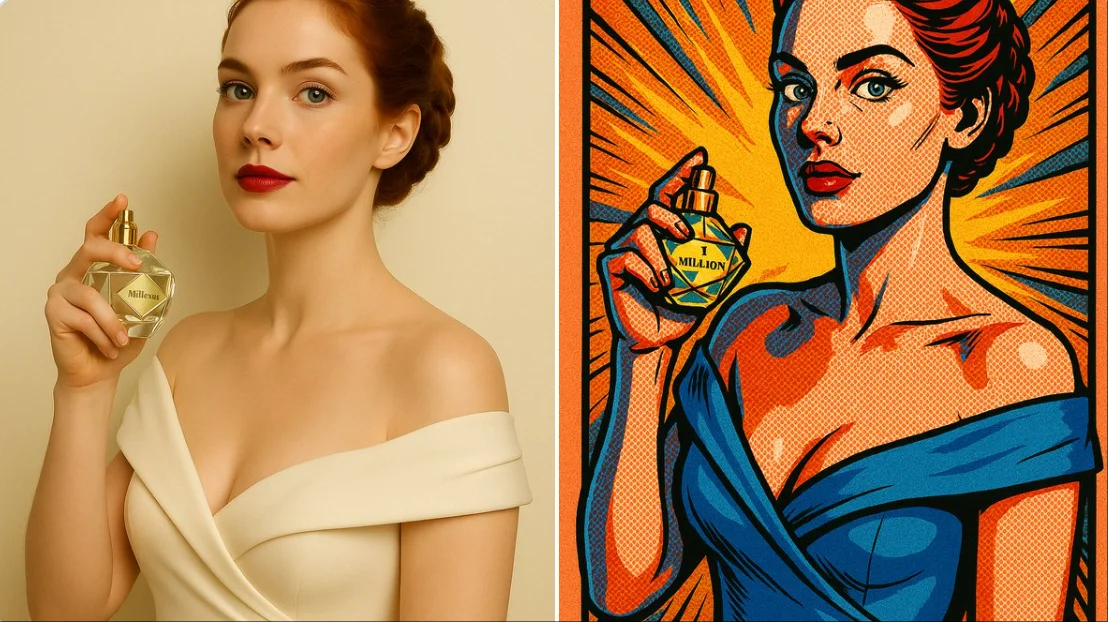
For Event Planners
Describe the venue, atmosphere and focal details of an event concept. Treat generated signage and layouts as drafts for review.
From a Brief to a Reviewed Image: The Nano Banana 2 Workflow
Add Your Input
Write a scene description or add a supported reference image. For an edit, identify the requested change.
Customize Your Options
The generator shows current model availability. When a model accepts requests, choose its supported settings and review the required credits before submitting. An unavailable model cannot start a job or deduct generation credits.
Generate and Refine
Submit after reviewing the quote, then compare the completed image with your brief before requesting a variation.
Review and Download Completed Results
Open the completed result in History, inspect it at the delivered size and download the version you want to keep.
Nano Banana 2 Image Ideas for Your Projects
Use these starting points to plan an image around a specific task.
Digital Art & Illustration
Describe the character or subject, viewpoint and medium. Review the composition before adding more decorative detail.
Marketing & E-Commerce Visuals
For a Nano Banana 2 product concept, specify the product shape, material, key detail and setting. Keep logos and claims accurate, allow room for your own typography, and review the result before using it in an advertisement.
Educational Content & Presentations
Use a Nano Banana 2 visual concept to support one teaching or presentation point. Check facts and labels yourself, and add final captions in your editing workflow rather than relying on generated text.
Game Development
Plan a character, prop or environment concept with clear silhouettes and material cues. Check consistency before using it in a larger project.
Creative Notes for Your Nano Banana 2 Image Brief
Give the main subject one clear action. For a Nano Banana 2 concept, a precise brief is easier to assess than a list of competing effects.
Nano Banana 2 Image Workflow: Questions & Answers
This Highsfield page explains the Nano Banana 2 image workflow. It helps you write a focused brief and review the available inputs. Current access is shown in the generator; a model name on a guide does not mean it currently accepts requests.
Write your Nano Banana 2 image brief around a subject, composition, lighting and intended style. Add a material or texture when it matters. For edits, state one precise change and explain which parts of the source should remain intact.
Use only the input modes and controls offered by the selected model. Describe the intended image clearly and add supported references when useful. This page does not promise separate motion-brush, audio-upload, restoration or editing tools.
Check the applicable model and platform terms before using a result commercially. You are responsible for the rights to uploaded images, identifiable people, logos and any other source material in your Nano Banana 2 image brief.
The generator shows current model availability. When a model accepts requests, choose its supported settings and review the required credits before submitting. An unavailable model cannot start a job or deduct generation credits.
Develop your Nano Banana 2 image brief around the result you need. Keep the main direction specific, check supported settings in the generator, and review the completed work before using it in your project.
You can request a refund within 10 days of purchase if you have unused credits from that purchase and provide a clear reason, subject to our Refund Policy. If eligible, an unused purchase can be fully refunded; a partly used purchase is refunded in proportion to its remaining unused credits. Fully used purchases and free or promotional credits are not refundable.
Credit validity depends on the pack, subscription or promotion that issued them. Review the purchase terms and expiration dates in Settings > Credits. A renewal or new purchase does not extend older credits. Use credits before their stated expiration; do not assume unused subscription credits roll over indefinitely.
Credits charged for a task that is confirmed as failed due to a system error are returned automatically. A task that is still processing has not yet been confirmed as failed. Check its status and your credit history before submitting again. If a confirmed failure still shows an unresolved charge, email support@highsfield.com with the task ID.
AI results can vary, so a completed result that differs from your expectations is not automatically treated as a technical failure. Eligible completed image tasks can be submitted for credit refund review using the refund option where available; approval is required. For a video or another issue, contact support@highsfield.com with the task ID and details. A credit refund returns credits, not money to your payment method.
Email support@highsfield.com. For billing, include your account email and order ID; for generation, include the task ID, issue description and relevant screenshots. If you purchased as a guest, keep the original browser data and payment receipt so we can help locate the purchase.
Explore Your Next Nano Banana 2 Image Idea
Choose a visual task, prepare a focused prompt and check the current model and credit quote.
highsfield.com · Updated
What's new on this page
- — Added editable example prompts and separate drafts for text and reference modes, with an action to restore the example.
- — Updated page copy and content.
- — Updated page copy and content.
- — Page content published.