
AI Halloween Costume Generator for Cinematic Costume Ideas
Create a Halloween costume concept
History
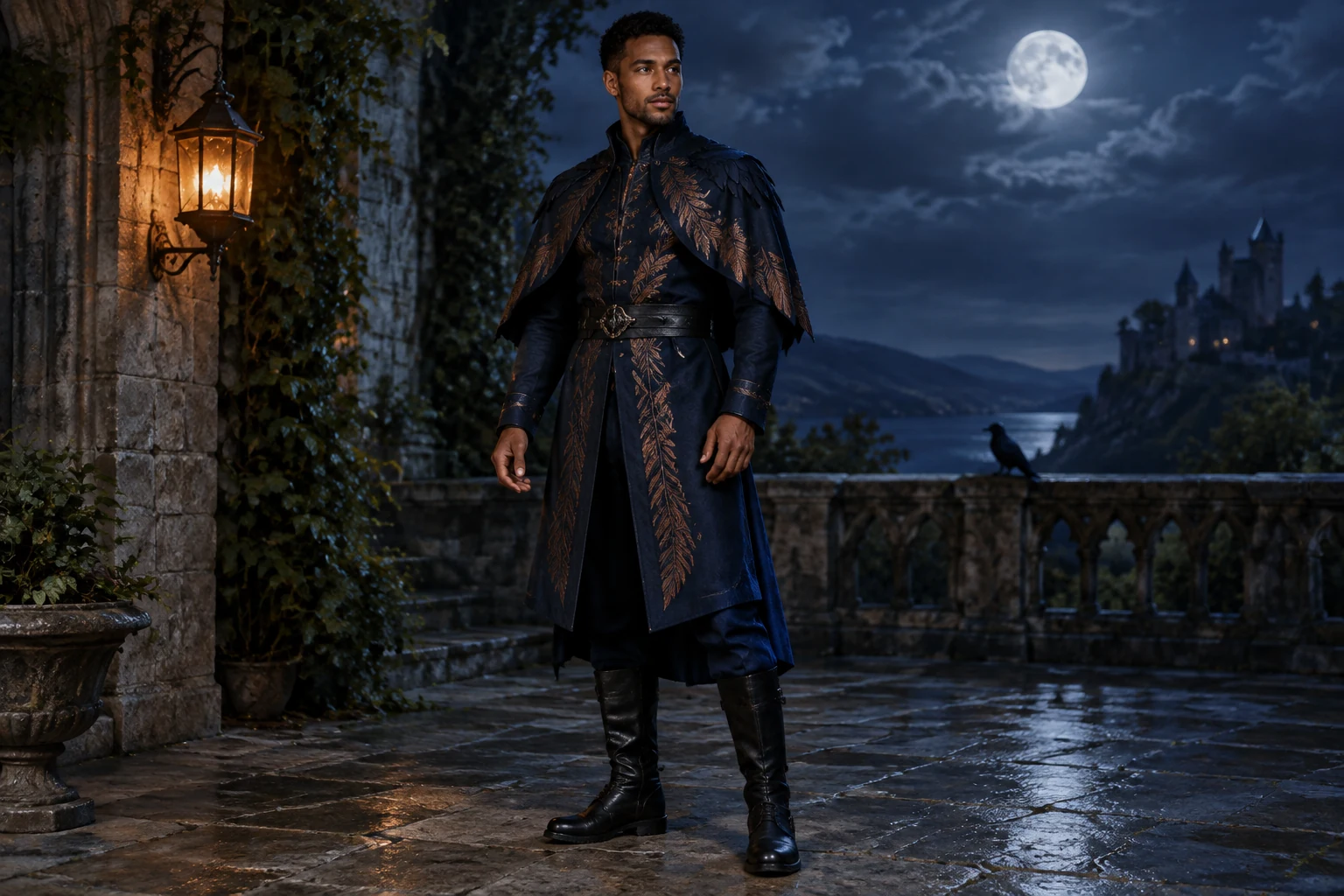
The AI Halloween Costume Generator helps you turn a costume idea into a composed image. Plan the outfit’s silhouette, fabric, colors, and setting before you create. Text to Image starts with a prompt; Image to Image uses one authorized adult portrait as a reference. This guide develops an original raven-inspired look: a midnight-blue coat with copper feather-shaped embroidery, a short cape, and black boots. Review the image for likeness and costume details, then adjust your prompt to explore another version.
Create your Halloween costume concept
Choose a mode
Select Text to Image to begin with a prompt. Select Image to Image when you want to work from one authorized adult portrait.
Describe the costume and composition
Name the main garments, colors, fabric details, pose, framing, and setting. For an edit, add the portrait and explain which costume elements you want to change.
Check the live quote
Check the live credit quote beside Generate before you start.
Review the image in History
Follow task status in History. Inspect the framing, silhouette, fabrics, color balance, and costume details, then adjust the prompt if you want to try another direction.
Plan a costume that reads clearly
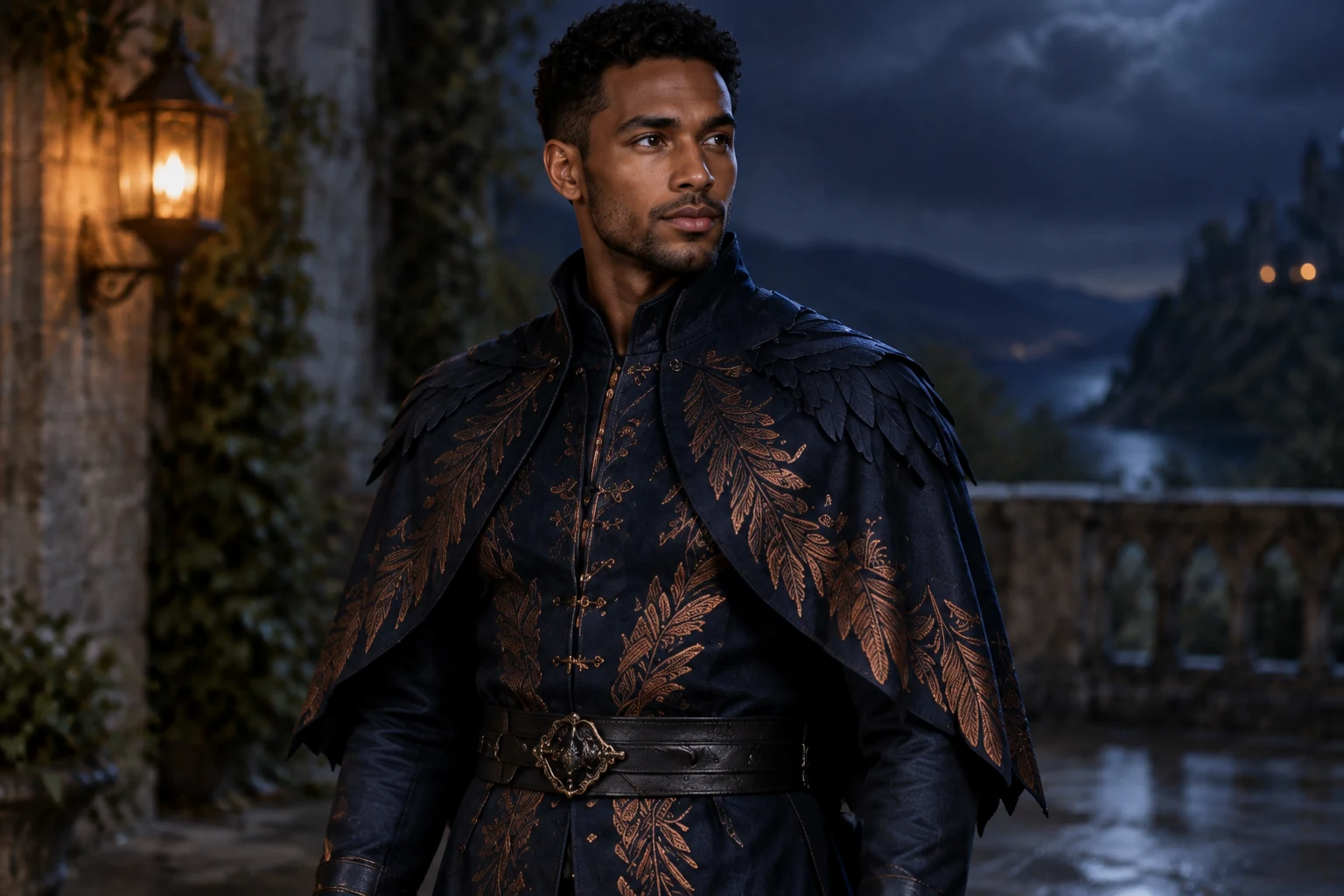
Begin with a simple design brief: who wears the costume, what makes it recognizable, and which details should stand out? For the raven-inspired look, use a midnight-blue coat as the main shape, copper feather embroidery as the focal detail, and a short open cape to add another layer. Black boots finish the outfit without competing with the coat. Naming the garments and their colors gives your prompt a practical foundation; keep the number of key details manageable so the overall design remains easy to read.
Prepare a useful prompt and frame
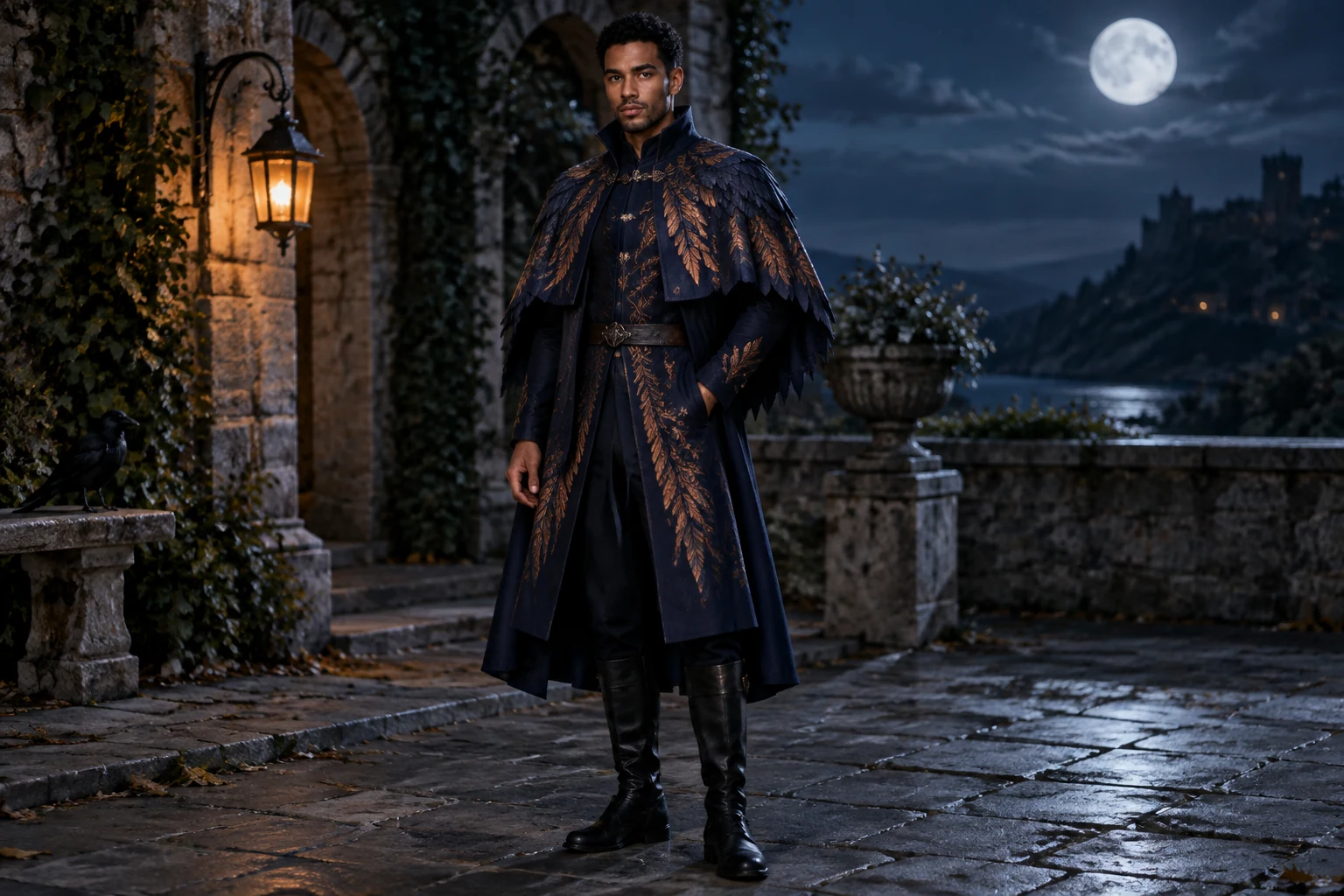
Describe the whole outfit, then state how you want it shown. Ask for a full-body view if the coat hem, cape, and boots matter; specify a three-quarter stance and visible hands to make the pose easier to assess. Keep the face unobstructed if it is important to the concept. For a scene, choose one clear backdrop and a small number of lighting cues: a moonlit courtyard and one amber lantern give the cool blue costume a warm accent. Text to Image starts with a prompt, so include the subject, garments, colors, framing, pose, and setting in a logical order.
Choose and prepare a reference portrait
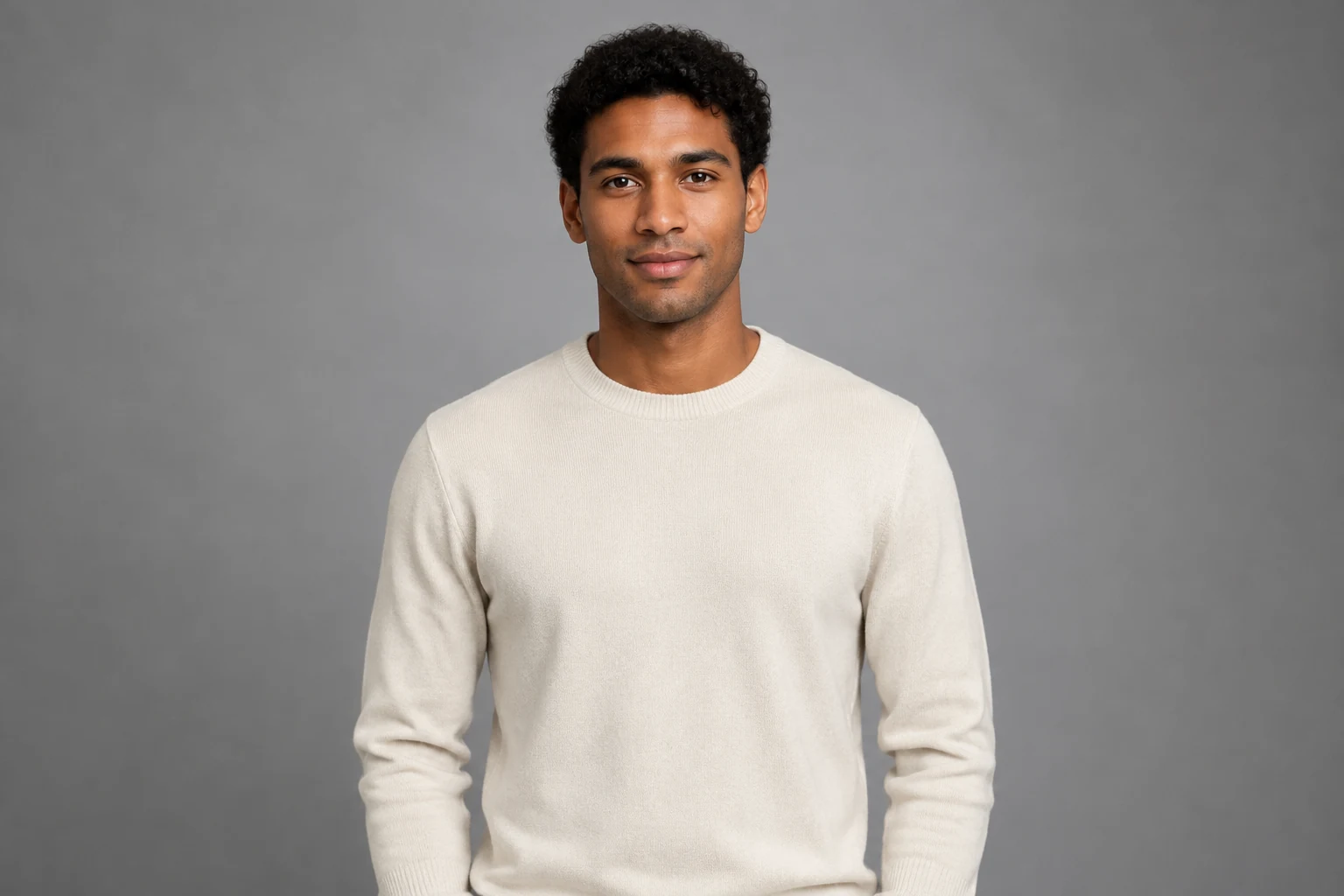
Image to Image uses one authorized adult portrait. Choose a photo with a clear face, visible hair, and shoulders that are not hidden by objects. Even light and a simple background help keep attention on the person and make it easier to consider how the new outfit relates to the reference. A waist-up portrait can be a useful starting point; describe the desired full costume and setting in the prompt. You can ask for the face, hair, and pose to remain consistent while the clothing changes. Review the resulting likeness and costume details, then refine the description if you want to explore another interpretation.
Review the image and refine your design
Check the live credit quote beside Generate before submitting. Follow the task status in History. When you review the image, look first at the silhouette and framing: are the coat, cape, and boots visible as intended? Then inspect fabric cues such as embroidery, seams, folds, and the contrast between the blue coat and copper accents. Check that the background and lantern support the outfit rather than drawing focus away from it. If a key feature is unclear, make one targeted prompt change—such as emphasizing the coat hem or simplifying the scene—and compare the next concept.
Halloween costume questions
What can I create with this Halloween costume generator?
Create a costume concept from a written prompt or use a portrait as a reference for an outfit edit. You can describe the garments, colors, fabric details, pose, framing, and setting.
Do I need to upload a photo?
No. Text to Image starts with a prompt. Image to Image uses one authorized adult portrait as a reference.
How can I show the complete outfit?
Ask for a full-body frame and name the pieces you want visible, such as the coat hem, cape, and boots. A clear stance and visible hands can also help you assess the design.
How should I prepare a portrait for an edit?
Choose one portrait with a clear face, visible hair, and unobstructed shoulders. Even light and a simple background help keep attention on the person and costume.
How much does it cost?
Check the live credit quote beside Generate before you start.
Where can I check task progress?
Follow task status in History.
More ideas to explore
Banana AI Image Generator
Explore another image tool for turning written ideas into visual concepts.
AI Face in Hole Generator
Try a playful portrait concept built around a face-in-hole composition.
AI Halloween Costume Transformation
Explore a related Halloween idea in a transformation-focused video format.
AI Image Tools
Browse image tools for different creative projects and visual styles.
highsfield.com · Updated
What's new on this page
- — This guide explains prompt-based and portrait-based costume design, reference preparation, full-body framing, fabric and color choices, and reviewing an image.