
Christmas Photobooth AI for a Four-Panel Portrait Strip
Create a Christmas photobooth video
Study two-person portrait spacing
History
Loading history…
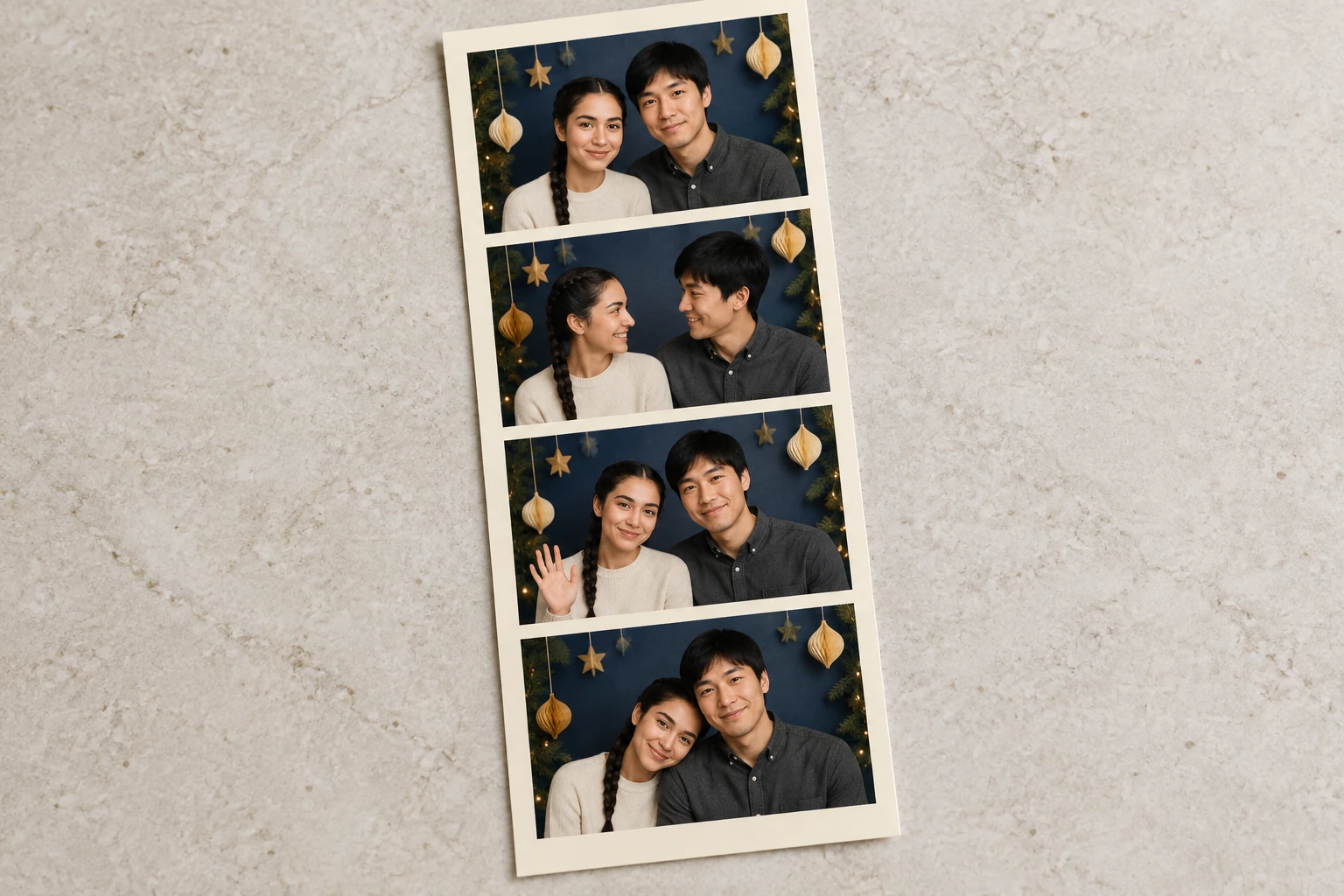
Use Christmas Photobooth AI to request a 15-second video of one four-panel portrait strip from two separate adult photos. Plan a slow camera crop that keeps both faces readable, then review panel divisions and the complete-strip finish. The prepared setting uses warm ivory paper with a navy-and-gold holiday backdrop.
Create your Christmas photobooth video
Add the first adult portrait
Upload one portrait photo of the first adult. This person is assigned the left position throughout the strip.
Add the second adult portrait
Upload a separate portrait photo of the second adult. Use one adult per photo; this person is assigned the right position.
Set the direction and review controls
Keep the built-in 15-second direction or add optional visual notes. Choose from the actual aspect, resolution, and audio controls available, and review the live credit quote and paid-account eligibility before generating.
Generate and inspect the clip
Submit the setup and allow for variable waiting time. When the clip is ready, find it in History and review the faces, panel divisions, margins, and complete strip.
Two separate portraits, one consistent pairing
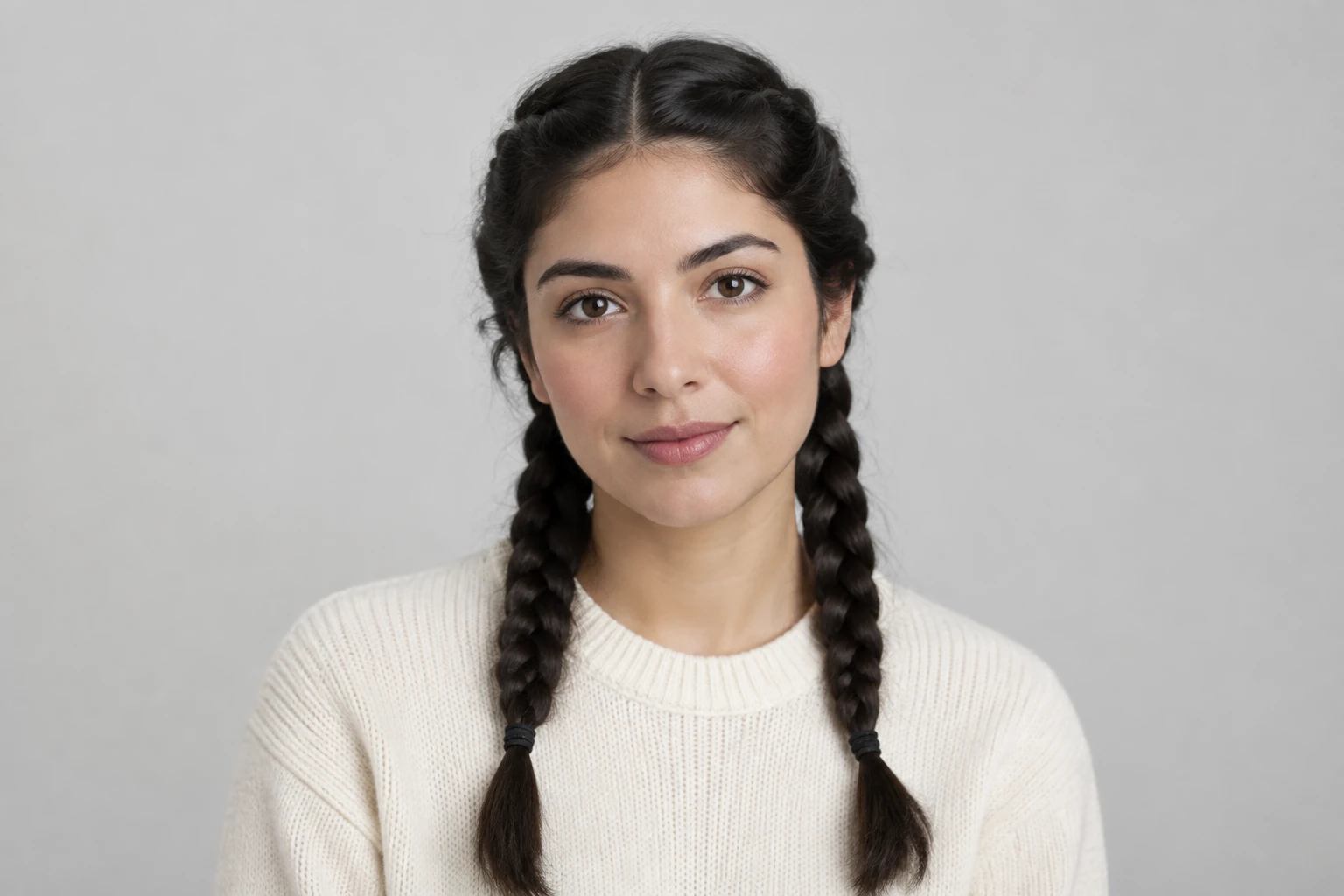
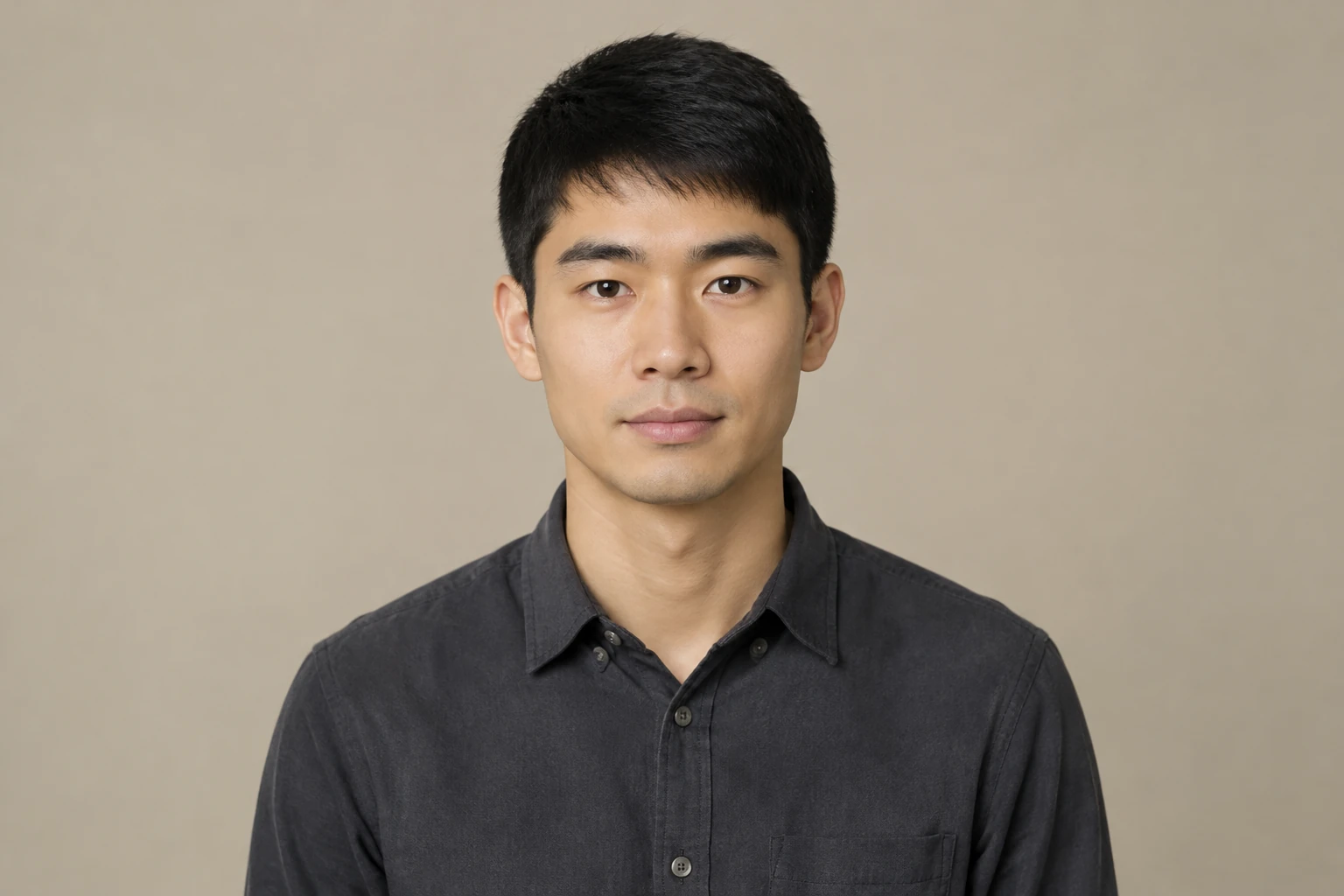
The workflow requires exactly two separate adult portrait photos, with one adult in each. The first adult remains on the left and the second on the right, while the direction asks for exactly those two adults together in every panel. Use clear reference portraits and check the result for identity, hair, and clothing consistency. The pictured woman and man are examples of individual inputs, not selectable character or outfit presets.
A four-panel paper-strip direction
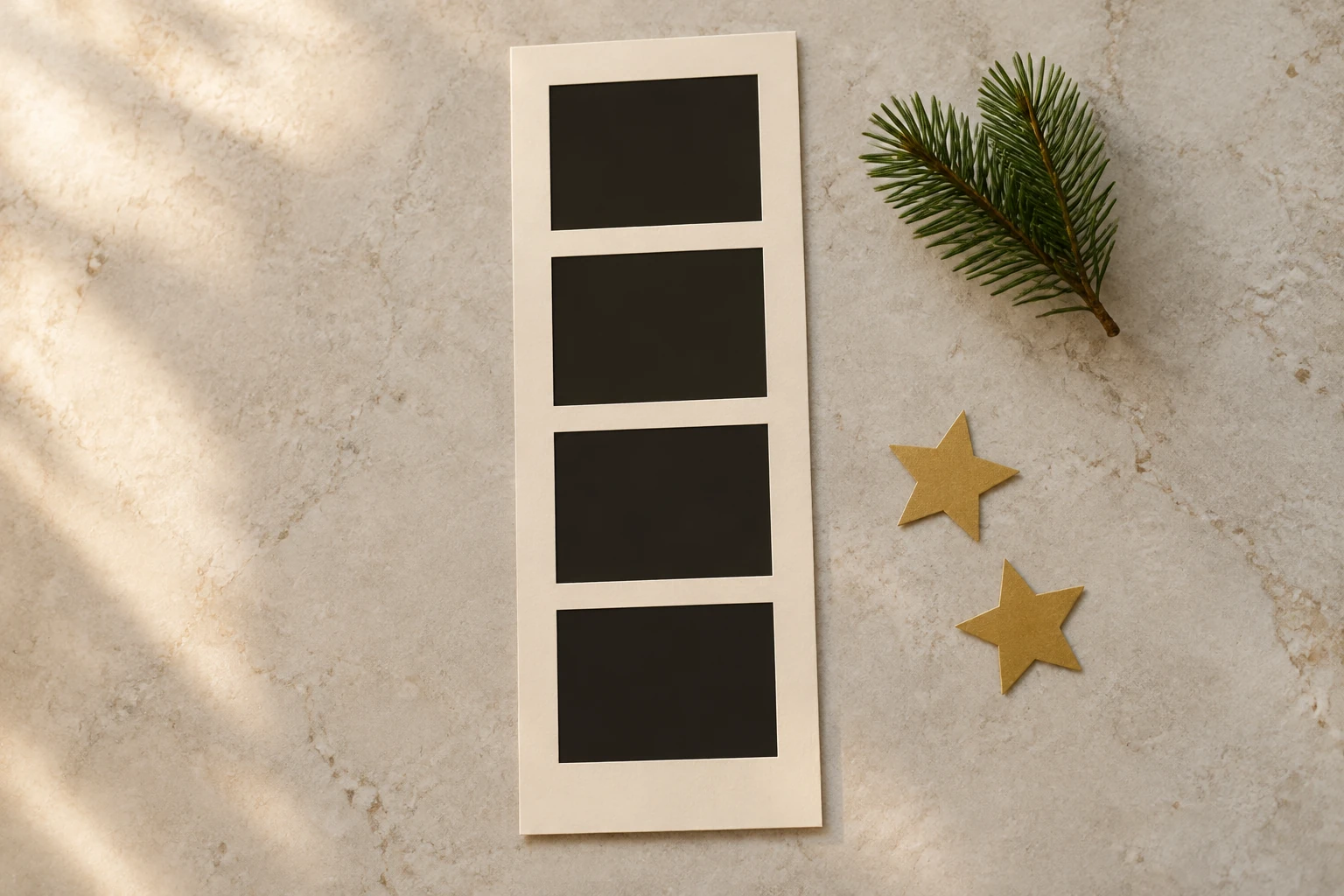
The built-in written direction requests one physical warm-ivory photo strip with four clearly separated stacked portrait panels. Both adults appear together in each panel with friendly, varied expressions. An original navy-and-warm-gold holiday portrait setting replaces the uploaded backgrounds, with a few small unbranded paper ornaments. The camera glides slowly across the paper and finishes calmly on the whole layout. Notes are optional and start empty; no video upload is required.
Check framing before you generate
The selected aspect ratio matters to how the strip and its surroundings fit in frame, so check it alongside the available resolution and audio settings. Look for both faces in every panel, visible separation between panels, and enough margin around the full strip. A slow camera move can make framing changes more noticeable; review the finished clip rather than assuming every face or edge lands exactly as intended.
Review generation details and the finished clip
The selected duration is 15 seconds. Check the live credit quote and paid-account eligibility shown for your setup before starting; the quote is the relevant estimate for the selected controls. Waiting time can vary. Once ready, the clip is available in History, where you can review the full sequence and confirm the final view settles on the complete four-panel arrangement.
Christmas Photobooth AI questions
What photos do I need?
Provide exactly two separate required adult portrait photos, with one adult in each. The first photo supplies the consistently left-positioned adult; the second supplies the consistently right-positioned adult.
Can I use photos of adults without their permission?
Use photos only when you have permission from the adults pictured and the right to use the images. Do not submit someone’s portrait without their consent.
How do the two roles and four panels work?
The first adult stays on the left and the second stays on the right. The built-in direction requests exactly four clearly separated stacked panels on one physical strip, with both adults together in every panel.
Do I have to write visual notes or upload a video?
No. The optional visual-notes field starts empty, and a video upload is not part of this workflow. The built-in direction supplies the requested strip, setting, camera movement, and finish.
How long is the clip, and where do I check credits and the result?
The selected duration is 15 seconds. Review the actual aspect, resolution, and audio controls, live credit quote, and paid-account eligibility before generating. Waiting time varies; find a ready clip in History.
What should I check in the finished framing?
Review that both faces are present in all four panels, the left/right roles remain consistent, and the panel divisions and strip margins are visible. Check the selected aspect ratio and confirm the ending shows the whole layout.
More ideas to explore
highsfield.com · Updated
What's new on this page
- — Added a two-portrait Christmas photobooth video guide with a prepared 15-second four-panel camera direction, optional notes, four original picture studies and a filmed portrait-spacing reference.