
Fireworks Video Effect: Keep the Graduate in Focus
Create a Fireworks Video Effect
History
Loading history…
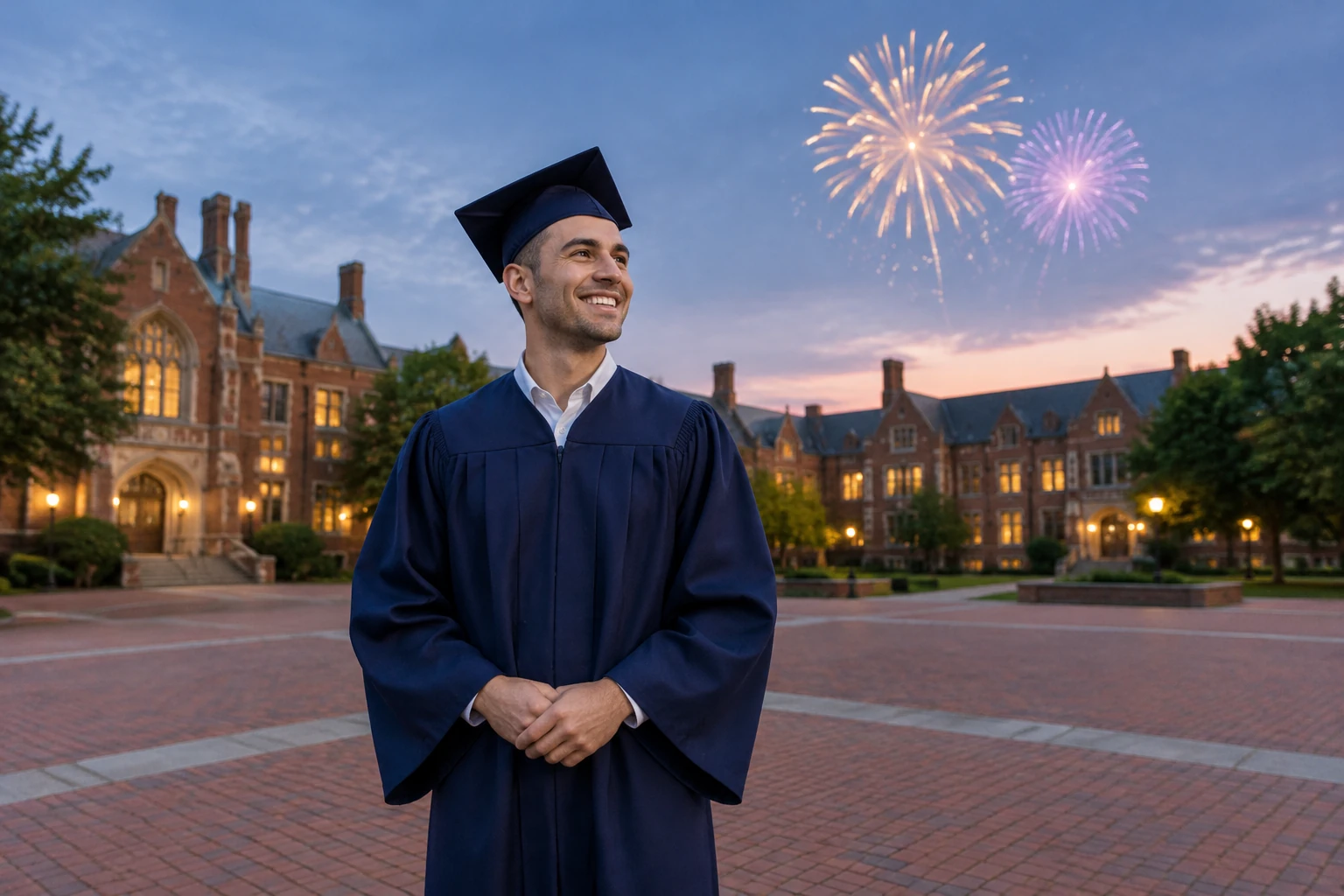
A fireworks video effect can add a festive backdrop without letting bright bursts take over a graduation portrait. This guide shows how to shape a spacious brick courtyard scene around one adult graduate: close-cropped hair, a dark blue gown, a plain unmarked cap and warm lights in distant windows. Keep the face readable, the camera steady and the fireworks behind the subject. Start from text or one photo, then review the complete clip before deciding what to adjust.
Watch fireworks timing and sky framing
Create your Fireworks video
Choose a clear portrait or start from text
For Image to Video, upload one clear photo with the subject’s face visible and some open sky behind or above them. For Text to Video, describe the person, setting and celebration you want to create.
Set the fireworks behind the subject
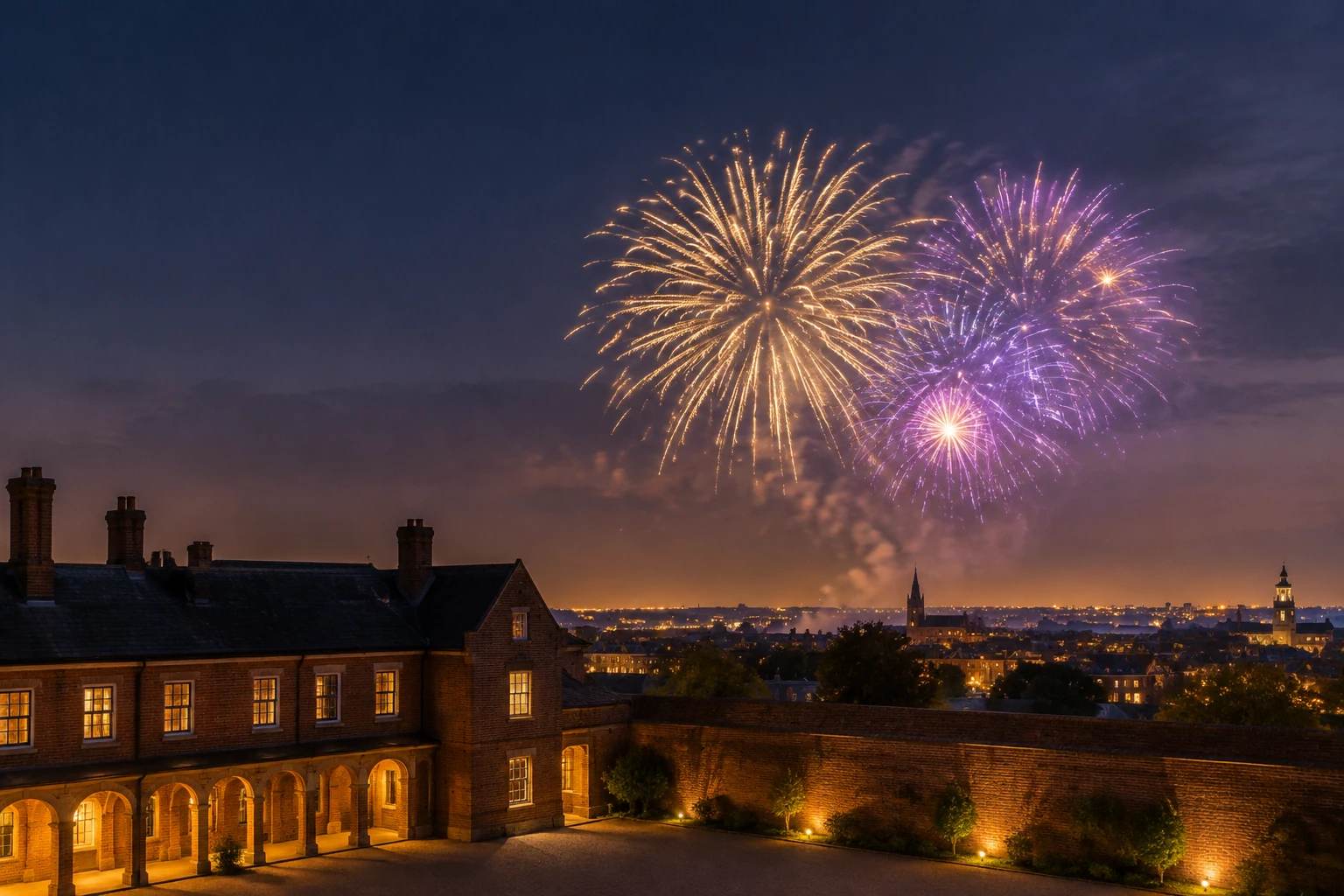
Ask for trails rising in the background, a few expanding gold and violet bursts, and a quiet fade. Keep the face readable, the camera nearly still and the display sparse.
Choose the form’s available options
Select from the duration, resolution, ratio and audio options currently shown in the form. Review the quote beside Generate before submitting; it reflects the settings currently selected.
Generate, then review the whole clip
Submit the prompt and check the completed clip in History when it appears. Watch it from beginning to end, including the face, hands, exposure, burst timing, sound and crop. If something needs work, revise one variable at a time.
A portrait-first fireworks video effect
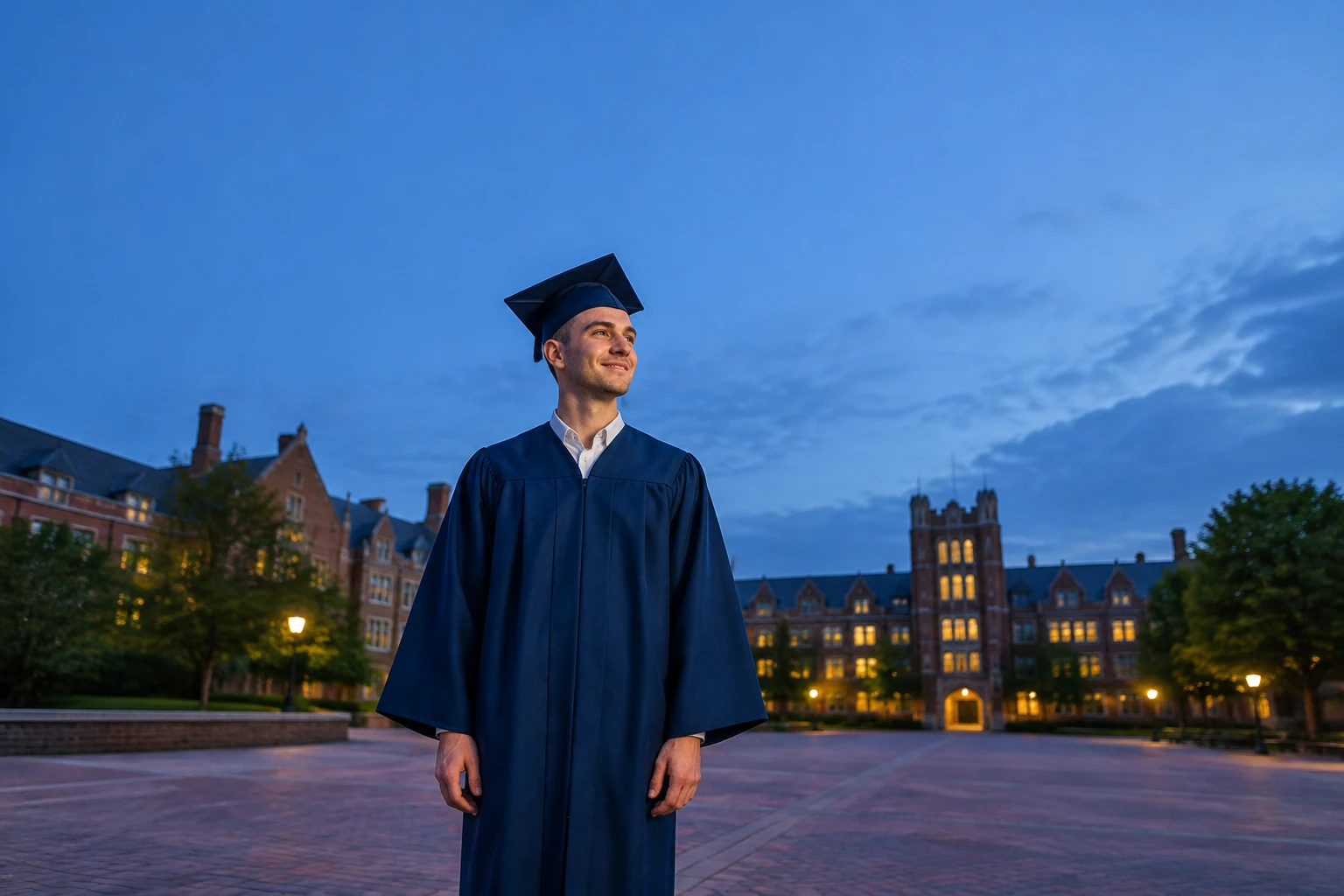
A graduation celebration works best when the person—not the brightest burst—holds attention. Describe a spacious brick courtyard, distant warm window lights and open sky. Keep the fireworks behind the graduate, with gold and violet trails that rise, expand and fade without filling every part of the frame. A close-cropped haircut, dark blue gown and plain unmarked cap make the example scene specific, but the prompt can be edited to suit another celebration. Ask for natural, modest face and hand motion rather than a large gesture that competes with the display.
Use the right starting workflow
The existing Seedance 2.5 form offers Text to Video and Image to Video. Text to Video starts from an editable prompt and no uploaded file; use it to describe an original graduation scene. Image to Video uses one uploaded photo and an editable prompt; tell it to adapt that photo, preserve its actual subjects, clothes and framing, and place all sky bursts behind the people. This guide adds themed prompt defaults to the form. It does not add a new preset, layer editor, mask, timeline or existing-video upload.
Keep the result calm and readable
Direct the trails upward in the background, limit the number of expanding bursts and finish with a quiet fade. Nearly still camera movement helps the portrait stay settled while the sky changes. Ask for subtle reflected light, not a flash that overwhelms the face. When reviewing, check the full clip rather than judging a single frame: look for changes to faces or hands, exposure shifts, bursts that arrive at an awkward moment, audio that does not fit, and cropping that cuts off important details. If you revise, change one variable—such as burst density or camera movement—so the next review has a clear focus.
Options, quote and task history
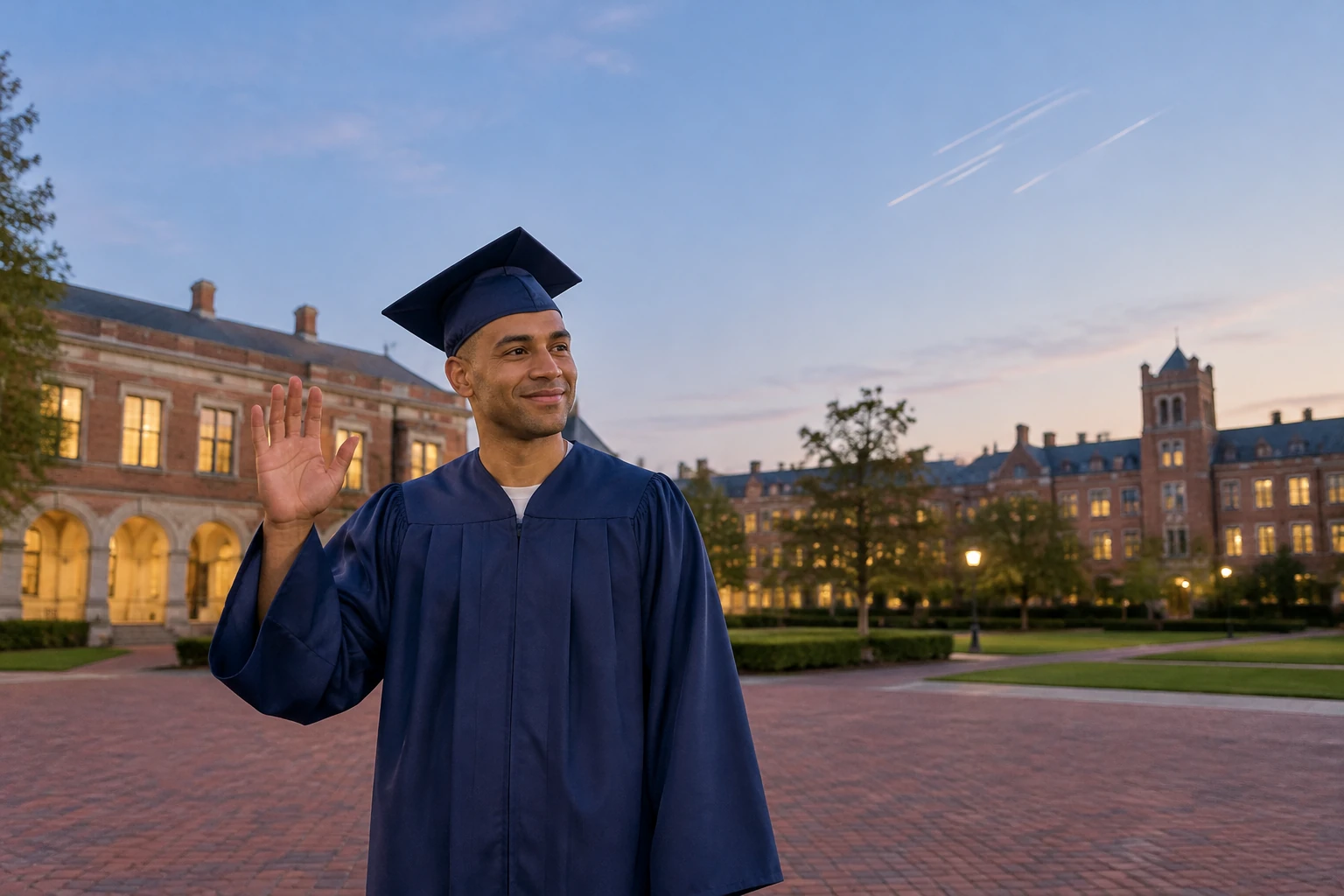
Duration, resolution, ratio and audio choices are the options currently offered by the form, and can depend on what is available there. The quote appears beside Generate before you submit. Any credit or free-use eligibility depends on the terms and account conditions currently shown; do not assume a fixed price or guaranteed free credits. Generation wait times vary. Completed and pending tasks appear in History, so check there for task status. This guide does not promise a particular delivery time or a guaranteed match to a source portrait.
Fireworks questions
What does the fireworks video effect guide do?
It provides themed, editable prompt defaults for creating a fireworks scene in the existing Seedance 2.5 form. It helps direct the display behind a portrait, but does not guarantee a particular output.
What is the difference between Text to Video and Image to Video?
Text to Video uses an editable prompt with no uploaded file. Image to Video uses one uploaded photo and an editable prompt that can ask the model to adapt the actual photo and keep its subjects, clothing and framing.
Are credits free, and where can I see the current cost?
Free-use or credit eligibility depends on the account and terms currently shown; free credits are not guaranteed. Check the quote beside Generate for the options you have selected before submitting.
How long does generation take, and where can I check a task?
Wait times vary, so there is no fixed time to promise. Completed and pending tasks appear in History.
Will the person’s identity stay exactly the same?
A prompt can request that a person remain recognizable and that a photo’s actual subjects be preserved, but identity is not guaranteed to remain exact. Review the complete clip for the face, hands, exposure, burst timing, sound and crop.
Can I download the video and change its names or music?
Check the completed task and the available controls for access to your video. To change names or music, make those edits elsewhere in a video editor; this page does not add a timeline or editing tools.
More ideas to explore
highsfield.com · Updated
What's new on this page
- — Guide covers the current Seedance 2.5 Text to Video and one-photo Image to Video workflows, their editable fireworks prompt defaults, form options and History review.