
AI High-Altitude Trampoline Video Prompt Guide
Create a Fantasy Trampoline Scene
Observe mist crossing a mountain ridge
History
Loading history…
Plan an AI High-Altitude Trampoline Video around a clear subject-to-trampoline relationship. This mountain-valley concept uses terracotta platforms, a turquoise landing surface and warm haze. Bring one adult photo, keep the camera restrained and give the eight-second request a simple visual arc.
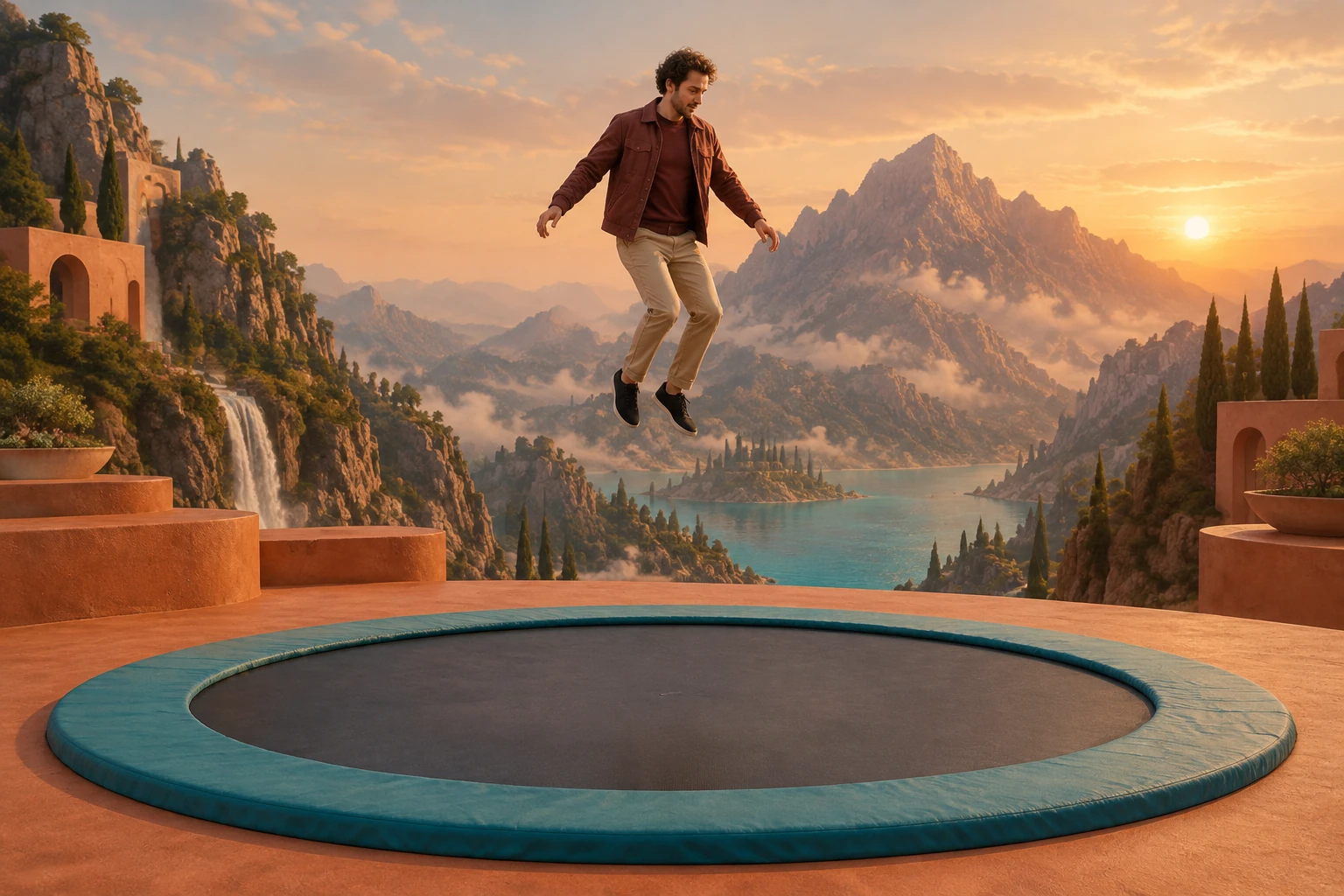
Create your fantasy trampoline clip
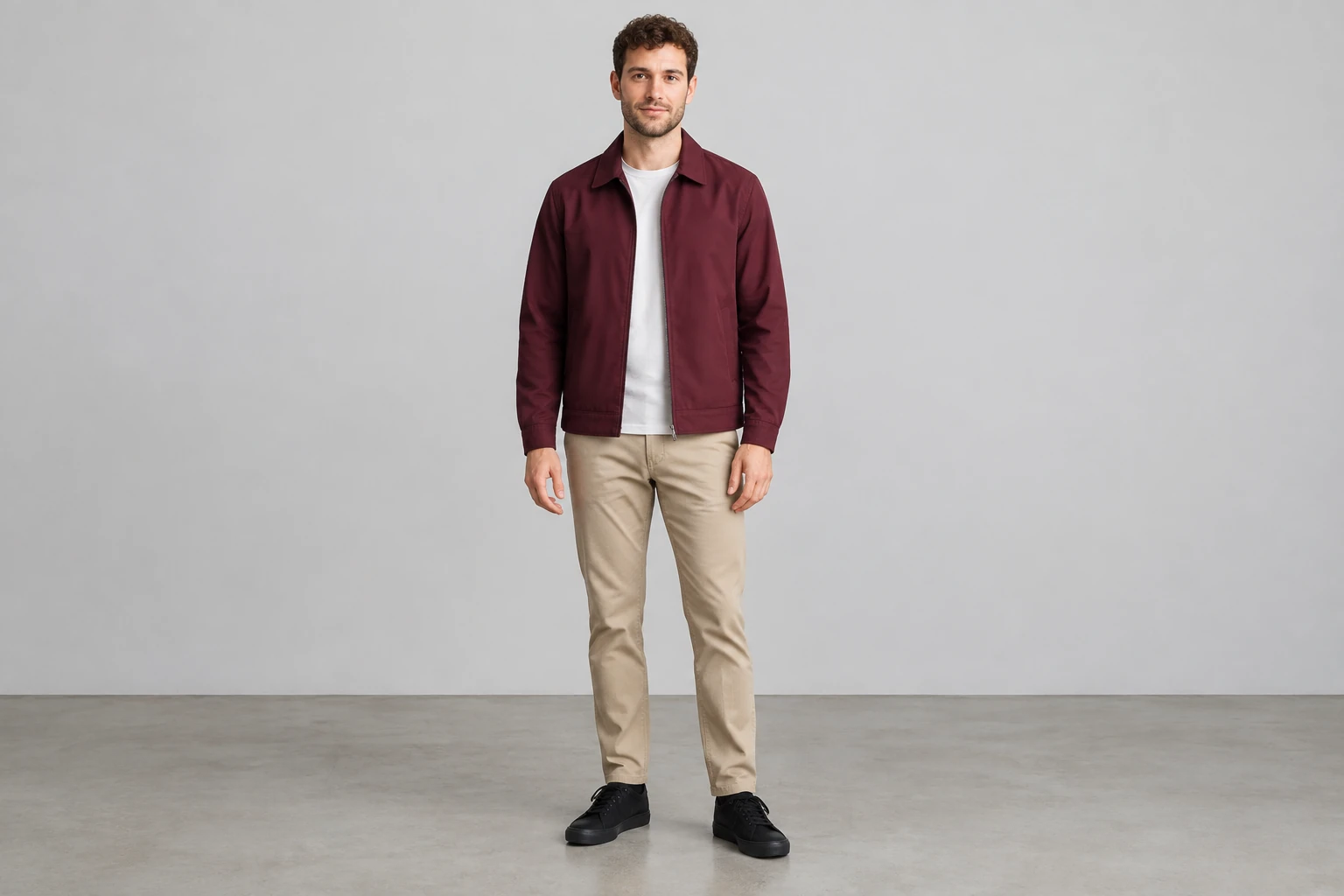
Choose one adult photo
Use the single photo picker for one permitted adult, ideally shown full body. There is no second image slot, video upload, or motion-reference input. The photo anchors the person; the fantasy environment may differ from its original background.
Add optional visual notes
The prepared scene direction describes a fictional trampoline sequence. You can add visual notes if useful, but they are optional. Keep them focused on atmosphere, framing, or color to keep the scene focused.
Check live eligibility and options
The generator uses Seedance 2.0 with an eight-second duration. Aspect ratio, resolution, audio options, paid eligibility, and credit requirements should be checked against the live quote before generation; free-model eligibility is not available.
Review before downloading
Queue times can vary. When the result appears in History, watch the entire clip before downloading. Check body continuity, hands and feet, trampoline contact, duplicated figures, and camera stability. Captions or audio can be added separately.
Use scale without losing the person
The terracotta valley provides large shapes behind a much smaller figure. Keep the turquoise trampoline broad enough to recognize immediately, rather than allowing mountains and waterfalls to compete with the action. A fixed or gently moving viewpoint can show the person and surface together. Ask for open space around the body, then inspect the generated clip at its intended viewing size to see whether the figure remains readable.
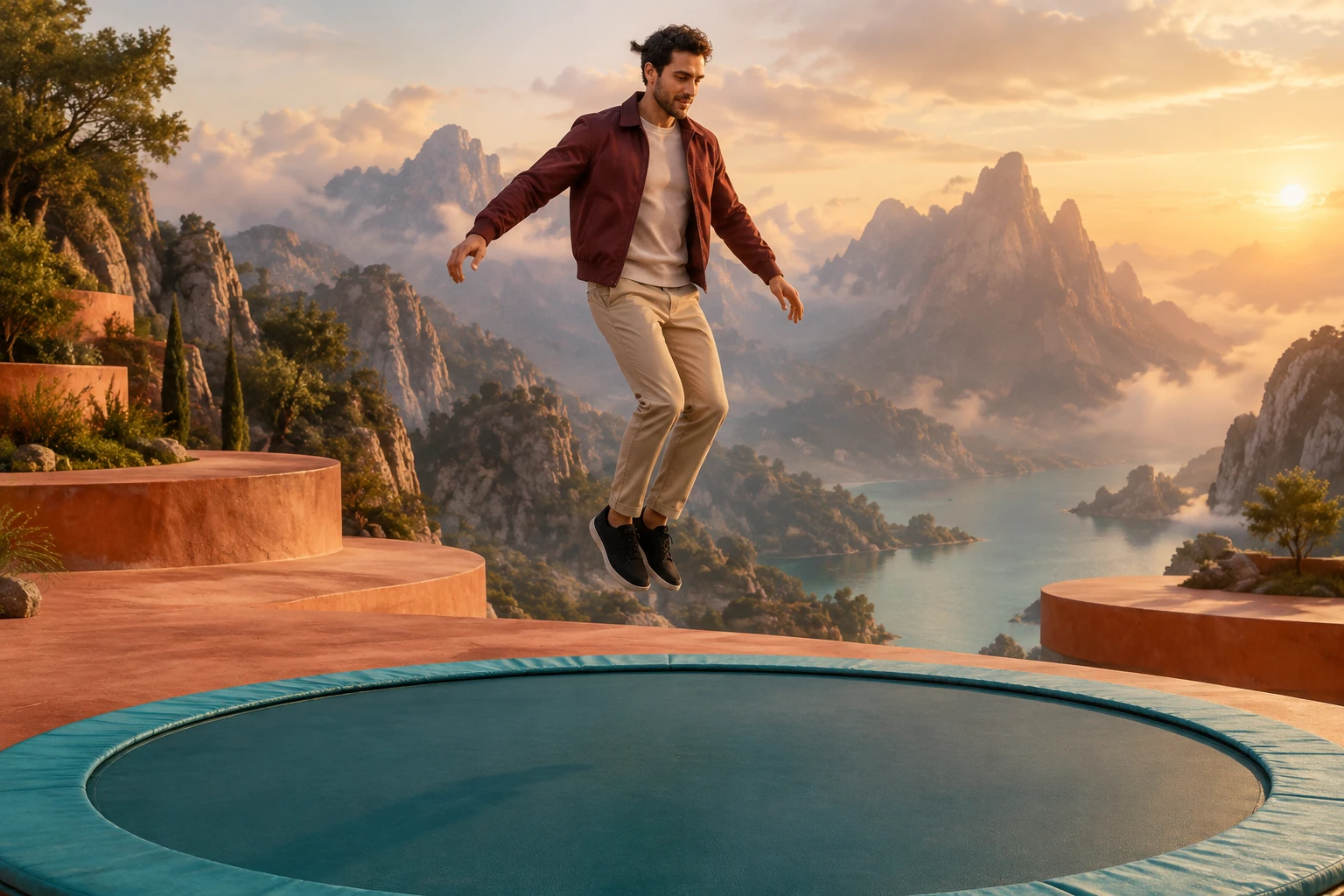
Write a compact movement arc
Request a brief suspended start, a controlled fantasy descent, soft contact and a gentle rebound into a calm pose. These beats share the current eight-second duration; avoid adding several camera changes or a second location. In optional notes, describe the framing you need rather than adding a long list of new actions. Watch for a sudden scale change between the floating figure and the trampoline.
Carry the reference outfit through the scene
Your uploaded photo supplies the adult’s appearance and clothing. The example’s burgundy jacket is a styling idea, not a replacement for the person in your image. Compare the outfit’s main color blocks before contact and after the rebound. Check that the same hands, shoes and body outline remain attached to the figure as the imaginary valley appears behind them.
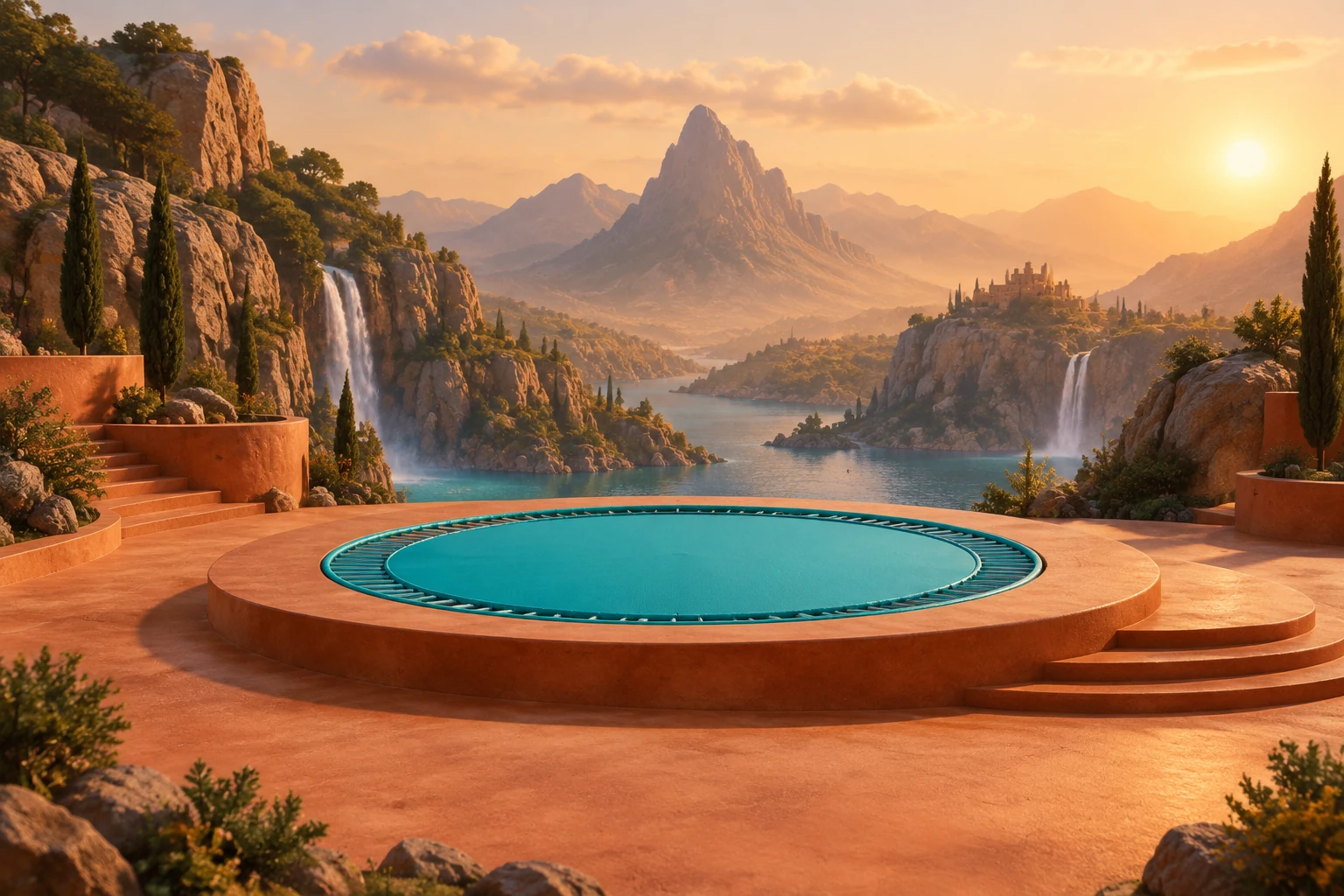
Review the atmosphere and final frame
The landscape clip below shows dense moving mist around a mountain ridge. Use it to think about how haze can conceal a subject; keep the requested figure distinct from the background. Review the complete result in History before downloading and add any captions separately. This is a fantasy scene and should not be imitated.
AI High-Altitude Trampoline Video questions
What should I upload?
Upload one photo showing one permitted adult. A clear full-body image can help establish the subject, but the picker accepts one image only; it is not a place to add a second reference or motion clip.
Do I need to write visual notes?
No. The generator provides prepared scene direction, and visual notes are optional. Use them to add preferences such as atmosphere or framing, to clarify the scene.
Will the generated person wear the sample outfit?
The sample is only a fictional example. The direction asks to preserve the uploaded adult's actual appearance and clothing, while allowing the fantasy setting to change.
Can I upload a video or motion reference?
No. This workflow has one photo picker and no video upload or motion-reference input. The separate landscape video on this page is for observing clouds and the horizon, not for use as an input.
How long is the generated clip?
The current model is Seedance 2.0 and the duration is eight seconds. Check the live quote for current aspect, resolution, and audio options, as well as paid eligibility and credit requirements. Free-model eligibility is not available.
What should I check before downloading?
Open the result in History and watch the full clip. Look for a continuous body outline, visible hands and feet, clear trampoline contact, no duplicated people, and a stable camera. Queue times can vary, and generated motion is not guaranteed to match the prompt exactly.
More ideas to explore
Earth Zoom Generator
Explore a different approach to building a cinematic AI video prompt.
Hotel Lobby AI
See another setting-led AI video concept and prompt direction.
Video-to-Video AI
Learn about a separate video-to-video workflow.
Pricing
Review pricing information and check current eligibility before generating.
highsfield.com · Updated
What's new on this page
- — Added this site’s single-adult fantasy trampoline guide with four original visual studies, a landscape atmosphere clip, optional visual notes and an eight-second Seedance 2.0 workflow.