
Make a Calm Missed Train Dance
A Missed Train Dance turns a small commuter mishap into a gentle visual joke: one traveler, one readable side-step, and a small shrug. Start with a character image and a dance reference clip, then review the generated video for movement, appearance, framing, and station context.
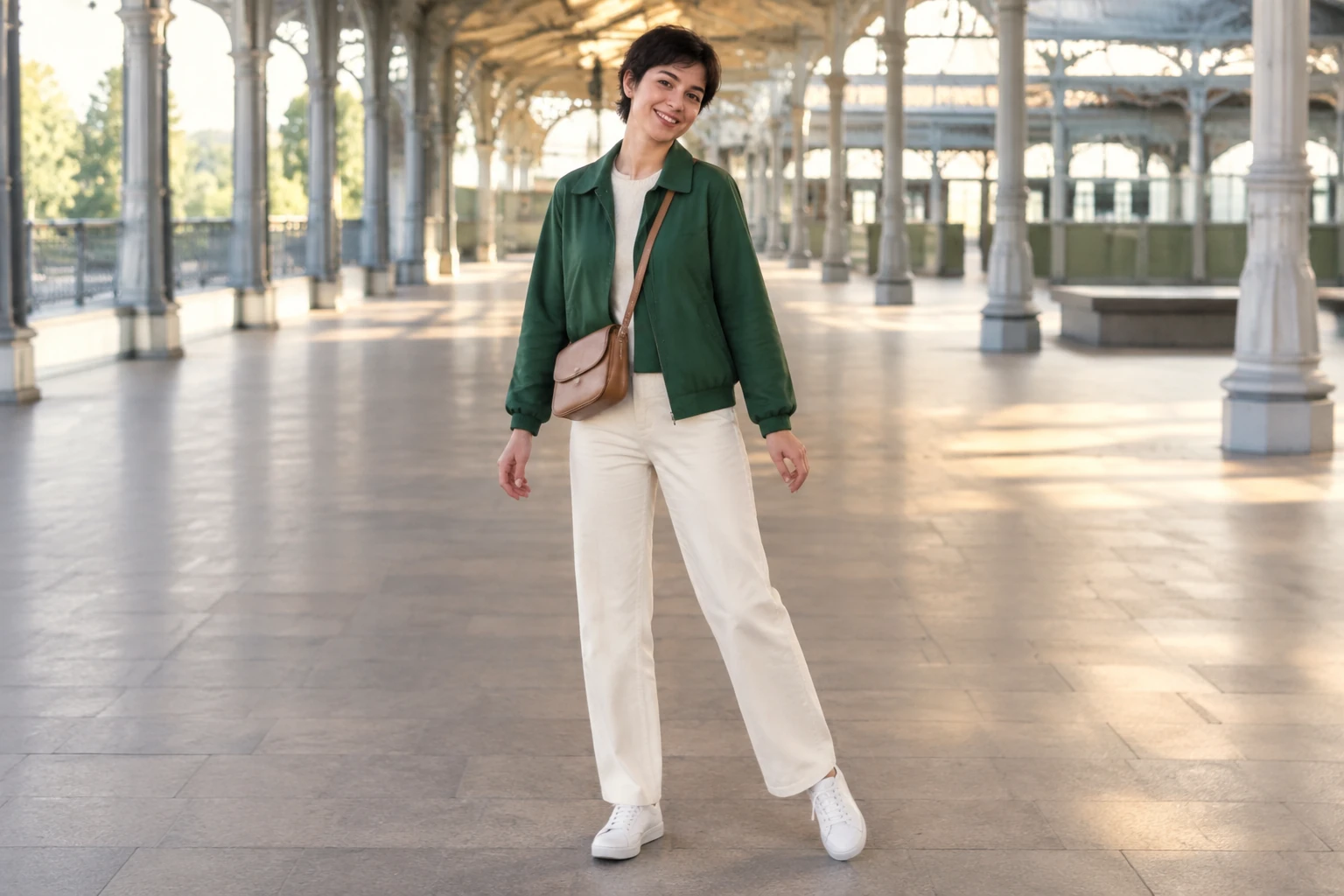
Watch a full-body movement reference
Create your station dance
1. Choose the character image
Upload one clear image of the person you want to animate, with their face, outfit and both feet visible. The illustrated commuter wears a green jacket, cream trousers and white trainers; your own character can look different. Choose a station photograph when the setting matters, then compare the finished video with the person and scene you supplied.
2. Choose a readable dance reference
Upload one user-provided MP4 or MOV reference video. It guides the order of movement and camera orientation, so choose a continuous one-person routine with the face, body, and feet visible. Avoid rapid cuts or framing that hides the step. Use a station-context reference when that setting is important; the character image and prompt can add direction, but exact choreography or background replication is not guaranteed.
3. Set the direction and check the quote
Edit the starting prompt to describe the calm missed-departure joke: a readable side-step, a small shoulder move, and a clear finish in pedestrian space. Keep the full body visible and ask for the bag to stay still. Review the available output-quality options and the currently enabled motion model. Before generating, check the upload control and the quote beside Generate. The model and quality selection, plus the reference video’s actual duration, affect the quote.
4. Generate, review, and finish
Generate the video, then find its task and status in History. Review the full playback for the person’s appearance, outfit, movement order, balance, framing, and station context. Check that the ending reads clearly and that the character remains in pedestrian space, well separated from tracks. If it needs a different crop, audio, or other finishing, do that separately after reviewing the available result.
A small joke, not a big production
The idea is simple: one traveler starts after a departure has been missed, takes a small step with a shoulder move, gives a slight shrug, and finishes calmly. Keep the person in a clear pedestrian area, away from all tracks. A quiet, readable action helps the joke land without making the scene feel rushed. Keep the bag or case still and leave enough room in the frame to see the full movement.
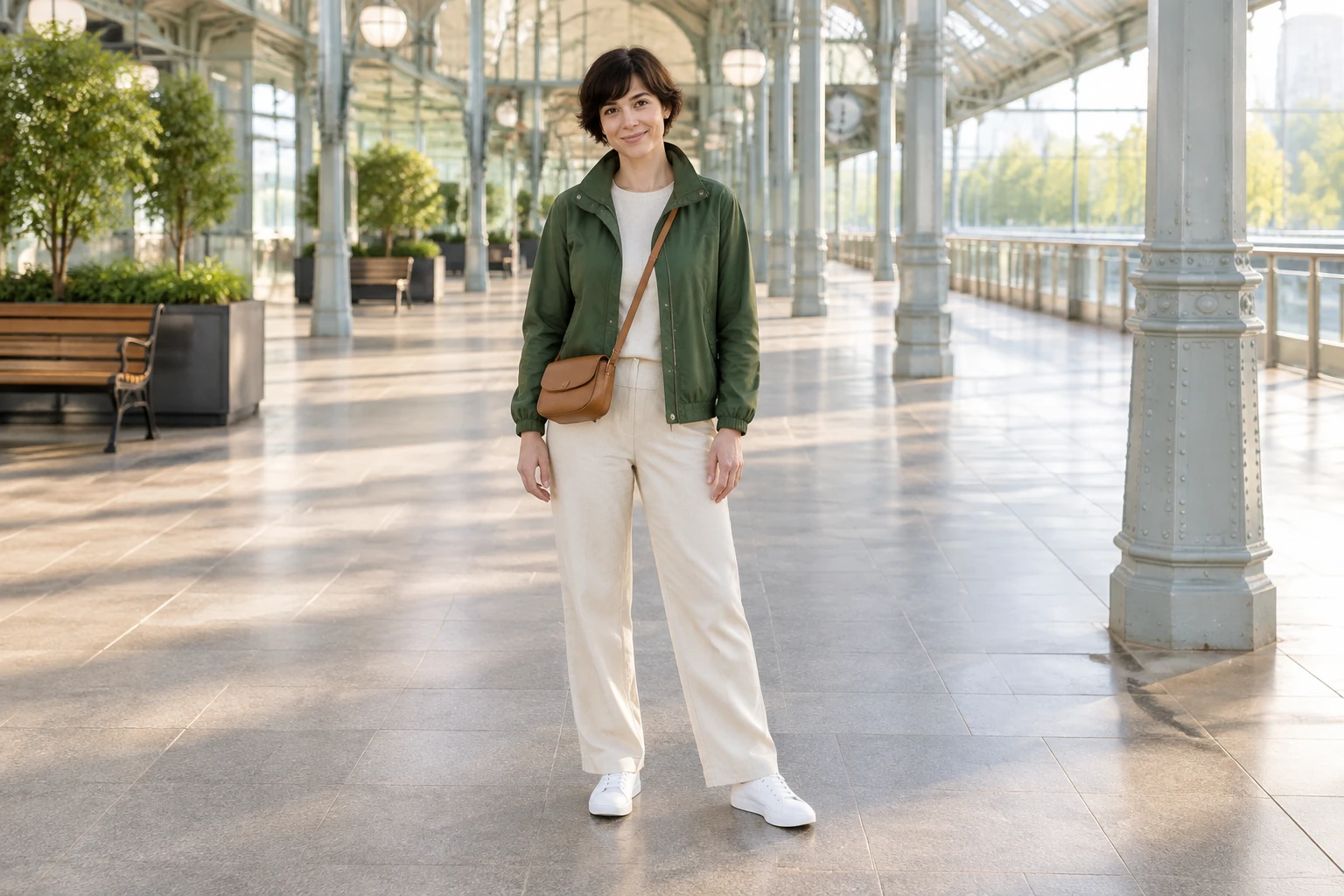
What the two inputs do
This is a motion-control workflow, not text-to-video. It takes exactly one character image and one user-uploaded MP4 or MOV dance reference. The image guides the person’s appearance; the video guides movement order and camera orientation. A prompt can add creative direction, such as a bright covered concourse and a calm commuter story. These inputs guide the result rather than guarantee exact choreography, background, or identity consistency, so review the generated video rather than assuming every detail carried through.
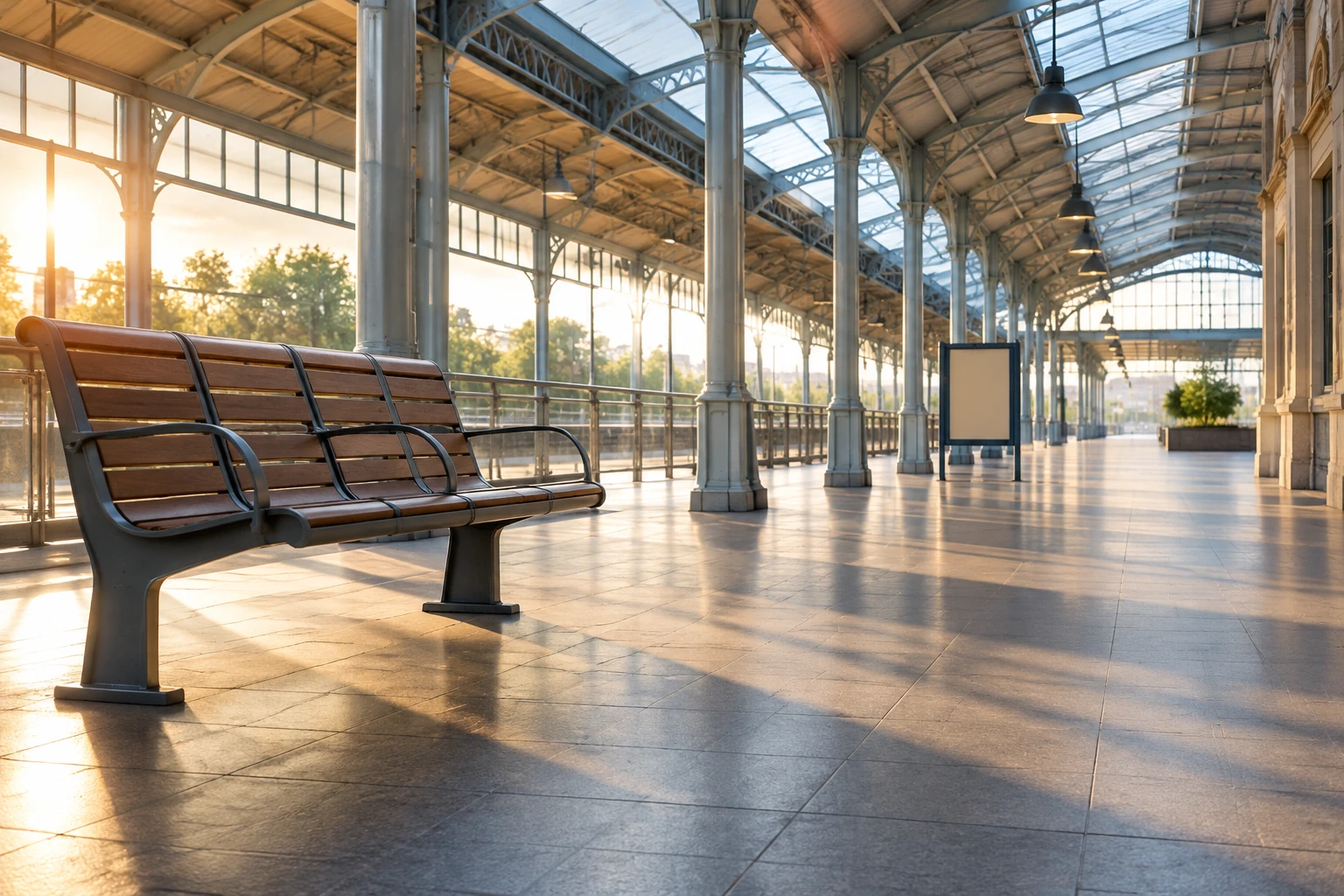
Uploads, model access, and the live quote
The reference video must currently be 3–30 seconds and no more than 32 MB. The server reads its real duration and bills the rounded duration according to the selected model and output quality. There is no fixed price to assume: review the upload control and the displayed quote beside Generate before proceeding. The motion model is currently a paid option. Check whether you have access to that model, whether your account balance or purchased credits are sufficient, and what the live quote shows. Do not rely on a free-credit promise.
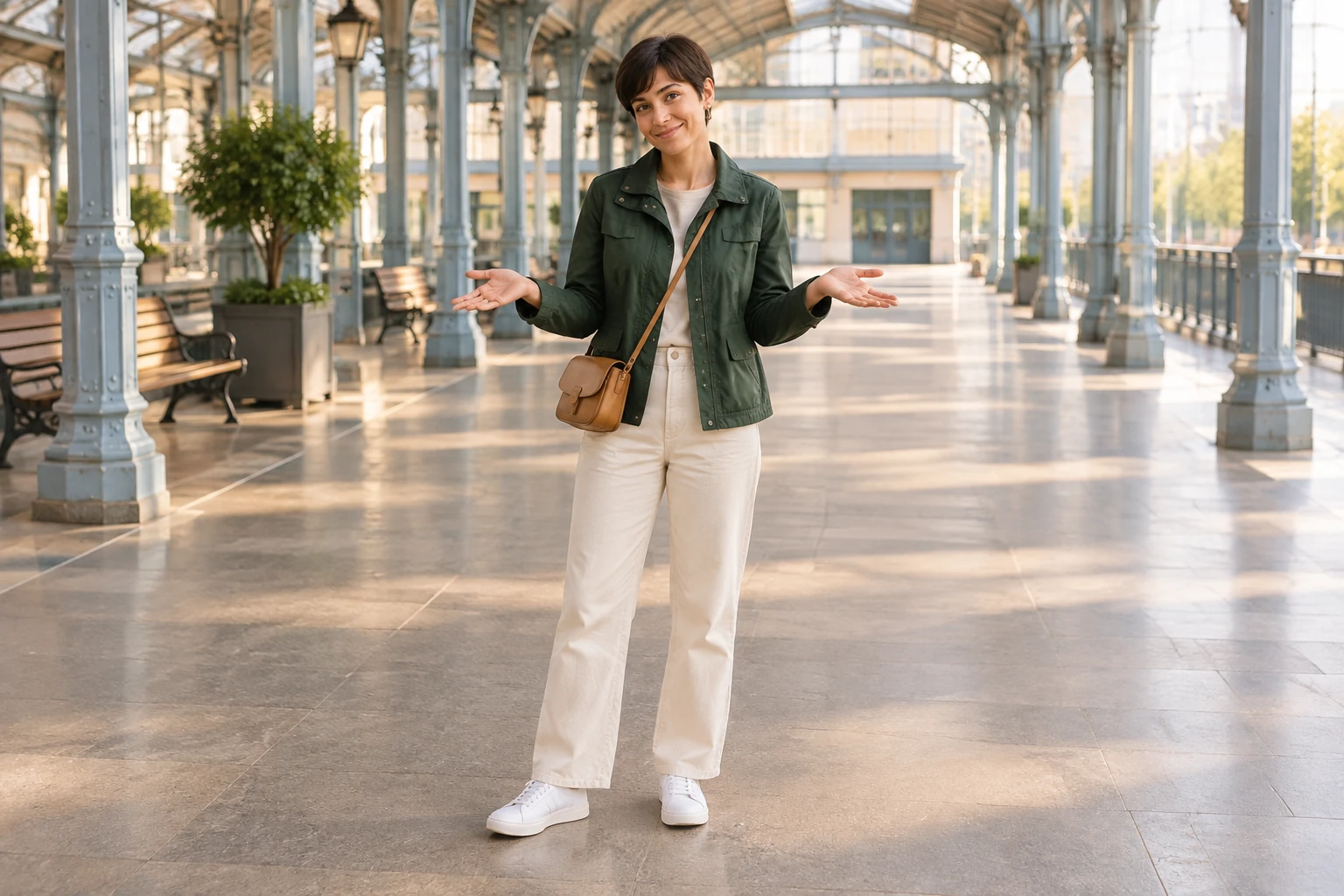
Review the whole result before finishing
Use History to check the task and its status; the wait can vary, so there is no fixed completion time to promise. When the video is available, watch the whole playback. Look for a recognizable appearance and outfit, readable movement, balanced anatomy, visible feet, steady framing, and a calm ending. Check whether the station context and safe pedestrian spacing work for your intended joke. If you need a different crop or want to add or change audio, handle those finishing choices separately.
Missed Train Dance questions
What is a Missed Train Dance, and what do I need?
It is a calm commuter joke built around a small dance after a missed departure. To make one with this workflow, provide exactly one character image and one dance reference video in MP4 or MOV format. It is not a text-to-video tool and does not include a bundled routine or default video.
What video length and file size are accepted?
The uploaded MP4 or MOV reference must currently be 3–30 seconds long and up to 32 MB. The server reads its actual duration; the rounded duration is billed according to the selected model and quality.
Does it cost credits, and is the motion model free?
The motion model is currently a paid option. Check your paid-model access, purchased credits or account balance, and the live quote beside Generate. Review the upload control and displayed quote rather than assuming a fixed price or free-credit eligibility.
How long will generation take, and where can I check it?
There is no fixed wait time. Check the task and its status in History.
Will the result keep the person and copy the dance exactly?
The image and editable prompt guide appearance and scene direction, while the uploaded video guides movement order and camera orientation. Exact identity, choreography, and background replication are not guaranteed. Review the full playback for appearance, outfit, movement, balance, framing, and station context.
Can I download, crop, or add audio to the result?
Open the completed task in History, watch the whole clip and use its download control. Add a commuter caption, adjust the crop or choose audio in your usual video editor.
More ideas to explore
highsfield.com · Updated
What's new on this page
- — Independent Missed Train Dance guide with one character image and one uploaded motion video, an editable starting prompt, four original station-story illustrations, a filmed movement reference, and credit and playback checks.