
MiniMax H3 Image
MiniMax H3 Image interior still prompts
History
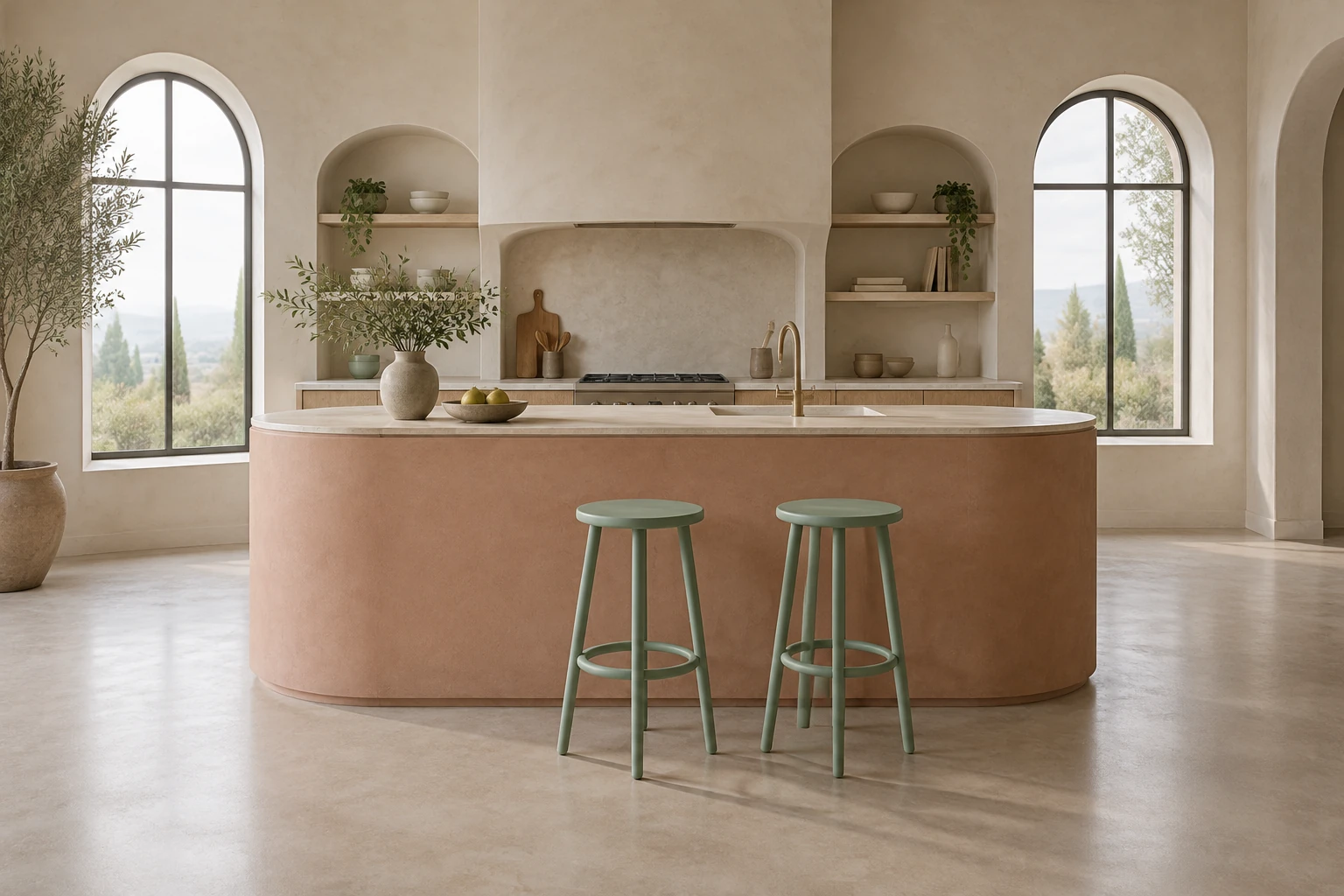
Use MiniMax H3 Image to plan an interior still or make one focused change to an existing room photo. Start with a kitchen island, two stools and soft window light. Check their scale and floor contact, then use one actual reference to explore a wall-paint change while keeping the original layout.
Plan and refine your H3 image
Choose the still-image mode
Choose Minimax H3 Image for your interior brief. Text to Image starts from an editable description and needs no upload. Image to Image uses one supplied room photo and an editable instruction. Keep the intended mode in view before changing the scene or choosing a reference.
Describe the scene or prepare one reference
For generation, state the subject, setting, framing, light, and details that matter; the kitchen prompt above is ready to try without an upload. For editing, prepare one clear image of the actual interior you want to change. Name the single requested change, then say what must stay as it is. Do not substitute the guide's kitchen example for your own reference.
Set options and check the live quote
Select the available model, aspect, and resolution settings that suit your still. These settings determine the live Required Credits, so review the quote shown for your selected configuration before Generate. This model has no free-eligible account access here: check paid eligibility and the current quote before proceeding. Do not rely on a fixed price or assumed free allowance.
Review the ready image before using it
After generation or editing, review the result for composition, scale, edges, materials, lighting, floor contact, and unwanted text. Confirm that an edit changed only the requested feature and preserved the reference's scene. History shows status and ready images. Use a ready still for planning or review before starting any separate camera or video work.
Plan the interior as a still
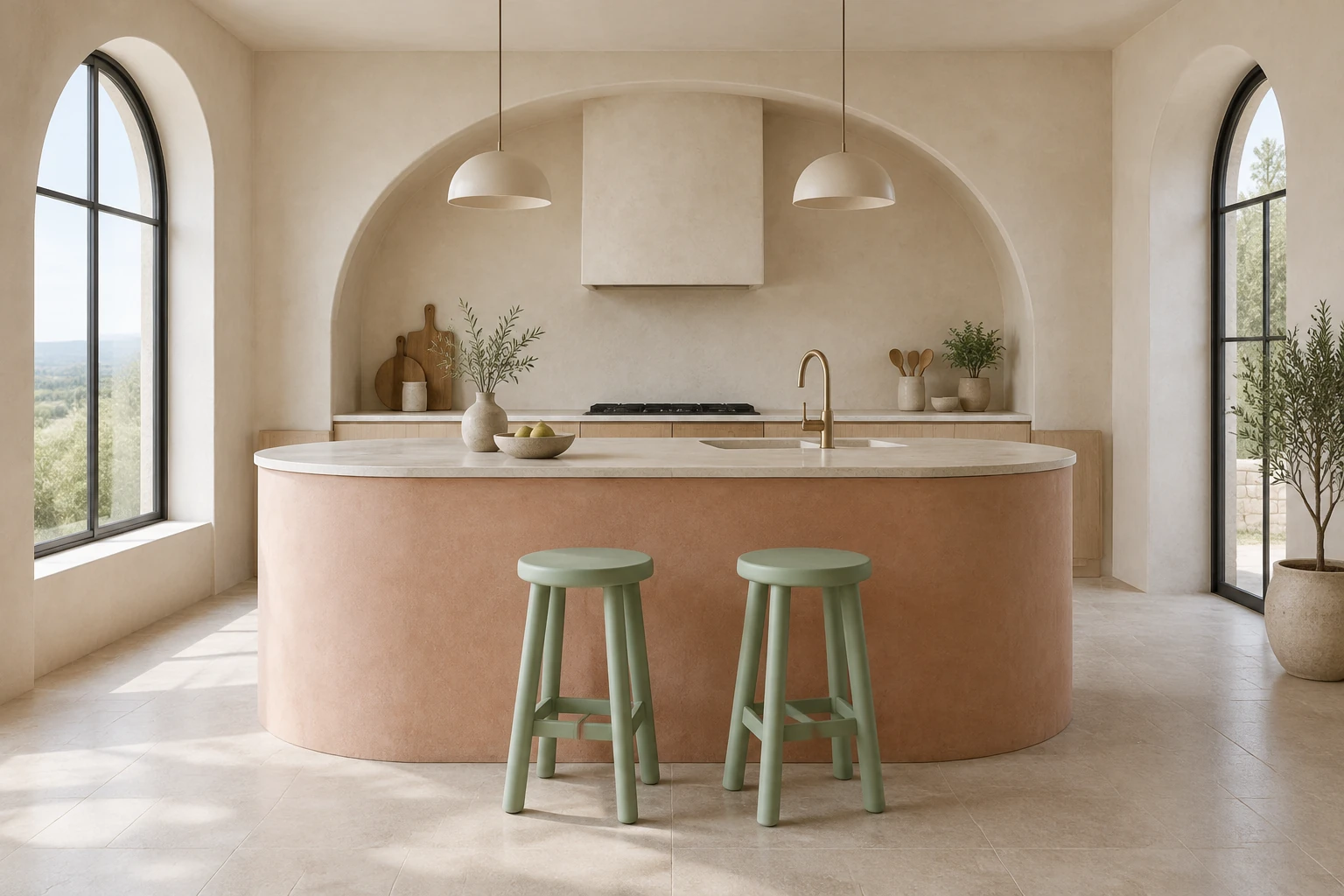
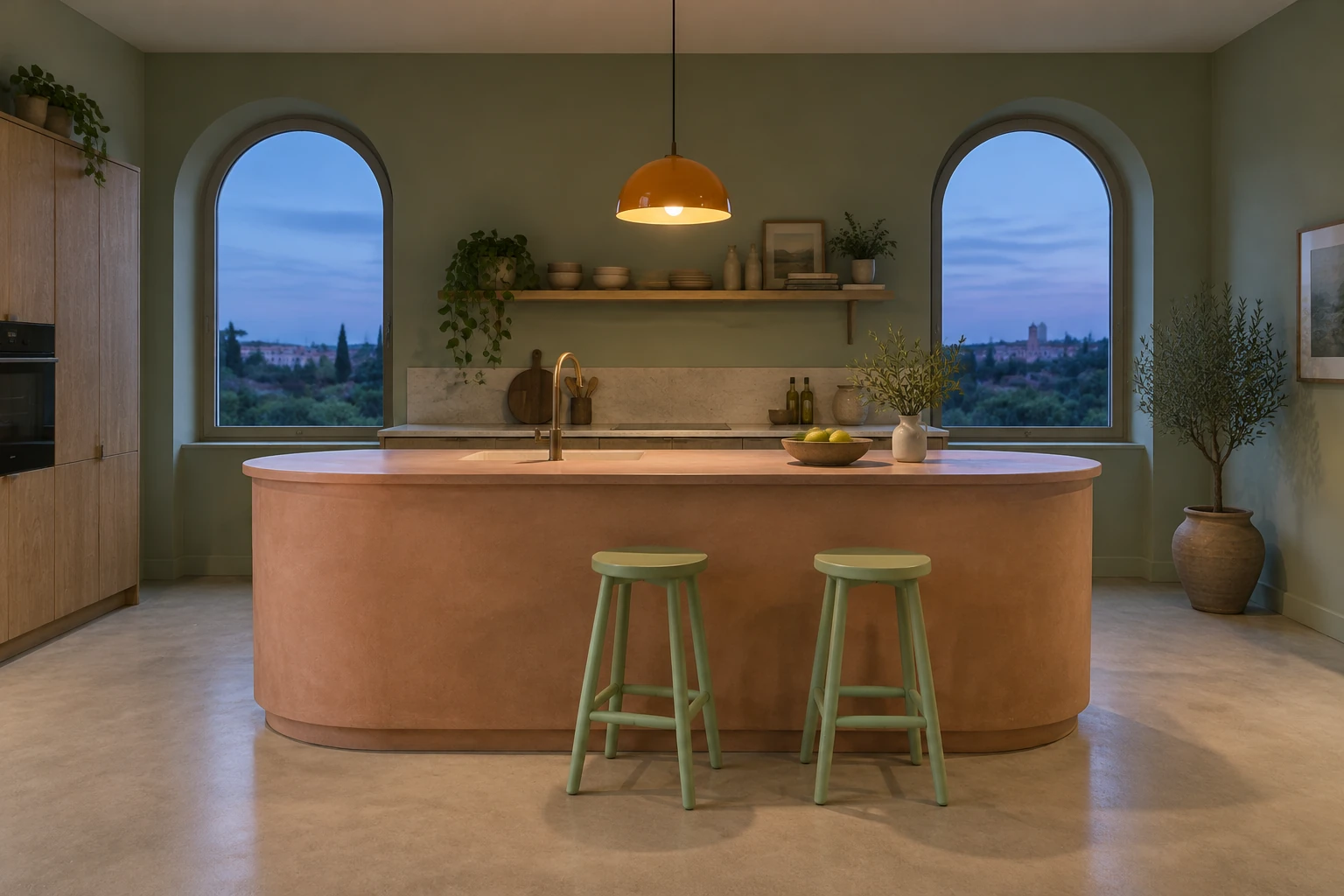
Treat the image as a composition study, not a navigable space. In the example, keeping the complete curved island and both stools visible makes their relationship easier to assess. Check whether the stools feel appropriately scaled against the island, whether the arched windows read clearly, and whether soft overcast light leaves enough definition at the floor. The evening study explores warmer light, a sage wall and a quiet end-of-day mood.
Make one careful reference edit
Use Image to Image with one actual supplied interior reference when the goal is to change its wall paint to muted sage. Be explicit that the reference's own layout, objects, materials, camera, and light must remain unchanged. Keep the request narrow: do not ask for a new kitchen, different furnishings, or a different time of day. Review the wall edges and nearby surfaces to see whether the color change spills into objects or changes the scene beyond the request.
Check details that affect the design decision
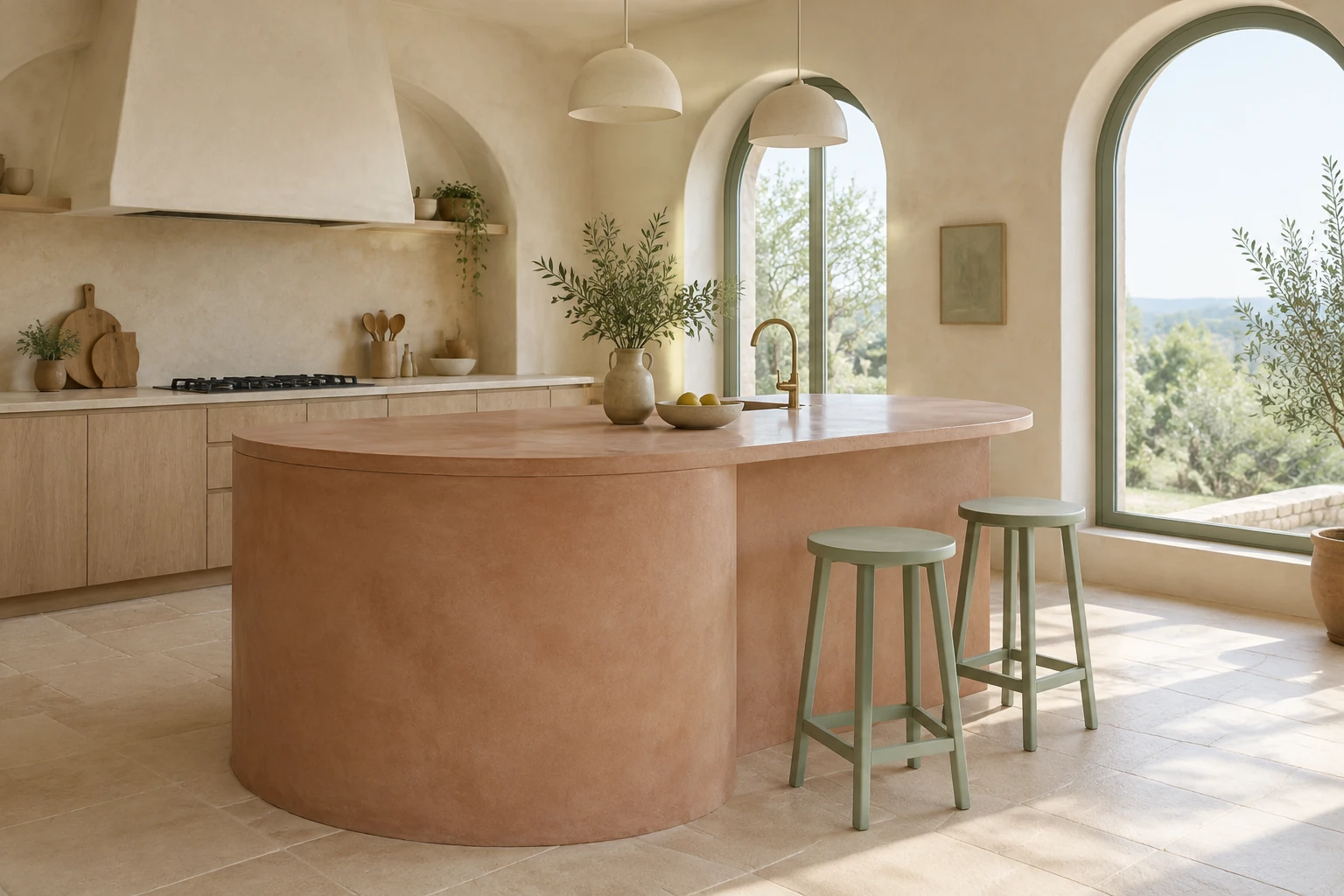
Before relying on a ready image, inspect the full composition and then look more closely at the island outline, stool proportions, material boundaries, and shadows where objects meet the floor. Check that the windows and light direction remain coherent, and look for stray writing or unwanted additions. These checks help decide whether the still is useful for planning; they do not turn it into a verified scale drawing or a substitute for later camera and video work.
Use the right tool for the next stage
MiniMax H3 Image in this guide is for still-image generation and editing. It does not create a walkable 3D room or generate video. If the still is useful, carry the approved visual direction into separate work that suits your project. Keep that later task distinct from the image prompt, and use the image's ready status in History to locate results.
MiniMax H3 Image questions
What does MiniMax H3 Image do here?
It is the enabled still-image model listed in the public catalog as Minimax H3 Image. This guide uses it to generate an interior still from text or edit one supplied reference with an editable prompt. It is not presented as a video generator or walkable 3D-room tool.
Can I generate without uploading an image, or edit with several references?
Text to Image has an editable prompt and zero uploads. Image to Image uses one supplied reference and an editable prompt. The workflow described here does not call for multiple references.
Is there free access, and what will generation cost?
This model has no free-eligible account access here. Check that your account is eligible for paid use and review the current Required Credits quote after selecting model, aspect, and resolution. Those settings determine the live quote; there is no fixed cost stated in this guide.
How long will generation take, and where can I find the result?
No exact wait time is promised. History shows the job status and ready images, so check there for progress and completed results.
How should I prepare a reference and phrase an edit?
Choose one clear image of the actual scene you want to edit. Request one specific change, such as muted sage wall paint, and explicitly preserve the reference's own layout, objects, materials, camera, and light. Do not replace it with the guide's example kitchen.
What should I check before using a ready image?
Review composition and proportions, object edges, material boundaries, lighting, floor contact, and any unwanted text or additions. For an edit, confirm that the requested feature changed while the rest of the supplied scene stayed consistent.
More ideas to explore
highsfield.com · Updated
What's new on this page
- — This new independent guide focuses on the site's enabled MiniMax H3 Image model for still-image planning and one-reference editing. It covers mode selection, live Required Credits, reference-edit instructions, History, and practical image review without promising fixed costs, wait times, or image outcomes.