
Veo Availability:Supported Video Models
Choose a Supported Text or Image Video Model
Choose Veo when it appears in the current model menu. Check supported inputs, account eligibility and the displayed credit quote. These examples are general creative inspiration, not verified Veo demonstrations.
Verified prompt
Hyper-realistic cinematic action sequence. A futuristic racer blasts through razor-thin ice canyons on a frozen alien moon while an avalanche of collapsing glaciers chases from behind. The camera dives between towering ice walls, skims frozen rivers, circles the vehicle, and switches to aggressive FPV inches above the surface. Ice arches collapse, crystal spikes explode from the ground, frozen bridges shatter, and massive glaciers split apart as the racer jumps crevasses, drifts across solid ice, and squeezes through impossibly narrow gaps before escaping as the entire canyon collapses. Style: IMAX-quality realism, brilliant blue lighting, realistic ice physics, cinematic camera movement, relentless action, crystal-clear visuals.
Hyper-realistic cinematic action sequence. A futuristic racer blasts through razor-thin ice canyons on a frozen alien moon while an avalanche of collapsing glaciers chases from behind. The camera dives between towering ice walls, skims frozen rivers, circles the vehicle, and switches to aggressive FPV inches above the surface. Ice arches collapse, crystal spikes explode from the ground, frozen bridges shatter, and massive glaciers split apart as the racer jumps crevasses, drifts across solid ice, and squeezes through impossibly narrow gaps before escaping as the entire canyon collapses. Style: IMAX-quality realism, brilliant blue lighting, realistic ice physics, cinematic camera movement, relentless action, crystal-clear visuals.
Verified prompt
Create a 16:9 monochrome storyboard line-sketch sheet for a swordswoman filming monsters; preserve a fixed frame and do not render bracketed labels. [HEADER] Minimal header with crisp typography and one thin rule; show only: "Smile Before Slaughter" "Frame chaos, erase three monsters, return" [BOARD] Conventional balanced contact sheet with 10 near-equal 16:9 landscape panels, clear gutters, natural P## reading order, and a centered incomplete last row when needed. Headers are `P## / short tag / short beat`; use one frozen beat per panel and prioritize count and order over packing. [STYLE] Clean monochrome 2D storyboard line sketch on white paper: sparse single-pass graphite-gray contours, simplified featureless pose figures, minimal construction marks, and only essential set geometry. No fills, wash, hatching, shading, shadows, ambient occlusion, color, texture, 3D/clay volume, finished illustration, dense/repeated lines, or facial/anatomy/clothing/surface detail. [REFERENCES] Image A controls only the heroine's large hair mass, loose strands, high collar, and oversized jacket silhouette. [CONTINUITY] The unseen waist-high frontal wide view, mid horizon, lamp left, car center, and storefront right stay identical through P10; no device or support appears. The heroine is unmarked through P06; stains begin at P07 and persist, three monsters fall once, and the katana draws in P04 and sheathes in P08. [RULES] Only header lines and panel headers are visible; no panel text, arrows, icons, insets, extra panels, duplicates, ghost poses, or object-like effect marks. [BEATS] Draw one storyboard panel per visual BEAT: BEATS: P01 / Lens Check / Clean Start: Locked waist-high frontal WS with fixed mid horizon and street anchors; the unmarked heroine leans into the near foreground and brackets the unseen lens as three monsters wreck the street behind. P02 / Chaos Selfie / Victory Sign: Same locked WS, unchanged horizon and anchors; the unmarked heroine holds a near-foreground V-sign while the three monsters continue distinct destruction. P03 / Casual Turn / Sword Ready: Same locked WS, unchanged horizon and anchors; the unmarked heroine stands between lens and monsters, right hand at the left-hip sheath. P04 / Short Burst / Sword Draw: Same locked WS, unchanged horizon and anchors; the heroine holds a short lateral dash pose nearby, right hand drawing the katana. P05 / First Cut / Lamp Split: Same locked WS, unchanged horizon and anchors; the horned monster and left lamp form one cluster, splash contours directed away from the unmarked heroine. P06 / Hard Redirect / Car Throw: Same locked WS, unchanged horizon and anchors; the humped monster holds the center car overhead, the unmarked heroine beneath its path, first cluster persistent. P07 / Second Cut / Humped Split: Same locked WS, unchanged horizon and anchors; the humped monster becomes a second cluster and first attached stains mark the heroine's jacket back. P08 / Final Carve / Third Falls: Same locked WS, unchanged horizon and anchors; the four-armed monster becomes a third cluster, the blade sits sheathed, and splash contours mark the heroine. P09 / Hair Fix / Stained Smile: Same locked WS, unchanged horizon and anchors; the stained heroine returns into the near foreground, lifts her chin, and tidies one loose strand. P10 / Final Grip / Clear Face: Same locked WS, unchanged horizon and anchors; her fingertips curl around both frame edges while her head stays unobscured.
Create a 16:9 monochrome storyboard line-sketch sheet for a swordswoman filming monsters; preserve a fixed frame and do not render bracketed labels. [HEADER] Minimal header with crisp typography and one thin rule; show only: "Smile Before Slaughter" "Frame chaos, erase three monsters, return" [BOARD] Conventional balanced contact sheet with 10 near-equal 16:9 landscape panels, clear gutters, natural P## reading order, and a centered incomplete last row when needed. Headers are `P## / short tag / short beat`; use one frozen beat per panel and prioritize count and order over packing. [STYLE] Clean monochrome 2D storyboard line sketch on white paper: sparse single-pass graphite-gray contours, simplified featureless pose figures, minimal construction marks, and only essential set geometry. No fills, wash, hatching, shading, shadows, ambient occlusion, color, texture, 3D/clay volume, finished illustration, dense/repeated lines, or facial/anatomy/clothing/surface detail. [REFERENCES] Image A controls only the heroine's large hair mass, loose strands, high collar, and oversized jacket silhouette. [CONTINUITY] The unseen waist-high frontal wide view, mid horizon, lamp left, car center, and storefront right stay identical through P10; no device or support appears. The heroine is unmarked through P06; stains begin at P07 and persist, three monsters fall once, and the katana draws in P04 and sheathes in P08. [RULES] Only header lines and panel headers are visible; no panel text, arrows, icons, insets, extra panels, duplicates, ghost poses, or object-like effect marks. [BEATS] Draw one storyboard panel per visual BEAT: BEATS: P01 / Lens Check / Clean Start: Locked waist-high frontal WS with fixed mid horizon and street anchors; the unmarked heroine leans into the near foreground and brackets the unseen lens as three monsters wreck the street behind. P02 / Chaos Selfie / Victory Sign: Same locked WS, unchanged horizon and anchors; the unmarked heroine holds a near-foreground V-sign while the three monsters continue distinct destruction. P03 / Casual Turn / Sword Ready: Same locked WS, unchanged horizon and anchors; the unmarked heroine stands between lens and monsters, right hand at the left-hip sheath. P04 / Short Burst / Sword Draw: Same locked WS, unchanged horizon and anchors; the heroine holds a short lateral dash pose nearby, right hand drawing the katana. P05 / First Cut / Lamp Split: Same locked WS, unchanged horizon and anchors; the horned monster and left lamp form one cluster, splash contours directed away from the unmarked heroine. P06 / Hard Redirect / Car Throw: Same locked WS, unchanged horizon and anchors; the humped monster holds the center car overhead, the unmarked heroine beneath its path, first cluster persistent. P07 / Second Cut / Humped Split: Same locked WS, unchanged horizon and anchors; the humped monster becomes a second cluster and first attached stains mark the heroine's jacket back. P08 / Final Carve / Third Falls: Same locked WS, unchanged horizon and anchors; the four-armed monster becomes a third cluster, the blade sits sheathed, and splash contours mark the heroine. P09 / Hair Fix / Stained Smile: Same locked WS, unchanged horizon and anchors; the stained heroine returns into the near foreground, lifts her chin, and tidies one loose strand. P10 / Final Grip / Clear Face: Same locked WS, unchanged horizon and anchors; her fingertips curl around both frame edges while her head stays unobscured.
Verified prompt
cute girl and a white mountain lion --ar 16:9 --sref 8404898200 --profile kp9hpyz --sv 6 --stylize 1000 --preview
cute girl and a white mountain lion --ar 16:9 --sref 8404898200 --profile kp9hpyz --sv 6 --stylize 1000 --preview
Verified prompt
Verified prompt
Create a 15 second, 16:9 photorealistic nighttime urban fashion film sequence following one consistent young adult man through a frantic city run. SUBJECT: A slim young man in his early twenties with naturally messy short brown hair, slightly pale skin, lean athletic build, wearing an oversized plain white cotton T-shirt, loose black trousers and simple dark-and-white running shoes. Keep his facial structure, hairstyle, body proportions, clothing and footwear perfectly consistent throughout every shot. He should look genuinely exhausted from running: subtle perspiration, flushed skin, heavy breathing, naturally disheveled hair. No model-like posing. OVERALL VISUAL LANGUAGE: Raw contemporary street fashion music video mixed with documentary night photography. Photoreal, physically believable, imperfect and spontaneous rather than polished CGI. Shot as though a real camera operator is chasing the subject through the city. 24fps cinematic motion, natural 180-degree shutter motion blur, approximately 24mm wide-angle full-frame lens aesthetic for chase shots, occasional 35–50mm observational shot, realistic handheld operator movement, slight rolling-shutter behavior during aggressive pans, imperfect focus pulls, subtle sensor noise and fine low-light grain. Do not make the camera artificially smooth. Preserve tiny footsteps, vertical camera bounce, imperfect reframing and occasional edge cropping when the operator struggles to keep up. COLOR: Cool cyan-green fluorescent interiors contrasted against deep blue-black nighttime streets and occasional warm amber streetlights. Natural skin tones despite mixed illumination. Slightly lifted fluorescent highlights, rich black shadows, modest digital grain, restrained saturation. Avoid glossy blockbuster grading. SHOT SEQUENCE: 0.0–1.5 SEC — Begin immediately behind the young man inside a modern underground transit passage. He rushes toward an escalator beneath long fluorescent tube lights. Camera follows only 1–2 meters behind him at waist/chest height. The oversized white shirt folds, stretches and moves naturally with every stride. Fluorescent fixtures create realistic exposure fluctuations as he passes underneath them. Patterned stone and brushed-metal architecture streak gently in the background. At approximately 1.3 seconds insert a 3–4 frame photographic negative/inverted silhouette flash followed immediately by a brief overexposed white flash, synchronized perfectly with the music. 1.5–3.3 SEC — Smash cut into a concrete underground corridor. Low handheld rear-follow shot as he sprints around a structural column and through a slightly empty parking/transit passage. Camera operator runs behind him, producing authentic vertical bounce and small rotational instability. His footsteps should demonstrate real body weight: heel contact, torso rotation, swinging arms, shifting fabric and believable momentum. 3.3–4.5 SEC — During a fast whip pan, city lights stretch into organic red, cyan and white trails caused by real long-exposure-style camera motion. The streaks naturally resolve into an extreme-wide nighttime city view from an elevated position. A nearly empty multi-lane street cuts through tall buildings. The runner is tiny in the lower central portion of the frame, emphasizing human scale against the architecture. No impossible traffic or duplicated pedestrians. 4.5–6.2 SEC — Hard cut to a lateral observational shot from across the street. The man runs horizontally past a glowing generic convenience storefront. The foreground is partially obscured by a dark architectural edge, producing the feeling that the camera accidentally catches him racing through the city. Cut immediately to a ground-level tracking shot beside a modern glass office building. Reflections of real streetlights ripple across the glass while illuminated apartment and office windows fill the distant skyline. 6.2–8.6 SEC — Cut to the bottom of a narrow indoor stairwell. Camera is low and nearly stationary, looking upward along symmetrical black stairs, silver handrails and white tiled walls under cold cyan fluorescent lamps. The runner suddenly appears at the top and races down toward the lens. His movements must obey real gravity and balance. One hand briefly contacts the railing. His shoes strike individual stairs rather than floating over them. As he passes extremely close to camera, allow the image to become partially blurred and imperfectly framed. Camera rapidly swings around behind him and follows onto the landing. 8.6–10.8 SEC — Hard cut as he bursts from the dark street into a brightly illuminated independent convenience store. Rear handheld chase through the doorway. The automatic exposure takes a fraction of a second to compensate for the dramatic brightness change. Realistic compact shop interior: densely stocked shelves, colorful snack packages, refrigerated drink cabinets, glossy commercial flooring, fluorescent ceiling panels, believable product variety but NO recognizable real-world brand logos. The runner navigates the aisle quickly while the wide-angle camera struggles to follow. 10.8–12.8 SEC — He reaches the refrigerated drink section and finally stops. Camera moves into a loose medium-close handheld angle. He pulls one clear plastic water bottle from the cooler, twists the cap open while catching his breath and immediately drinks. Show physically correct transparent plastic, liquid refraction, condensation, bottle deformation under finger pressure and believable hand anatomy. His breathing remains visible through subtle chest and shoulder movement. 12.8–15.0 SEC — He lowers the bottle, takes one final breath, suddenly turns and accelerates. Camera whips behind him. He sprints back down the store aisle toward the open doorway. Shelves naturally stretch with directional motion blur while the subject remains intermittently sharp. At 14.5 seconds he bursts through the doorway into the dark city. As he crosses the threshold, create a tiny physically plausible shower of warm orange sparks/light fragments from an unseen practical source outside, lasting only a fraction of a second — subtle, not magical. Camera stops inside the brightly lit store while he disappears rapidly into the black nighttime street. Finish on the contrast between the empty glowing doorway and the darkness outside. CUT TO BLACK exactly at 15.0 seconds. AUDIO / MUSIC: Original instrumental soundtrack, no vocals and no copyrighted melody. Fast 150–158 BPM nocturnal electronic breakbeat with underground fashion-film energy. Tight dry kick drum, punchy low sub-bass, nervous syncopated percussion, crisp metallic hi-hats, distant distorted synth pulse and a restrained atmospheric pad. 0–3 sec: minimal heartbeat-like sub pulse with rhythmic percussion building. 3–6 sec: bass and breakbeat enter harder during the city reveal. 6–9 sec: aggressive percussion synchronized to the stair descent. 9–11 sec: slight musical filtering during entry into the convenience store. 11–13 sec: beat briefly strips back while he drinks, leaving bass pulse and atmospheric synth. 13–15 sec: full beat returns with maximum momentum, then abrupt hard stop when the image cuts to black. REALISTIC SOUND DESIGN mixed underneath the music: running footsteps changing acoustically between tile, concrete, stairs and shop flooring; distant city traffic; escalator machinery; clothing movement; authentic breathing; stairwell reverb; fluorescent electrical hum; convenience-store door chime; refrigerator compressor ambience; plastic bottle handling; cap twist; water gulp; final door movement; subtle spark crackle. Sound perspective must follow camera distance naturally.
Create a 15 second, 16:9 photorealistic nighttime urban fashion film sequence following one consistent young adult man through a frantic city run. SUBJECT: A slim young man in his early twenties with naturally messy short brown hair, slightly pale skin, lean athletic build, wearing an oversized plain white cotton T-shirt, loose black trousers and simple dark-and-white running shoes. Keep his facial structure, hairstyle, body proportions, clothing and footwear perfectly consistent throughout every shot. He should look genuinely exhausted from running: subtle perspiration, flushed skin, heavy breathing, naturally disheveled hair. No model-like posing. OVERALL VISUAL LANGUAGE: Raw contemporary street fashion music video mixed with documentary night photography. Photoreal, physically believable, imperfect and spontaneous rather than polished CGI. Shot as though a real camera operator is chasing the subject through the city. 24fps cinematic motion, natural 180-degree shutter motion blur, approximately 24mm wide-angle full-frame lens aesthetic for chase shots, occasional 35–50mm observational shot, realistic handheld operator movement, slight rolling-shutter behavior during aggressive pans, imperfect focus pulls, subtle sensor noise and fine low-light grain. Do not make the camera artificially smooth. Preserve tiny footsteps, vertical camera bounce, imperfect reframing and occasional edge cropping when the operator struggles to keep up. COLOR: Cool cyan-green fluorescent interiors contrasted against deep blue-black nighttime streets and occasional warm amber streetlights. Natural skin tones despite mixed illumination. Slightly lifted fluorescent highlights, rich black shadows, modest digital grain, restrained saturation. Avoid glossy blockbuster grading. SHOT SEQUENCE: 0.0–1.5 SEC — Begin immediately behind the young man inside a modern underground transit passage. He rushes toward an escalator beneath long fluorescent tube lights. Camera follows only 1–2 meters behind him at waist/chest height. The oversized white shirt folds, stretches and moves naturally with every stride. Fluorescent fixtures create realistic exposure fluctuations as he passes underneath them. Patterned stone and brushed-metal architecture streak gently in the background. At approximately 1.3 seconds insert a 3–4 frame photographic negative/inverted silhouette flash followed immediately by a brief overexposed white flash, synchronized perfectly with the music. 1.5–3.3 SEC — Smash cut into a concrete underground corridor. Low handheld rear-follow shot as he sprints around a structural column and through a slightly empty parking/transit passage. Camera operator runs behind him, producing authentic vertical bounce and small rotational instability. His footsteps should demonstrate real body weight: heel contact, torso rotation, swinging arms, shifting fabric and believable momentum. 3.3–4.5 SEC — During a fast whip pan, city lights stretch into organic red, cyan and white trails caused by real long-exposure-style camera motion. The streaks naturally resolve into an extreme-wide nighttime city view from an elevated position. A nearly empty multi-lane street cuts through tall buildings. The runner is tiny in the lower central portion of the frame, emphasizing human scale against the architecture. No impossible traffic or duplicated pedestrians. 4.5–6.2 SEC — Hard cut to a lateral observational shot from across the street. The man runs horizontally past a glowing generic convenience storefront. The foreground is partially obscured by a dark architectural edge, producing the feeling that the camera accidentally catches him racing through the city. Cut immediately to a ground-level tracking shot beside a modern glass office building. Reflections of real streetlights ripple across the glass while illuminated apartment and office windows fill the distant skyline. 6.2–8.6 SEC — Cut to the bottom of a narrow indoor stairwell. Camera is low and nearly stationary, looking upward along symmetrical black stairs, silver handrails and white tiled walls under cold cyan fluorescent lamps. The runner suddenly appears at the top and races down toward the lens. His movements must obey real gravity and balance. One hand briefly contacts the railing. His shoes strike individual stairs rather than floating over them. As he passes extremely close to camera, allow the image to become partially blurred and imperfectly framed. Camera rapidly swings around behind him and follows onto the landing. 8.6–10.8 SEC — Hard cut as he bursts from the dark street into a brightly illuminated independent convenience store. Rear handheld chase through the doorway. The automatic exposure takes a fraction of a second to compensate for the dramatic brightness change. Realistic compact shop interior: densely stocked shelves, colorful snack packages, refrigerated drink cabinets, glossy commercial flooring, fluorescent ceiling panels, believable product variety but NO recognizable real-world brand logos. The runner navigates the aisle quickly while the wide-angle camera struggles to follow. 10.8–12.8 SEC — He reaches the refrigerated drink section and finally stops. Camera moves into a loose medium-close handheld angle. He pulls one clear plastic water bottle from the cooler, twists the cap open while catching his breath and immediately drinks. Show physically correct transparent plastic, liquid refraction, condensation, bottle deformation under finger pressure and believable hand anatomy. His breathing remains visible through subtle chest and shoulder movement. 12.8–15.0 SEC — He lowers the bottle, takes one final breath, suddenly turns and accelerates. Camera whips behind him. He sprints back down the store aisle toward the open doorway. Shelves naturally stretch with directional motion blur while the subject remains intermittently sharp. At 14.5 seconds he bursts through the doorway into the dark city. As he crosses the threshold, create a tiny physically plausible shower of warm orange sparks/light fragments from an unseen practical source outside, lasting only a fraction of a second — subtle, not magical. Camera stops inside the brightly lit store while he disappears rapidly into the black nighttime street. Finish on the contrast between the empty glowing doorway and the darkness outside. CUT TO BLACK exactly at 15.0 seconds. AUDIO / MUSIC: Original instrumental soundtrack, no vocals and no copyrighted melody. Fast 150–158 BPM nocturnal electronic breakbeat with underground fashion-film energy. Tight dry kick drum, punchy low sub-bass, nervous syncopated percussion, crisp metallic hi-hats, distant distorted synth pulse and a restrained atmospheric pad. 0–3 sec: minimal heartbeat-like sub pulse with rhythmic percussion building. 3–6 sec: bass and breakbeat enter harder during the city reveal. 6–9 sec: aggressive percussion synchronized to the stair descent. 9–11 sec: slight musical filtering during entry into the convenience store. 11–13 sec: beat briefly strips back while he drinks, leaving bass pulse and atmospheric synth. 13–15 sec: full beat returns with maximum momentum, then abrupt hard stop when the image cuts to black. REALISTIC SOUND DESIGN mixed underneath the music: running footsteps changing acoustically between tile, concrete, stairs and shop flooring; distant city traffic; escalator machinery; clothing movement; authentic breathing; stairwell reverb; fluorescent electrical hum; convenience-store door chime; refrigerator compressor ambience; plastic bottle handling; cap twist; water gulp; final door movement; subtle spark crackle. Sound perspective must follow camera distance naturally.
Verified prompt
Verified prompt
Storyboard – Faceless Product Demo (9:16 Vertical, 10 Seconds, 8 Scenes) Create a clean, premium 8-scene faceless storyboard for a modern kitchen cookware product demo. The layout should resemble a professional production storyboard with a white background, clear scene boxes, production notes, and camera details. Display the product name at the top with a hero image, feature highlights, duration, aspect ratio (9:16), and total scenes. Scene 1 – Product Overview The cookware is placed on a wooden board in a bright modern kitchen with its packaging behind it. Clean product reveal, minimal styling. Action: Introduce the product. Camera: 45° close-up. Lighting: Natural window light. Audio: Voice-over + soft background music. Scene 2 – Premium Coating Extreme macro shot showing the premium granite/ceramic non-stick interior texture with soft reflections. Action: Highlight the premium coating. Camera: Macro close-up. Lighting: Soft natural light. Audio: Voice-over. Scene 3 – Non-Stick Demonstration A fried egg slides effortlessly across the pan using a silicone spatula, emphasizing the non-stick surface. Action: Demonstrate non-stick performance. Camera: Close-up. Lighting: Bright kitchen lighting. Audio: Voice-over + subtle cooking SFX. Scene 4 – Wooden Handle Feature Close-up of a hand holding the ergonomic wooden handle, showing texture, grip, and premium finish. Action: Showcase the handle. Camera: Close-up. Lighting: Natural light. Audio: Voice-over. Scene 5 – Cooking Demonstration The pan is used on an induction stove while cooking colorful vegetables or soup. Steam rises naturally. Action: Everyday cooking demonstration. Camera: Over-the-shoulder. Lighting: Warm kitchen light. Audio: Natural cooking sounds + voice-over. Scene 6 – Easy to Clean Water flows over the pan in a sink, rinsing away food residue effortlessly. Action: Show easy cleaning. Camera: Top-down shot. Lighting: Bright natural light. Audio: Running water + voice-over. Scene 7 – Compatible with All Stoves The underside of the cookware is shown above different stove icons (induction, gas, electric, ceramic), emphasizing compatibility. Action: Display universal compatibility. Camera: Detailed close-up. Lighting: Studio soft light. Audio: Voice-over. Scene 8 – Lifestyle Ending Final beauty shot of the cookware beside its packaging on a wooden countertop with a clean modern kitchen background. Action: Premium product hero ending. Camera: Wide 45° angle. Lighting: Warm natural light. Audio: Soft music + closing voice-over. Style: Ultra-realistic product photography, premium commercial quality, clean composition, modern kitchen aesthetic, luxury cookware branding, minimalist layout, high-end advertising storyboard, sharp details, realistic lighting, 9:16 vertical.
Storyboard – Faceless Product Demo (9:16 Vertical, 10 Seconds, 8 Scenes) Create a clean, premium 8-scene faceless storyboard for a modern kitchen cookware product demo. The layout should resemble a professional production storyboard with a white background, clear scene boxes, production notes, and camera details. Display the product name at the top with a hero image, feature highlights, duration, aspect ratio (9:16), and total scenes. Scene 1 – Product Overview The cookware is placed on a wooden board in a bright modern kitchen with its packaging behind it. Clean product reveal, minimal styling. Action: Introduce the product. Camera: 45° close-up. Lighting: Natural window light. Audio: Voice-over + soft background music. Scene 2 – Premium Coating Extreme macro shot showing the premium granite/ceramic non-stick interior texture with soft reflections. Action: Highlight the premium coating. Camera: Macro close-up. Lighting: Soft natural light. Audio: Voice-over. Scene 3 – Non-Stick Demonstration A fried egg slides effortlessly across the pan using a silicone spatula, emphasizing the non-stick surface. Action: Demonstrate non-stick performance. Camera: Close-up. Lighting: Bright kitchen lighting. Audio: Voice-over + subtle cooking SFX. Scene 4 – Wooden Handle Feature Close-up of a hand holding the ergonomic wooden handle, showing texture, grip, and premium finish. Action: Showcase the handle. Camera: Close-up. Lighting: Natural light. Audio: Voice-over. Scene 5 – Cooking Demonstration The pan is used on an induction stove while cooking colorful vegetables or soup. Steam rises naturally. Action: Everyday cooking demonstration. Camera: Over-the-shoulder. Lighting: Warm kitchen light. Audio: Natural cooking sounds + voice-over. Scene 6 – Easy to Clean Water flows over the pan in a sink, rinsing away food residue effortlessly. Action: Show easy cleaning. Camera: Top-down shot. Lighting: Bright natural light. Audio: Running water + voice-over. Scene 7 – Compatible with All Stoves The underside of the cookware is shown above different stove icons (induction, gas, electric, ceramic), emphasizing compatibility. Action: Display universal compatibility. Camera: Detailed close-up. Lighting: Studio soft light. Audio: Voice-over. Scene 8 – Lifestyle Ending Final beauty shot of the cookware beside its packaging on a wooden countertop with a clean modern kitchen background. Action: Premium product hero ending. Camera: Wide 45° angle. Lighting: Warm natural light. Audio: Soft music + closing voice-over. Style: Ultra-realistic product photography, premium commercial quality, clean composition, modern kitchen aesthetic, luxury cookware branding, minimalist layout, high-end advertising storyboard, sharp details, realistic lighting, 9:16 vertical.
Verified prompt
Immersive first-person flying camera perspective, no visible drone or flying device. The camera launches at breathtaking speed across a colossal medieval battlefield at dawn, flying only inches above muddy ground as thousands of armored knights charge from every direction. It violently snap-rolls between galloping warhorses, knife-edges through forests of raised spears, dives beneath charging cavalry, and skims past massive wooden siege towers rolling toward towering castle walls. Flaming arrows rain from the sky while enormous trebuchets hurl burning boulders overhead, narrowly missing the camera before smashing into ancient fortifications. The camera constantly changes direction with brutal FPV precision,rapid S-turns through packed infantry formations, split-S reversals around crumbling watchtowers, corkscrews around giant siege engines, barrel rolls beneath collapsing drawbridges, wall-hugging passes along castle ramparts, and near-vertical climbs over cathedral spires before diving straight back into the chaos. Battle standards whip violently in the wind, swords flash in the firelight, shields collide, catapults unleash volleys of stone, and burning debris fills the air with sparks and smoke. The camera threads through impossibly narrow gaps between castle battlements, flies through the shattered gatehouse as it collapses, races down torch-lit stone corridors, then bursts back outside over an enormous battlefield stretching to the horizon. At the climax, the camera climbs above the entire kingdom to reveal an immense medieval war unfolding beneath towering mountains and colossal castles, before performing one final near-vertical dive through the center of the battlefield, missing banners, towers, cavalry, and siege weapons by mere centimeters. Continuous POV shot, no cuts, relentless acceleration, extreme high-speed FPV racing, aggressive banking, rapid altitude changes, barrel rolls, corkscrews, split-S maneuvers, power loops around towers, knife-edge turns, realistic inertia, cinematic motion blur, volumetric smoke, dynamic firelight, hyper-detailed medieval environments, epic blockbuster VFX, IMAX quality.
Immersive first-person flying camera perspective, no visible drone or flying device. The camera launches at breathtaking speed across a colossal medieval battlefield at dawn, flying only inches above muddy ground as thousands of armored knights charge from every direction. It violently snap-rolls between galloping warhorses, knife-edges through forests of raised spears, dives beneath charging cavalry, and skims past massive wooden siege towers rolling toward towering castle walls. Flaming arrows rain from the sky while enormous trebuchets hurl burning boulders overhead, narrowly missing the camera before smashing into ancient fortifications. The camera constantly changes direction with brutal FPV precision,rapid S-turns through packed infantry formations, split-S reversals around crumbling watchtowers, corkscrews around giant siege engines, barrel rolls beneath collapsing drawbridges, wall-hugging passes along castle ramparts, and near-vertical climbs over cathedral spires before diving straight back into the chaos. Battle standards whip violently in the wind, swords flash in the firelight, shields collide, catapults unleash volleys of stone, and burning debris fills the air with sparks and smoke. The camera threads through impossibly narrow gaps between castle battlements, flies through the shattered gatehouse as it collapses, races down torch-lit stone corridors, then bursts back outside over an enormous battlefield stretching to the horizon. At the climax, the camera climbs above the entire kingdom to reveal an immense medieval war unfolding beneath towering mountains and colossal castles, before performing one final near-vertical dive through the center of the battlefield, missing banners, towers, cavalry, and siege weapons by mere centimeters. Continuous POV shot, no cuts, relentless acceleration, extreme high-speed FPV racing, aggressive banking, rapid altitude changes, barrel rolls, corkscrews, split-S maneuvers, power loops around towers, knife-edge turns, realistic inertia, cinematic motion blur, volumetric smoke, dynamic firelight, hyper-detailed medieval environments, epic blockbuster VFX, IMAX quality.
Verified prompt
Verified prompt
15秒 16:9 横屏电影短片 深夜雨中的24小时自助洗衣店,一名25岁左右的东亚女性独自坐在窗边,通过有线耳机和欺骗自己多年的恋人完成最后一次通话。 人物穿深灰高领针织衫和米灰色风衣,中长黑发发梢微湿,妆容自然,真实皮肤质感。冷白灯光、雨夜霓虹、缓慢旋转的烘干机,低饱和蓝灰色调,轻微35mm胶片颗粒。 85mm镜头,浅景深,头肩特写,单镜头极慢推进。人物始终望向窗外倒影,眼睛微红,一滴泪在约4.5秒时自然滑落。 英文对白: “You could have trusted me.” “I would have stayed.” “But you chose to lie.” “And now… I finally understand.” “You already let me go.” 最后她平静摘下耳机,望向窗外,身后的烘干机缓慢停止。 情绪克制,不大哭、不争吵、不摔东西,不要字幕、水印、手机界面、夸张运镜和赛博朋克效果。
15秒 16:9 横屏电影短片 深夜雨中的24小时自助洗衣店,一名25岁左右的东亚女性独自坐在窗边,通过有线耳机和欺骗自己多年的恋人完成最后一次通话。 人物穿深灰高领针织衫和米灰色风衣,中长黑发发梢微湿,妆容自然,真实皮肤质感。冷白灯光、雨夜霓虹、缓慢旋转的烘干机,低饱和蓝灰色调,轻微35mm胶片颗粒。 85mm镜头,浅景深,头肩特写,单镜头极慢推进。人物始终望向窗外倒影,眼睛微红,一滴泪在约4.5秒时自然滑落。 英文对白: “You could have trusted me.” “I would have stayed.” “But you chose to lie.” “And now… I finally understand.” “You already let me go.” 最后她平静摘下耳机,望向窗外,身后的烘干机缓慢停止。 情绪克制,不大哭、不争吵、不摔东西,不要字幕、水印、手机界面、夸张运镜和赛博朋克效果。
Verified prompt
Ultra wide cinematic aerial shot during blue hour over the vast frozen landscapes of Iceland featuring massive glaciers black volcanic sand plains and icy rivers reflecting the fading sky. A dramatic volcanic rift suddenly opens across the ground emitting glowing magma and dense steam as sections of a towering glacier begin to crack and collapse into the valley below. The camera accelerates forward at high speed skimming above the ice fields then dives through rising steam clouds before circling the erupting fissure capturing flying ice debris molten lava fountains and drifting ash. Realistic physics on fractured ice flowing meltwater volcanic gases and airborne particles dynamic wind effects dramatic volumetric lighting from molten magma reflections lens flares and atmospheric fog hyper realistic textures smooth camera motion perfect stabilization cinematic color grading with deep blues fiery oranges and photorealistic visuals.
Ultra wide cinematic aerial shot during blue hour over the vast frozen landscapes of Iceland featuring massive glaciers black volcanic sand plains and icy rivers reflecting the fading sky. A dramatic volcanic rift suddenly opens across the ground emitting glowing magma and dense steam as sections of a towering glacier begin to crack and collapse into the valley below. The camera accelerates forward at high speed skimming above the ice fields then dives through rising steam clouds before circling the erupting fissure capturing flying ice debris molten lava fountains and drifting ash. Realistic physics on fractured ice flowing meltwater volcanic gases and airborne particles dynamic wind effects dramatic volumetric lighting from molten magma reflections lens flares and atmospheric fog hyper realistic textures smooth camera motion perfect stabilization cinematic color grading with deep blues fiery oranges and photorealistic visuals.
Verified prompt
Create a landscape clean monochrome 2D storyboard line-sketch sheet of a mechanoid ronin cutting endless ranks screen-right; do not render bracketed labels. [HEADER] Header with one thin rule; show only: "Blade Through Legions" "Ronin cuts through endless mechanical ranks" [BOARD] Balanced contact sheet with 9 near-equal 16:9 landscape panels, clear gutters, natural P## order, and a centered incomplete last row when needed. Headers are `P## / CAMERA ANGLE / SHORT BEAT`; one frozen beat per panel, with count and order outranking packing. [STYLE] Clean monochrome 2D storyboard line sketch on white paper: sparse single-pass graphite-gray contours, simplified featureless pose figures, minimal construction marks, and only essential set geometry. No fills, wash, hatching, shading, shadows, ambient occlusion, color, texture, 3D/clay volume, finished illustration, dense/repeated lines, or facial/anatomy/clothing/surface detail. [REFERENCES] Image A controls the ronin signature: broad conical hat, short hair mass, long layered robe, single katana. [CONTINUITY] Ronin advances right on one bridge axis, single katana fixed; Blade Runners are lean split-helmet forms, Aerial Hunters narrow wing-shouldered fliers, Bulwarks broad square forms. Use 5-10 near units and sparse ranks implying hundreds; power is absent through P07, descends from the sky into the katana in P08, and carries out as one wave in P09. [RULES] Only header lines and panel headers are visible; no panel text, arrows, icons, insets, extra panels, duplicates, ghost poses, or object-like effect marks. [BEATS] Draw one storyboard panel per BEAT: BEATS: P01 / Profile WS / First Split: Chest-height level profile, low horizon, bridge top visible; ronin left sprints right as one Blade Runner separates at her blade and eight block the corridor. P02 / Low Profile FS / Triple Contact: Knee-height profile pitched up over a low horizon; ronin center-left holds a horizontal cut touching three Blade Runners with one attached edge arc. P03 / High Rear WS / Gap Dash: Raised rear three-quarter view pitched down with bridge top exposed; five Blade Runners recoil to both sides as ronin compresses into the open center lane. P04 / Low 3-4 FS / Rising Cleave: Ground front three-quarter view pitched up with undersides visible; ronin drives through the cleared center into two descending Aerial Hunters. P05 / High Side WS / Air Crosscut: High side view pitched down with platform top visible; ronin forms one airborne silhouette, her katana touching four Aerial Hunters along one arc. P06 / Ground Rear WS / Shield Stop: Ground rear three-quarter view with floor convergence and low horizon; ronin lands hard on one braced forward foot as her low katana meets one Bulwark shield-arm and four more broad forms seal the rightward lane. P07 / Profile MS / Shield Recoil: Waist-height level profile with compressed corridor; ronin twists her single katana free as five Bulwarks stagger right and her body recoils into open left space. P08 / Low 3-4 FS / Storm Draw: Knee-height front three-quarter FS pitched up with low horizon and undersides; ronin plants wide and raises her single katana two-handed overhead as three jagged unfilled sky bolts meet its tip before mixed ranks. P09 / Top-down EWS / Void Shear: Overhead EWS with no horizon, bridge edges and top planes visible; ronin at left anchors one broad unfilled crescent to her katana, dividing mixed ranks as its front exits right.
Create a landscape clean monochrome 2D storyboard line-sketch sheet of a mechanoid ronin cutting endless ranks screen-right; do not render bracketed labels. [HEADER] Header with one thin rule; show only: "Blade Through Legions" "Ronin cuts through endless mechanical ranks" [BOARD] Balanced contact sheet with 9 near-equal 16:9 landscape panels, clear gutters, natural P## order, and a centered incomplete last row when needed. Headers are `P## / CAMERA ANGLE / SHORT BEAT`; one frozen beat per panel, with count and order outranking packing. [STYLE] Clean monochrome 2D storyboard line sketch on white paper: sparse single-pass graphite-gray contours, simplified featureless pose figures, minimal construction marks, and only essential set geometry. No fills, wash, hatching, shading, shadows, ambient occlusion, color, texture, 3D/clay volume, finished illustration, dense/repeated lines, or facial/anatomy/clothing/surface detail. [REFERENCES] Image A controls the ronin signature: broad conical hat, short hair mass, long layered robe, single katana. [CONTINUITY] Ronin advances right on one bridge axis, single katana fixed; Blade Runners are lean split-helmet forms, Aerial Hunters narrow wing-shouldered fliers, Bulwarks broad square forms. Use 5-10 near units and sparse ranks implying hundreds; power is absent through P07, descends from the sky into the katana in P08, and carries out as one wave in P09. [RULES] Only header lines and panel headers are visible; no panel text, arrows, icons, insets, extra panels, duplicates, ghost poses, or object-like effect marks. [BEATS] Draw one storyboard panel per BEAT: BEATS: P01 / Profile WS / First Split: Chest-height level profile, low horizon, bridge top visible; ronin left sprints right as one Blade Runner separates at her blade and eight block the corridor. P02 / Low Profile FS / Triple Contact: Knee-height profile pitched up over a low horizon; ronin center-left holds a horizontal cut touching three Blade Runners with one attached edge arc. P03 / High Rear WS / Gap Dash: Raised rear three-quarter view pitched down with bridge top exposed; five Blade Runners recoil to both sides as ronin compresses into the open center lane. P04 / Low 3-4 FS / Rising Cleave: Ground front three-quarter view pitched up with undersides visible; ronin drives through the cleared center into two descending Aerial Hunters. P05 / High Side WS / Air Crosscut: High side view pitched down with platform top visible; ronin forms one airborne silhouette, her katana touching four Aerial Hunters along one arc. P06 / Ground Rear WS / Shield Stop: Ground rear three-quarter view with floor convergence and low horizon; ronin lands hard on one braced forward foot as her low katana meets one Bulwark shield-arm and four more broad forms seal the rightward lane. P07 / Profile MS / Shield Recoil: Waist-height level profile with compressed corridor; ronin twists her single katana free as five Bulwarks stagger right and her body recoils into open left space. P08 / Low 3-4 FS / Storm Draw: Knee-height front three-quarter FS pitched up with low horizon and undersides; ronin plants wide and raises her single katana two-handed overhead as three jagged unfilled sky bolts meet its tip before mixed ranks. P09 / Top-down EWS / Void Shear: Overhead EWS with no horizon, bridge edges and top planes visible; ronin at left anchors one broad unfilled crescent to her katana, dividing mixed ranks as its front exits right.
Explore Video Workflows
Explore available video workflows and compare it with the related video pages. The generator is the source of truth for current model access and settings. Use the prompt library to study published results and the model that created them.
Plan a Scene with Available Video Models
Choose only the resolution and aspect ratio shown for the selected model. Check framing, fine details and any text in the completed video. A larger output size does not guarantee a more accurate result.
Describe speech, ambient sound and music as separate directions in your video brief. Audio output depends on the selected model and the options shown in the generator; check the finished clip rather than assuming sound is included.
Choose available video models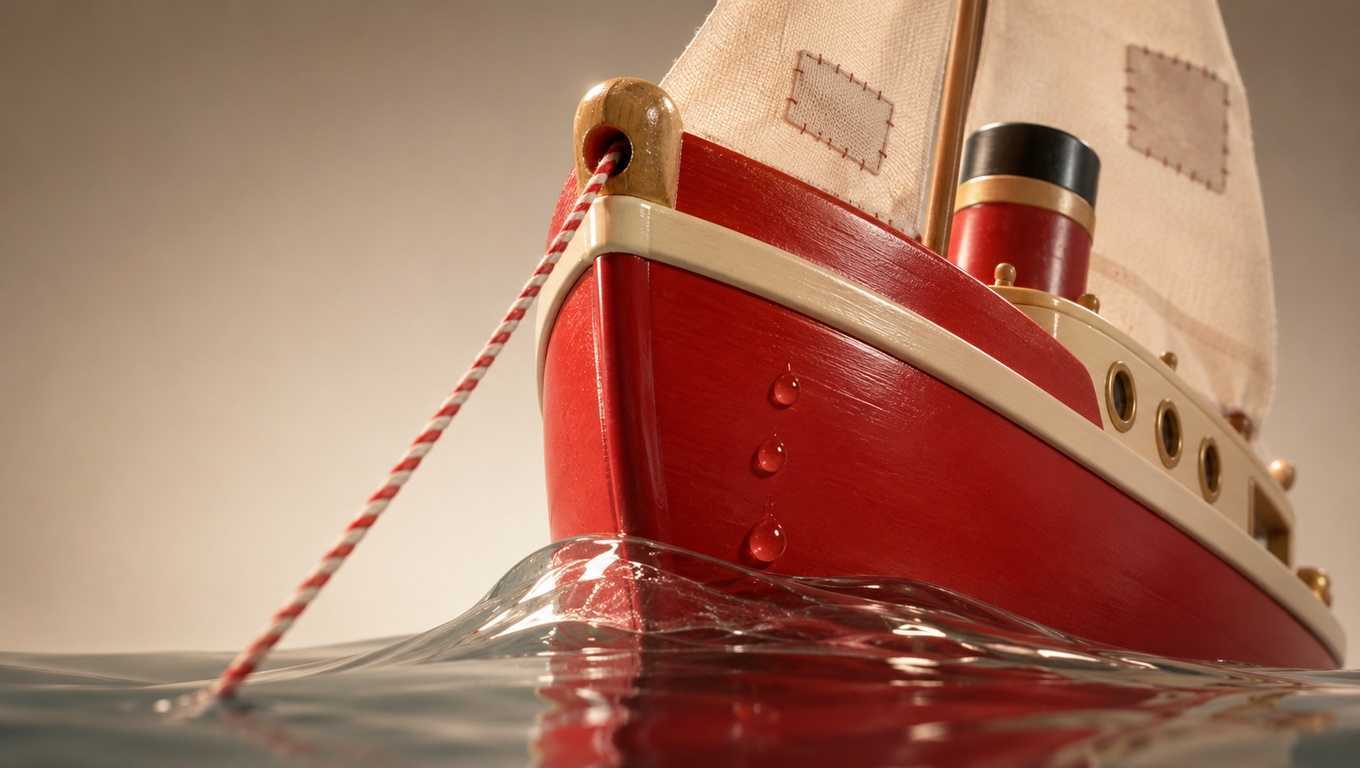
Explore Veo Video Ideas with Highsfield
For your video brief, describe how the subject should move from its starting pose. If the selected model supports an image or ending frame, use it to explain composition and continuity. Do not assume every reference type is accepted.

Text to Video Mode
Write your video brief around one visible action. Add the setting, shot size, camera movement and lighting. Keep dialogue and sound cues separate from the visual instructions so the intended scene is easy to understand.
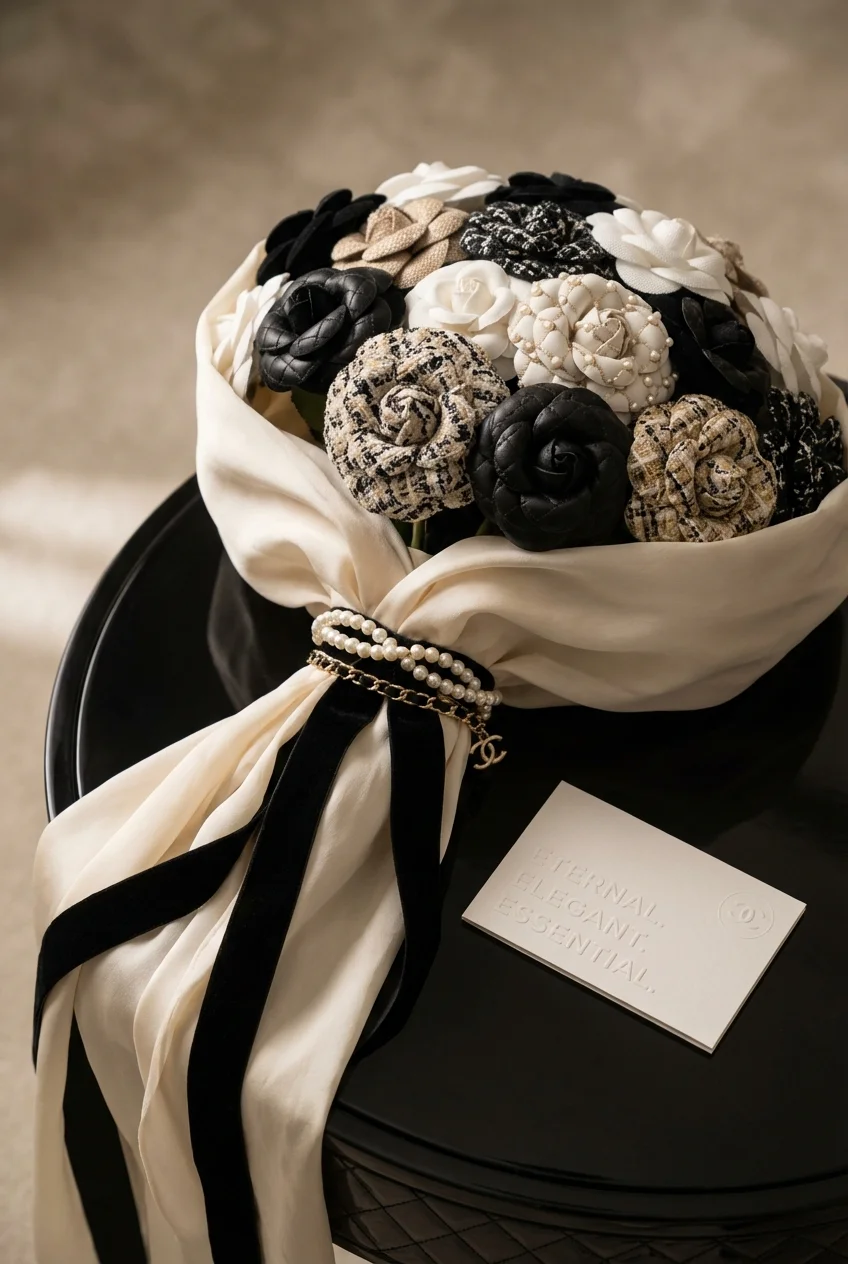
Image to Video Mode
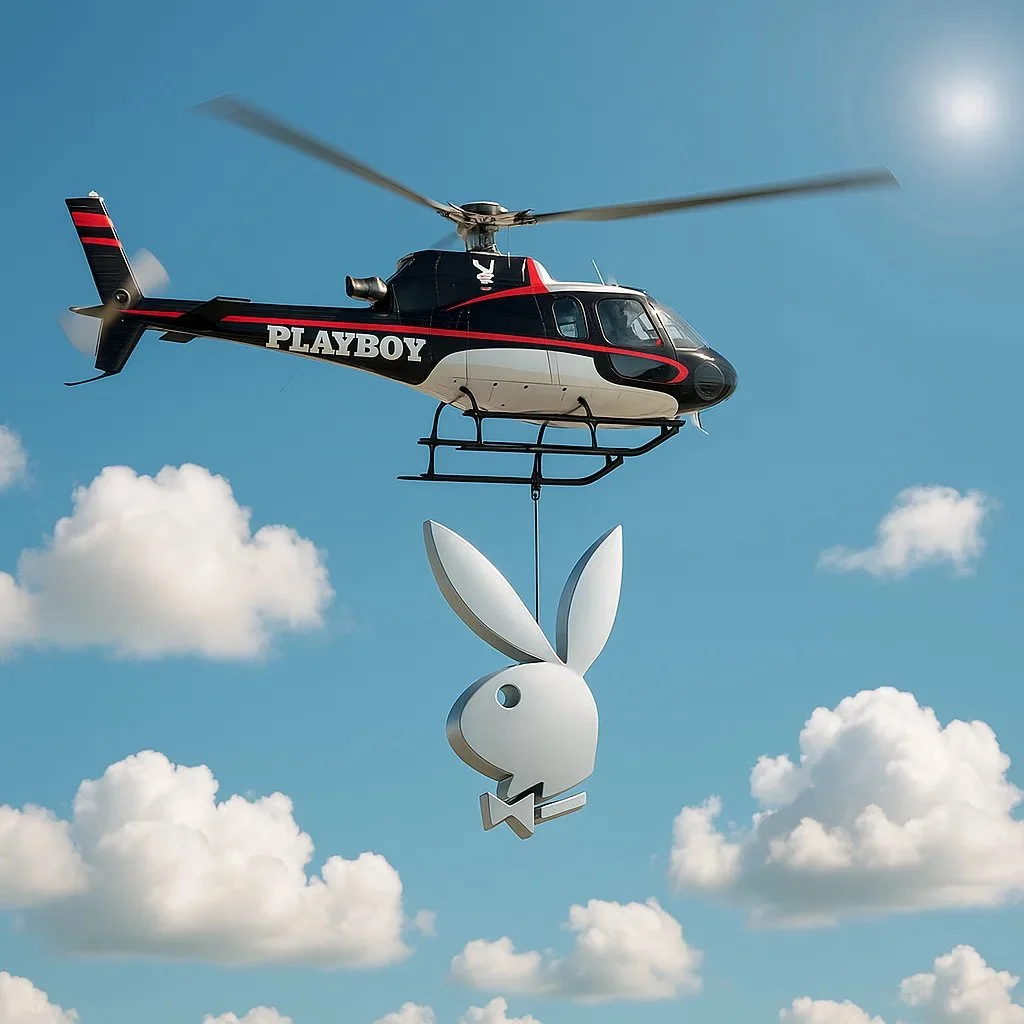
For your video brief, describe how the subject should move from its starting pose. If the selected model supports an image or ending frame, use it to explain composition and continuity. Do not assume every reference type is accepted.
Review and Download Completed Results
When a request completes, inspect the video in History and download the result you want to keep. Review the composition and any unintended details before sharing it with your team or publishing it.
Explore Related Video Workflows
Explore available video workflows and compare it with the related video pages. The generator is the source of truth for current model access and settings. Use the prompt library to study published results and the model that created them.
Choose an enabled model on the AI Video page. Review its supported settings and credit quote before generating a clip from text or an image.
For a video product concept, specify the product shape, material, key detail and setting. Keep logos and claims accurate, allow room for your own typography, and review the result before using it in an advertisement.
Choose a Supported Output Size
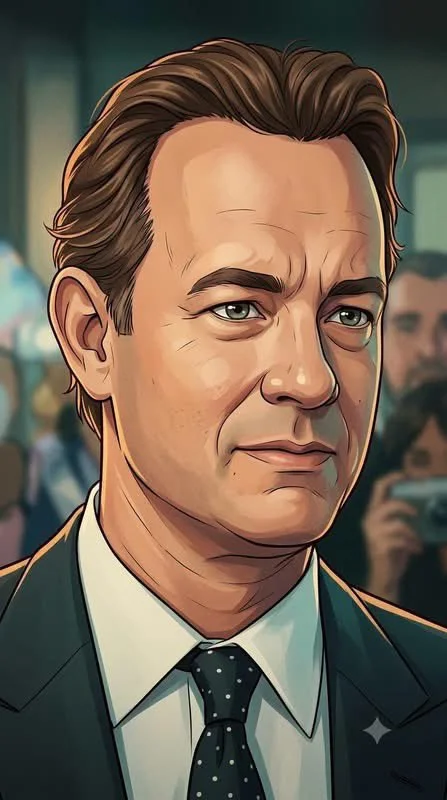
Choose only the resolution and aspect ratio shown for the selected model. Check framing, fine details and any text in the completed video. A larger output size does not guarantee a more accurate result.
Write your video brief around one visible action. Add the setting, shot size, camera movement and lighting. Keep dialogue and sound cues separate from the visual instructions so the intended scene is easy to understand.
Develop your video brief around the result you need. Keep the main direction specific, check supported settings in the generator, and review the completed work before using it in your project.
Develop your video brief around the result you need. Keep the main direction specific, check supported settings in the generator, and review the completed work before using it in your project.
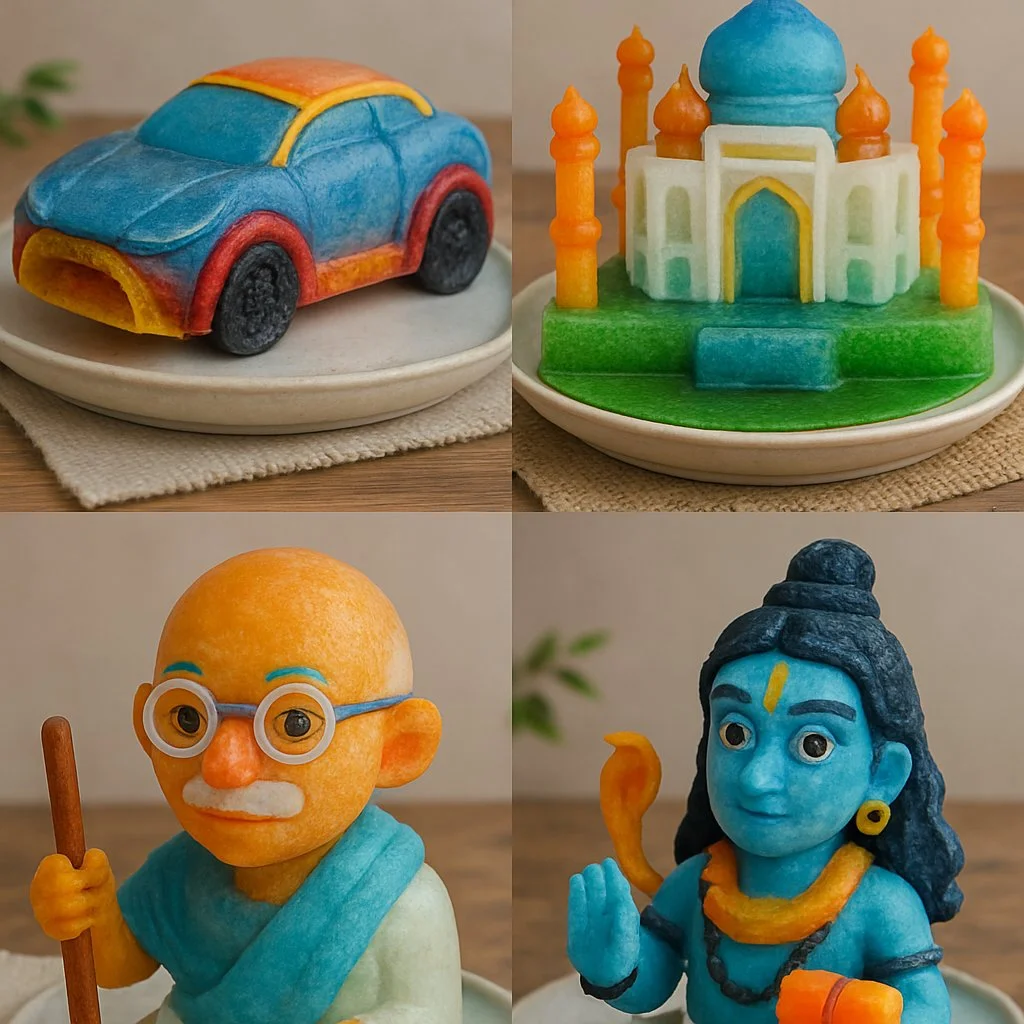
Choose an enabled model on the AI Video page. Review its supported settings and credit quote before generating a clip from text or an image.
Describe speech, ambient sound and music as separate directions in your video brief. Audio output depends on the selected model and the options shown in the generator; check the finished clip rather than assuming sound is included.
Write your video brief around one visible action. Add the setting, shot size, camera movement and lighting. Keep dialogue and sound cues separate from the visual instructions so the intended scene is easy to understand.
Describe speech, ambient sound and music as separate directions in your video brief. Audio output depends on the selected model and the options shown in the generator; check the finished clip rather than assuming sound is included.
Describe speech, ambient sound and music as separate directions in your video brief. Audio output depends on the selected model and the options shown in the generator; check the finished clip rather than assuming sound is included.
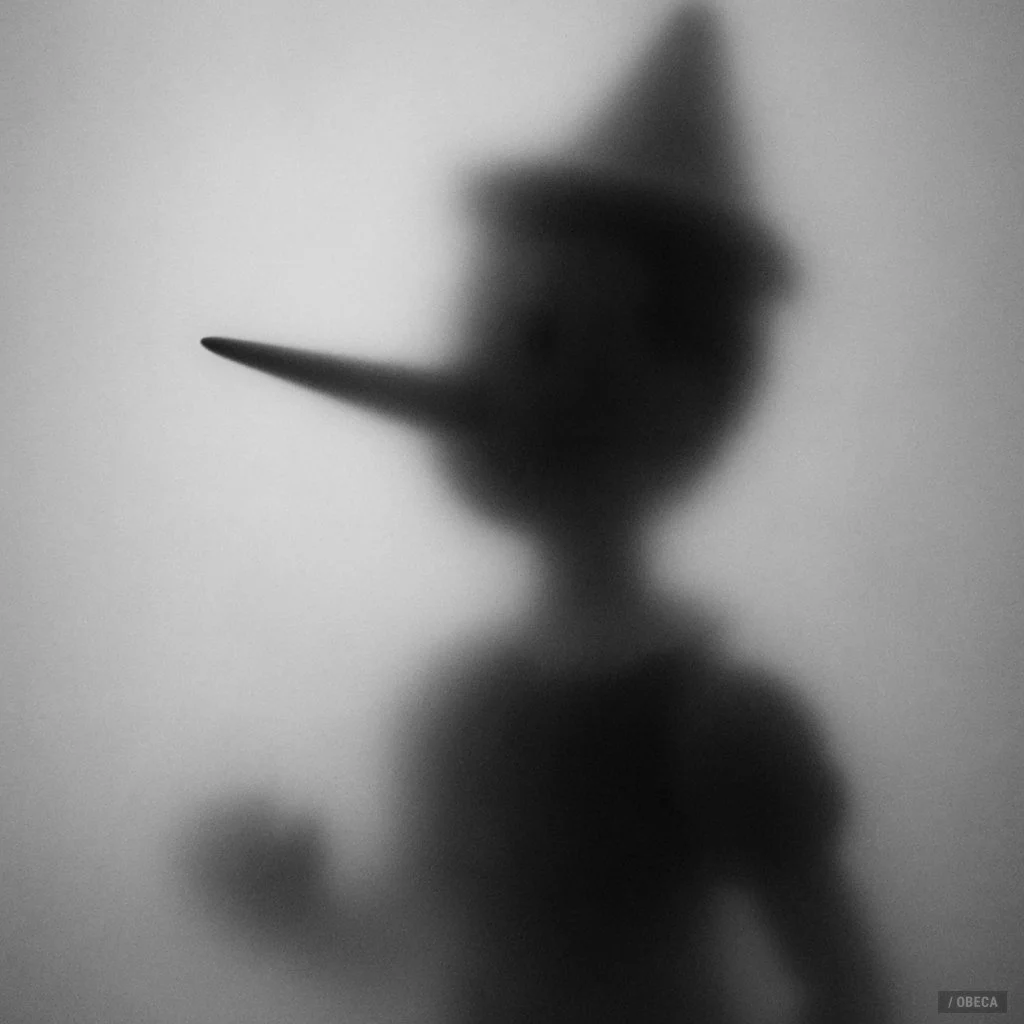
Use References to Explain the Intended Result
For your video brief, describe how the subject should move from its starting pose. If the selected model supports an image or ending frame, use it to explain composition and continuity. Do not assume every reference type is accepted.
For your video brief, describe how the subject should move from its starting pose. If the selected model supports an image or ending frame, use it to explain composition and continuity. Do not assume every reference type is accepted.
Write your video brief around one visible action. Add the setting, shot size, camera movement and lighting. Keep dialogue and sound cues separate from the visual instructions so the intended scene is easy to understand.
Develop your video brief around the result you need. Keep the main direction specific, check supported settings in the generator, and review the completed work before using it in your project.
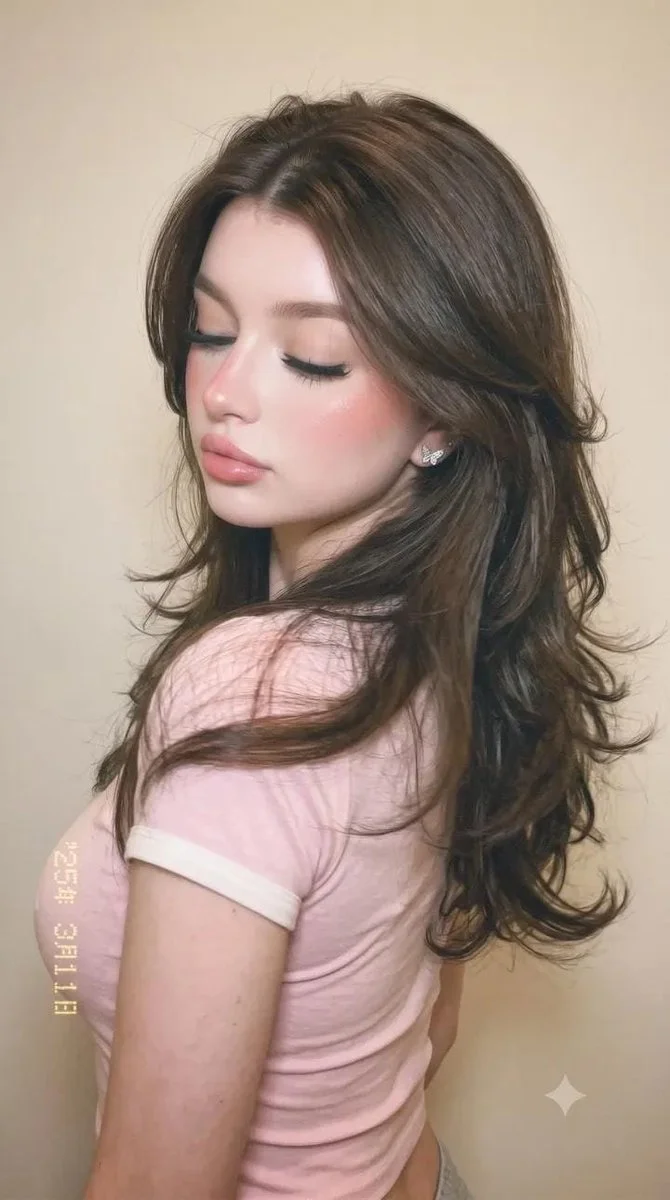
Review and Download Completed Results
Choose only the resolution and aspect ratio shown for the selected model. Check framing, fine details and any text in the completed video. A larger output size does not guarantee a more accurate result.
For a video product concept, specify the product shape, material, key detail and setting. Keep logos and claims accurate, allow room for your own typography, and review the result before using it in an advertisement.
Choose only the resolution and aspect ratio shown for the selected model. Check framing, fine details and any text in the completed video. A larger output size does not guarantee a more accurate result.
Allow time to inspect each video result and refine your brief. Processing time varies by model, request and service load. Change one direction at a time so that you can judge which edit improves the result.
A Clearer Creative Brief for Veo
For a video product concept, specify the product shape, material, key detail and setting. Keep logos and claims accurate, allow room for your own typography, and review the result before using it in an advertisement.
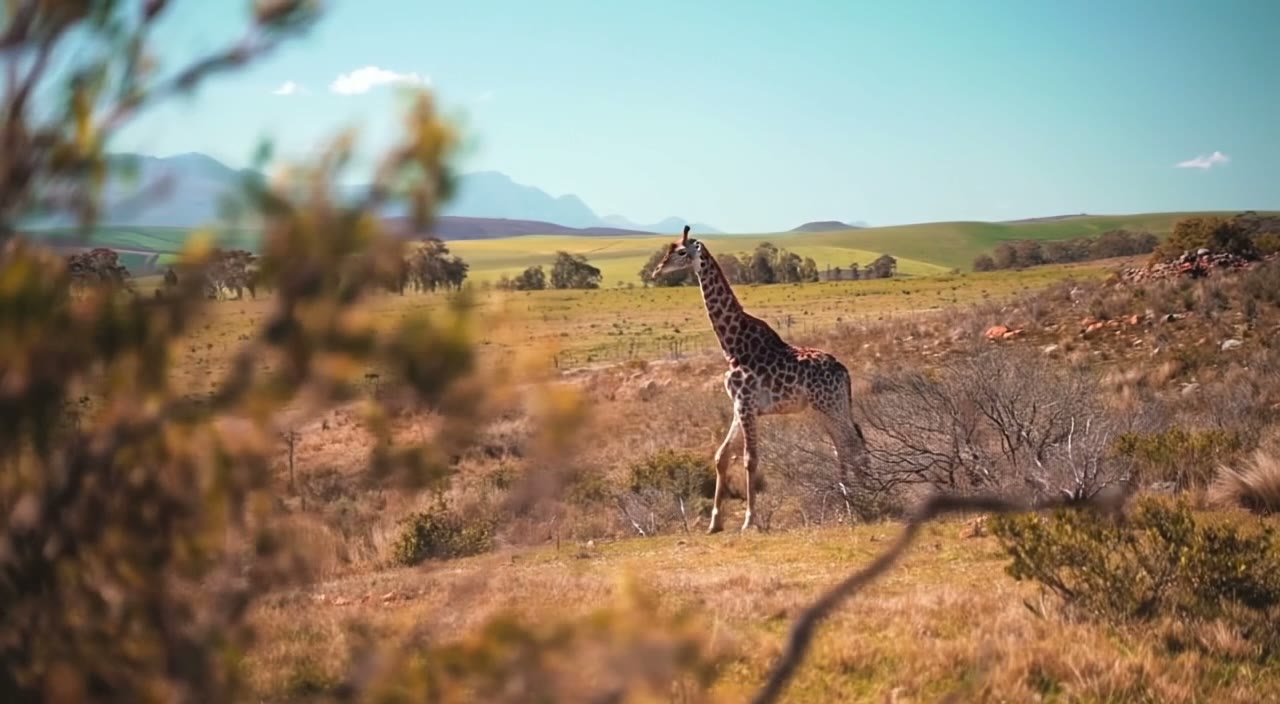
Plan One Clear Action per Shot
List the details that matter in your video brief: identity, shape, colors, clothing and background. Use supported references where appropriate and compare every result; exact consistency is not guaranteed.
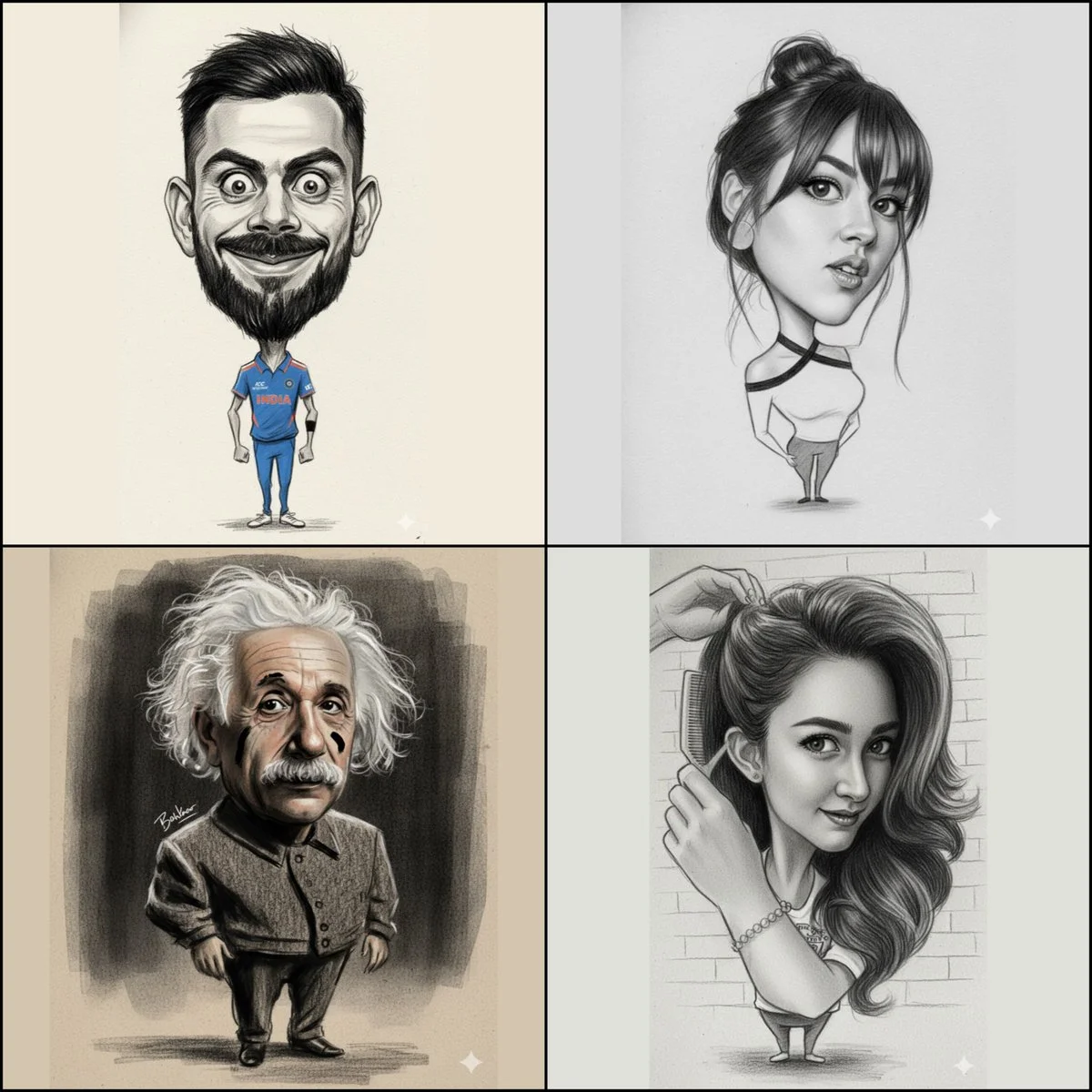
Flexible Production Modes
For a video product concept, specify the product shape, material, key detail and setting. Keep logos and claims accurate, allow room for your own typography, and review the result before using it in an advertisement.
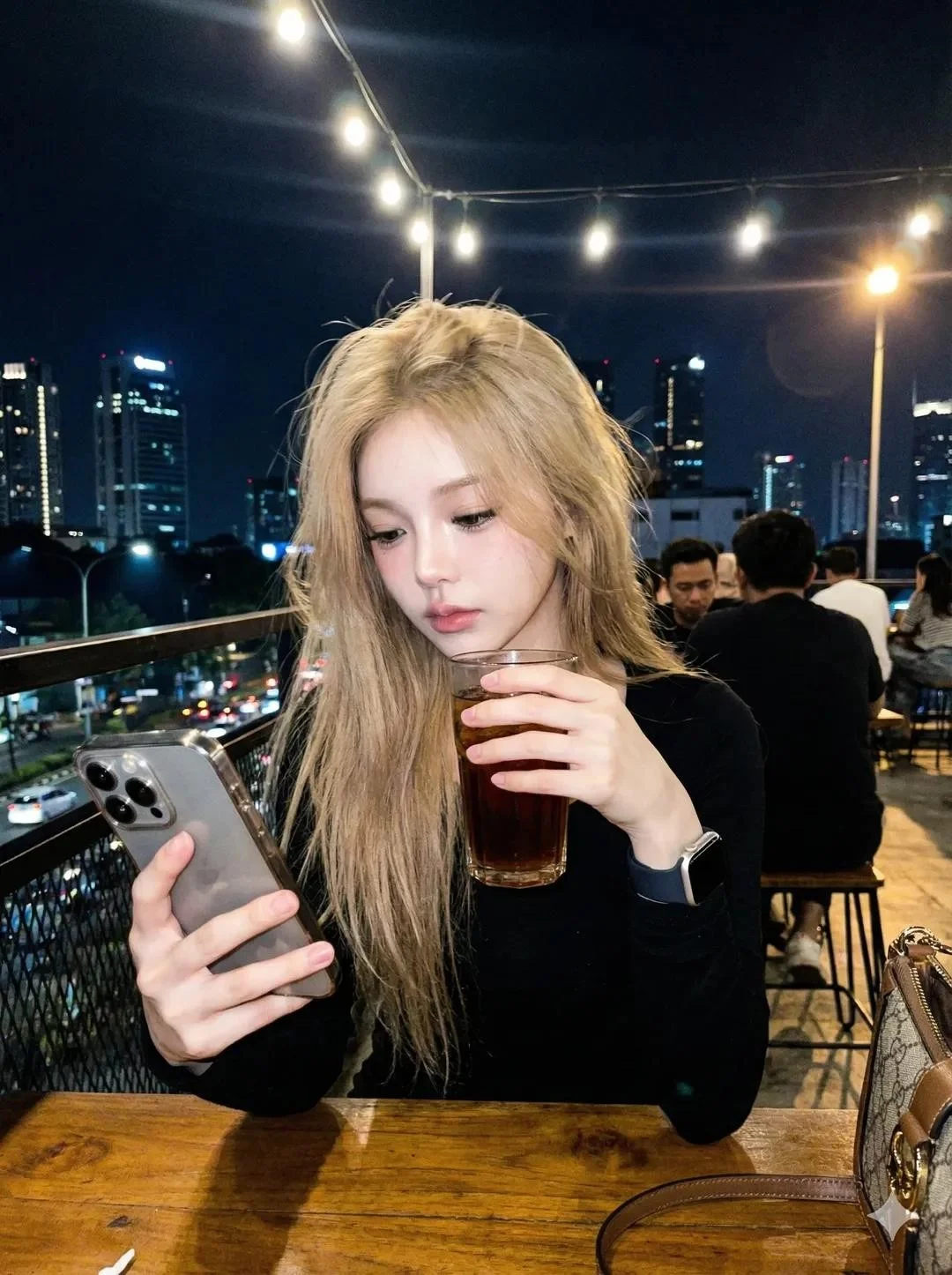
Write Precise Editing and Style Directions
For a video product concept, specify the product shape, material, key detail and setting. Keep logos and claims accurate, allow room for your own typography, and review the result before using it in an advertisement.
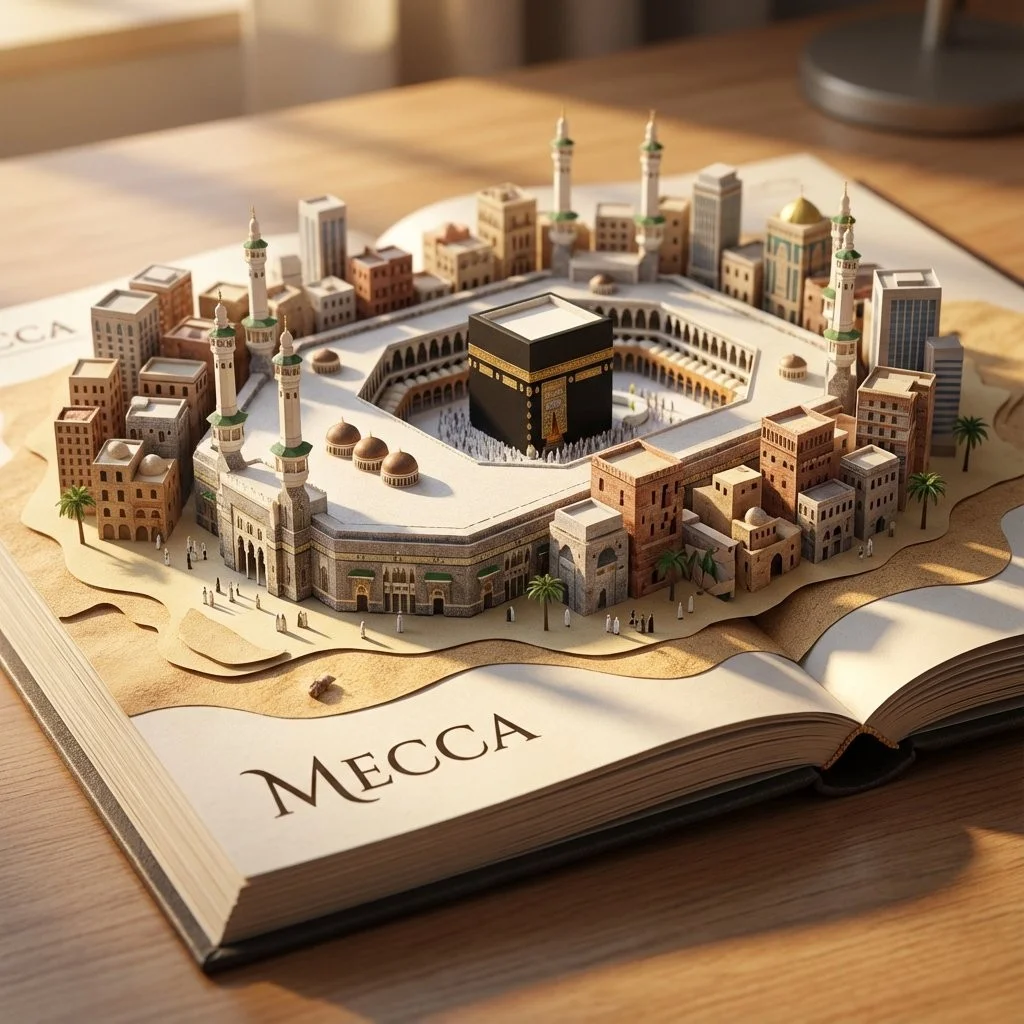
Explore Variations with a Focused Brief
Explore available video workflows and compare it with the related video pages. The generator is the source of truth for current model access and settings. Use the prompt library to study published results and the model that created them.
Choose an enabled model on the AI Video page. Review its supported settings and credit quote before generating a clip from text or an image.
Give the main subject one clear action. For a video concept, a precise brief is easier to assess than a list of competing effects.
Veo Video Workflow: Questions & Answers
For a video product concept, specify the product shape, material, key detail and setting. Keep logos and claims accurate, allow room for your own typography, and review the result before using it in an advertisement.
This Highsfield page explains the video workflow. It helps you write a focused brief and review the available inputs. Current access is shown in the generator; a model name on a guide does not mean it currently accepts requests.
Write your video brief around one visible action. Add the setting, shot size, camera movement and lighting. Keep dialogue and sound cues separate from the visual instructions so the intended scene is easy to understand.
Develop your video brief around the result you need. Keep the main direction specific, check supported settings in the generator, and review the completed work before using it in your project.
Choose only the resolution and aspect ratio shown for the selected model. Check framing, fine details and any text in the completed video. A larger output size does not guarantee a more accurate result.
Describe speech, ambient sound and music as separate directions in your video brief. Audio output depends on the selected model and the options shown in the generator; check the finished clip rather than assuming sound is included.
List the details that matter in your video brief: identity, shape, colors, clothing and background. Use supported references where appropriate and compare every result; exact consistency is not guaranteed.
You can request a refund within 10 days of purchase if you have unused credits from that purchase and provide a clear reason, subject to our Refund Policy. If eligible, an unused purchase can be fully refunded; a partly used purchase is refunded in proportion to its remaining unused credits. Fully used purchases and free or promotional credits are not refundable.
Credit validity depends on the pack, subscription or promotion that issued them. Review the purchase terms and expiration dates in Settings > Credits. A renewal or new purchase does not extend older credits. Use credits before their stated expiration; do not assume unused subscription credits roll over indefinitely.
Credits charged for a task that is confirmed as failed due to a system error are returned automatically. A task that is still processing has not yet been confirmed as failed. Check its status and your credit history before submitting again. If a confirmed failure still shows an unresolved charge, email support@highsfield.com with the task ID.
AI results can vary, so a completed result that differs from your expectations is not automatically treated as a technical failure. Eligible completed image tasks can be submitted for credit refund review using the refund option where available; approval is required. For a video or another issue, contact support@highsfield.com with the task ID and details. A credit refund returns credits, not money to your payment method.
Email support@highsfield.com. For billing, include your account email and order ID; for generation, include the task ID, issue description and relevant screenshots. If you purchased as a guest, keep the original browser data and payment receipt so we can help locate the purchase.
Explore Your Next Veo Video Idea
Choose only the resolution and aspect ratio shown for the selected model. Check framing, fine details and any text in the completed video. A larger output size does not guarantee a more accurate result.
highsfield.com · Updated
What's new on this page
- — Clarified how to check Veo availability, account eligibility and credits.
- — Added editable example prompts and separate drafts for text and reference modes, with an action to restore the example.
- — Updated page copy and content.
- — Page content published.