
AI Caricature Generator for dramatic side light and ink
Draw a caricature from a portrait
History
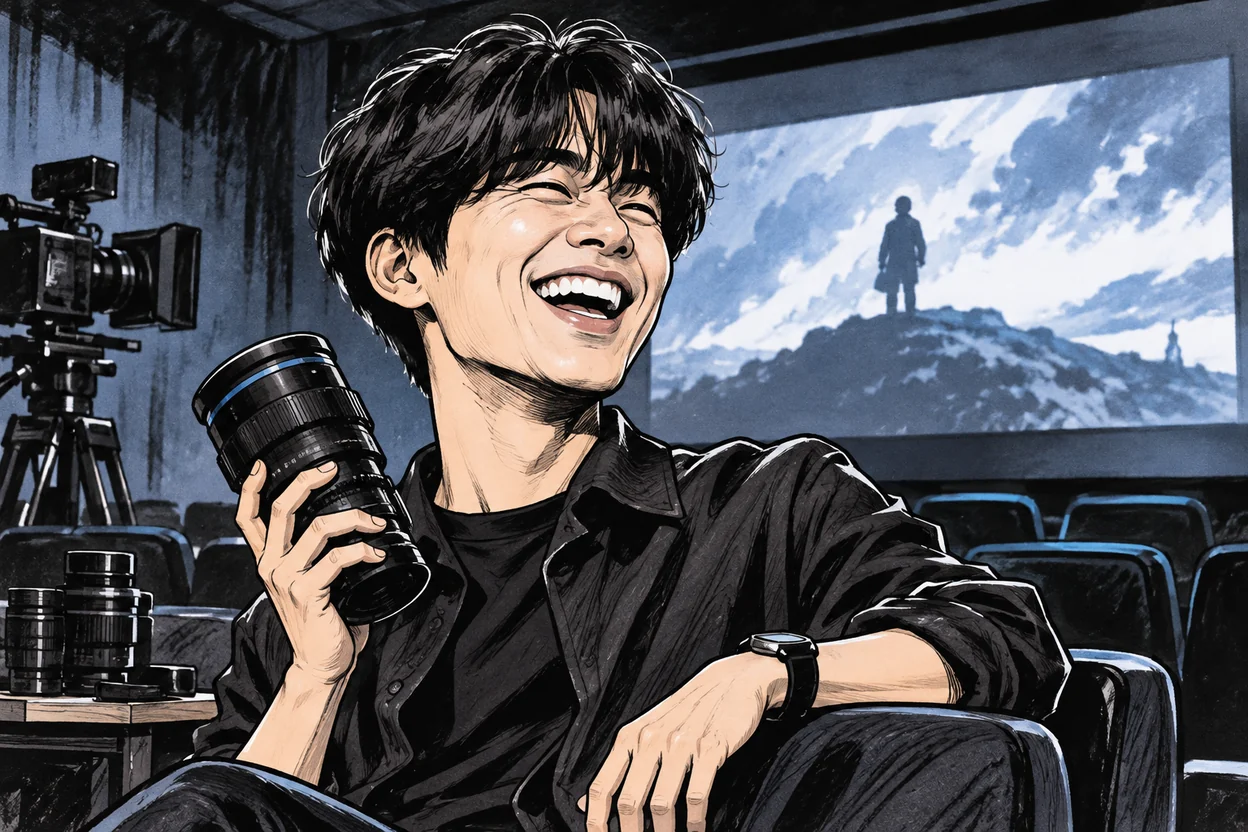
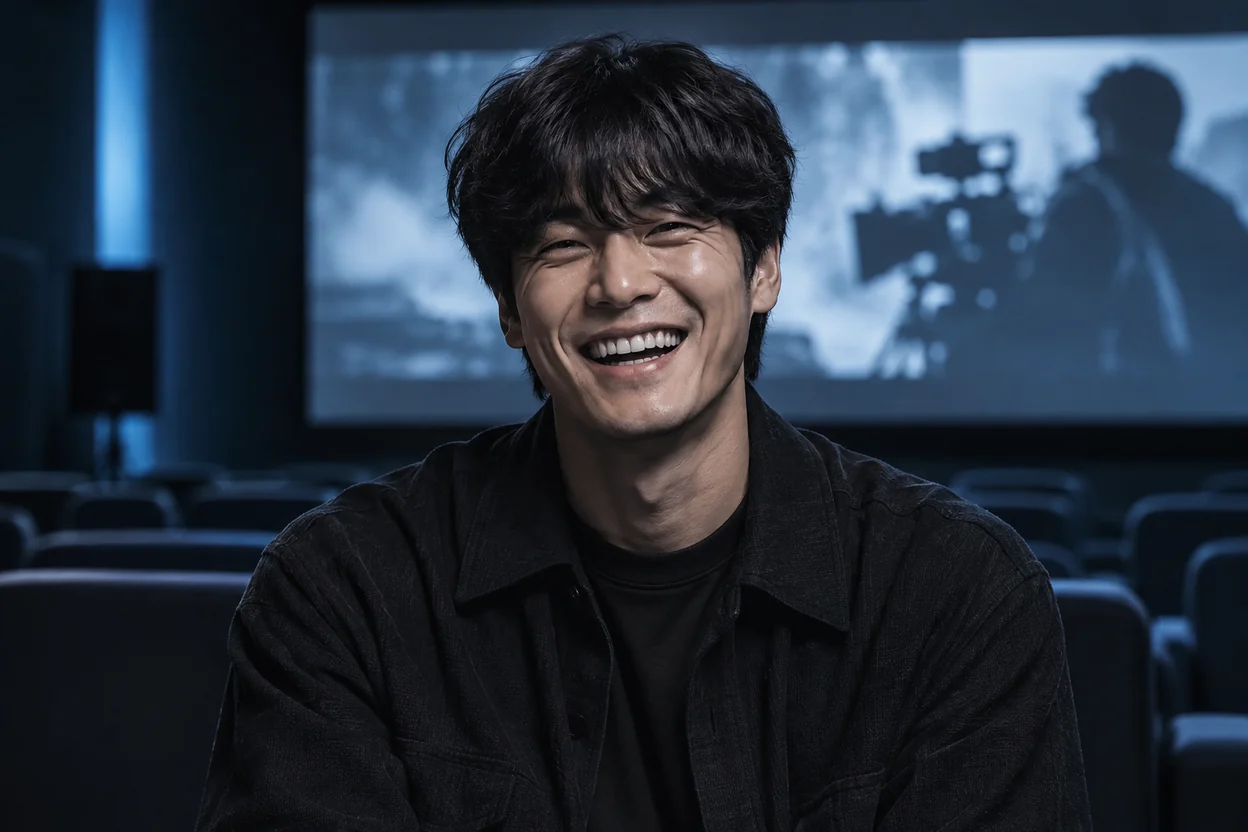
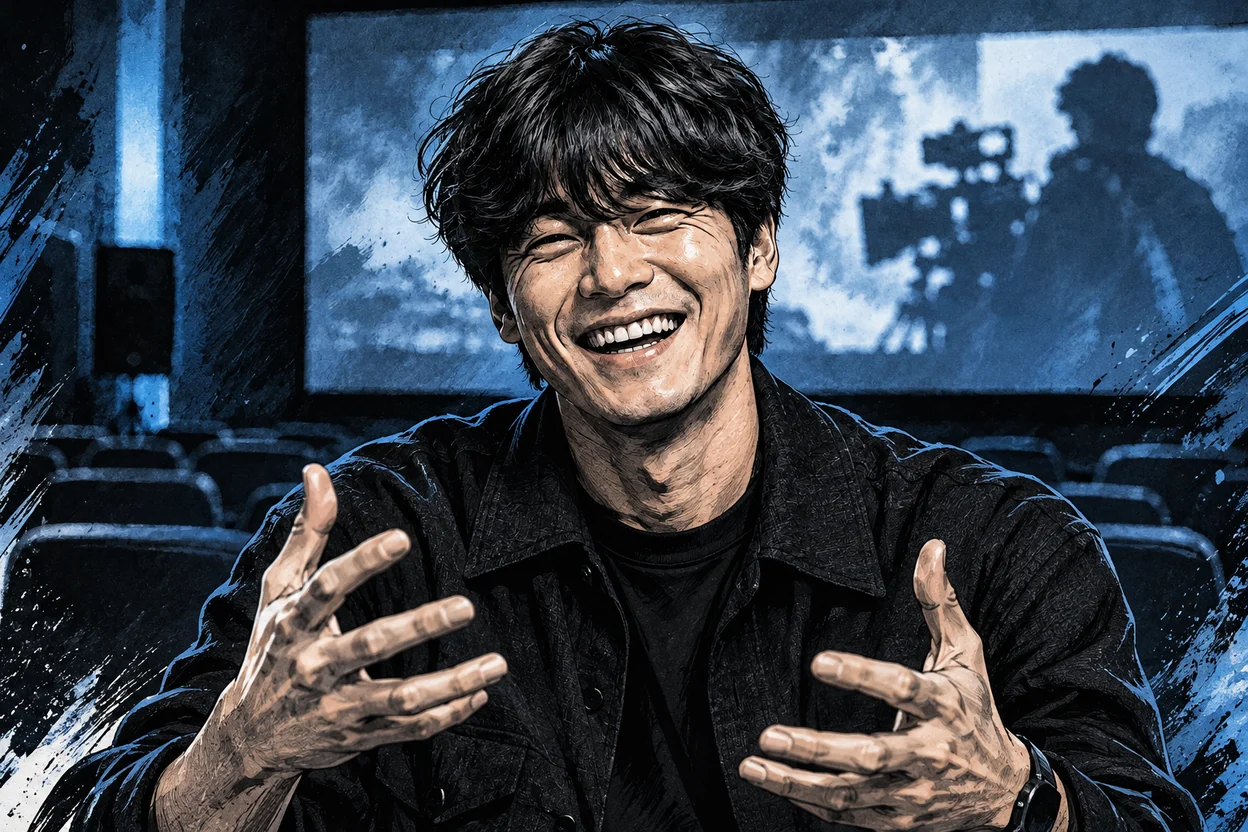
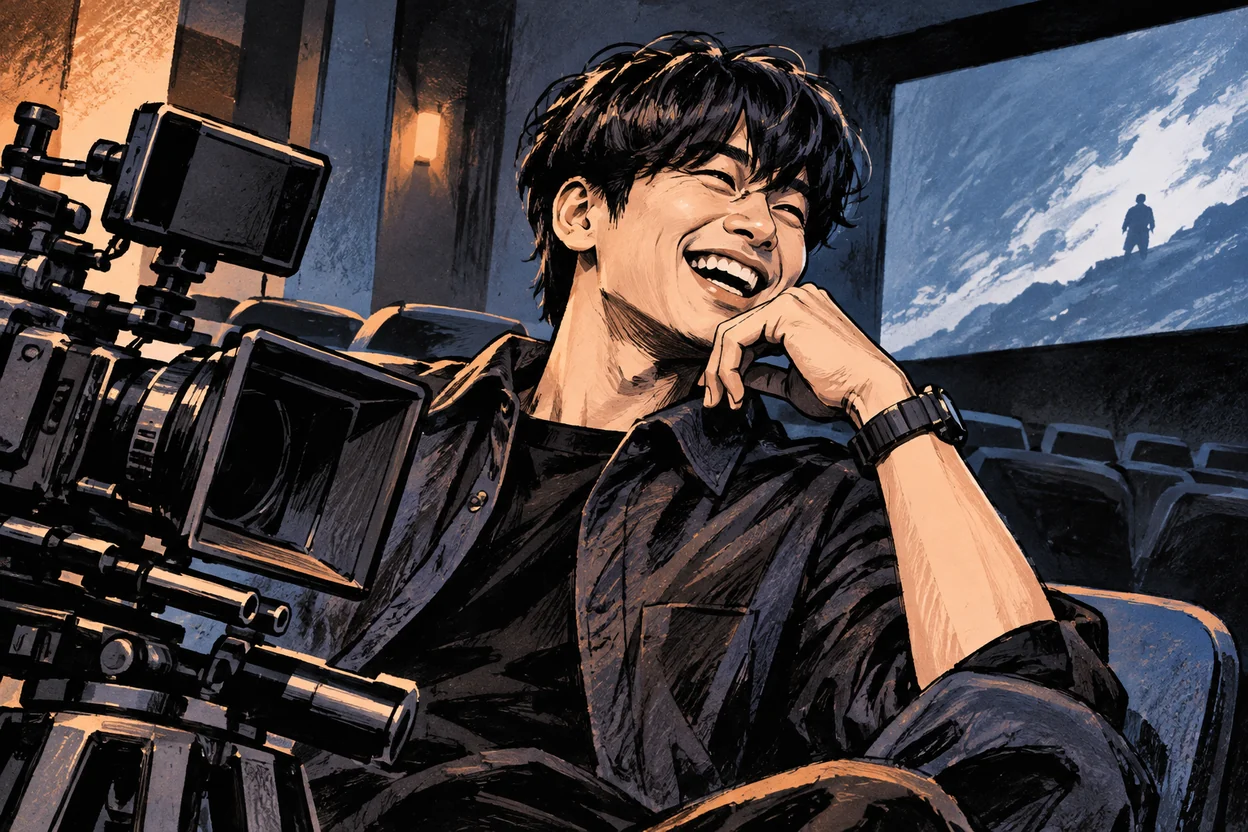
The AI Caricature Generator turns one portrait you are authorized to use into an original, friendly caricature, exaggerating specific features while keeping the person recognizable. Prefer not to upload? Use text-only mode to describe a fictional face. For this screening-room scene, picture an adult Korean male cinematographer with a pronounced laugh and thick fringe, rendered in graphic ink, high contrast, and steel-blue accents.
Make a caricature
- Choose portrait editing and add one portrait you are authorized to use, or select text-only generation and describe a fictional face. The tool uses Nano Banana 2 for image editing and generation, with one optional mode-specific input.
- Describe what to preserve—such as a pronounced laugh, hair shape, or recognizable profile—and what to exaggerate gently. For a portrait, ask for a chest-up composition; keep the whole head and fringe, both shoulders, and any expressive hands inside the crop.
- Review the result before using it. Check that the person remains recognizable, the humor feels kind, and the face, outline, and crop look right. Check the displayed quote and History.
Compare the reference and the caricature
Check the result
- Personal features: Do the expression, hair, and other identifying details feel faithful and respectfully exaggerated?
- Outline and crop: Is the profile clear, with the full hairline, head, and shoulders in frame? Are hands or other important details cut off?
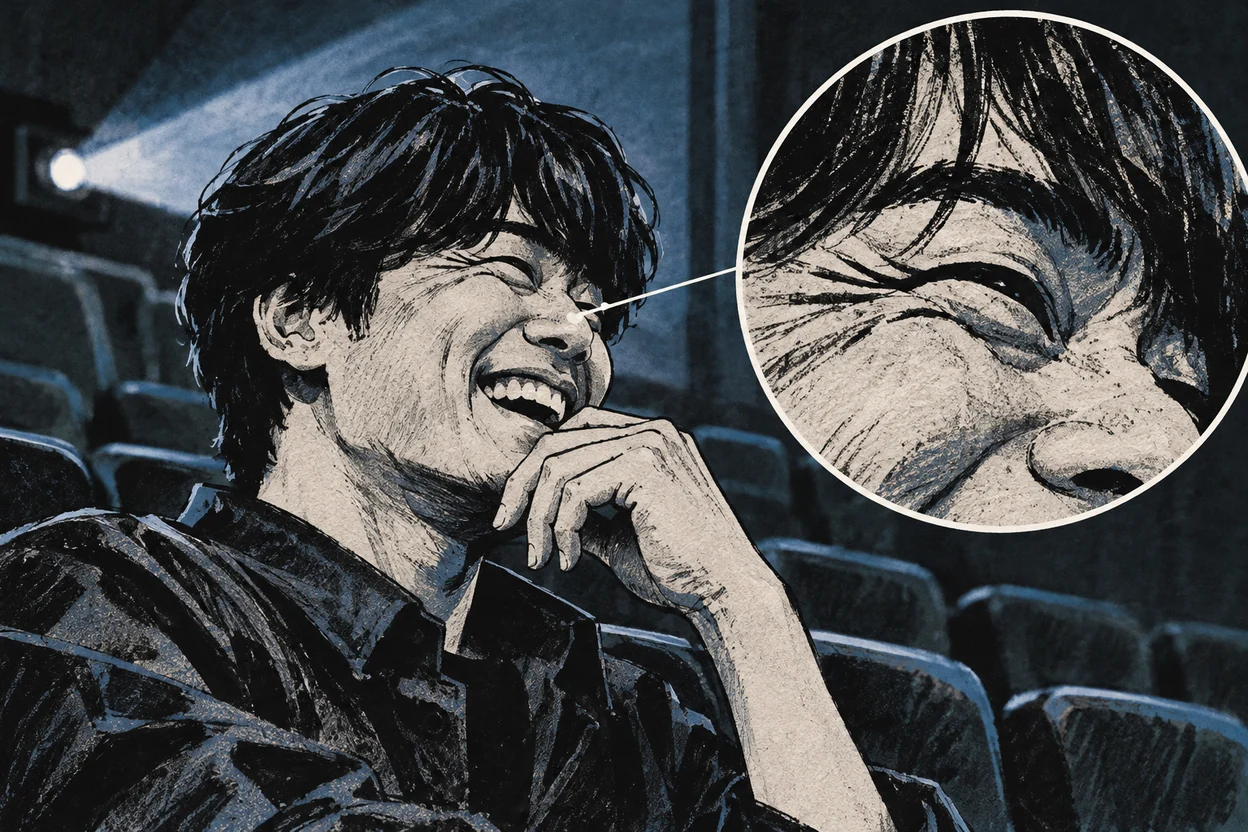
- Finish: Are the ink accents, contrast, and colors clear at full view and close up? Does the caricature feel friendly rather than unkind?
Questions about the caricature generator
What should I upload?
Use one clear portrait you are authorized to use. A front-facing chest-up photo gives the generator a useful view of the face, hair, and shoulders.
Can I make a caricature without a photo?
Yes. Choose text-only mode and describe a fictional face and scene. Include the person's expression, hair, framing, and the style you want.
How do I keep the exaggeration kind?
Name specific features to emphasize, such as a broad laugh or distinctive fringe. Ask for playful proportions and a friendly expression, and avoid insults or demeaning descriptions.
What should I check before using the result?
Inspect recognizable features, the outline, and the crop. Also review the displayed quote and History.
How long does image generation take?
Check History after you submit. The task status shows when your edit is ready to compare with the original portrait.
Can I try this with my current credits?
Related tools
highsfield.com · Updated
See update history
- — Create a friendly caricature from one authorized portrait or describe a fictional face in text-only mode. Guide the result with specific, kind feature notes, then inspect the likeness, outline, and crop.