
ChatGPT Sweater Portrait Generator
Edit a portrait
History
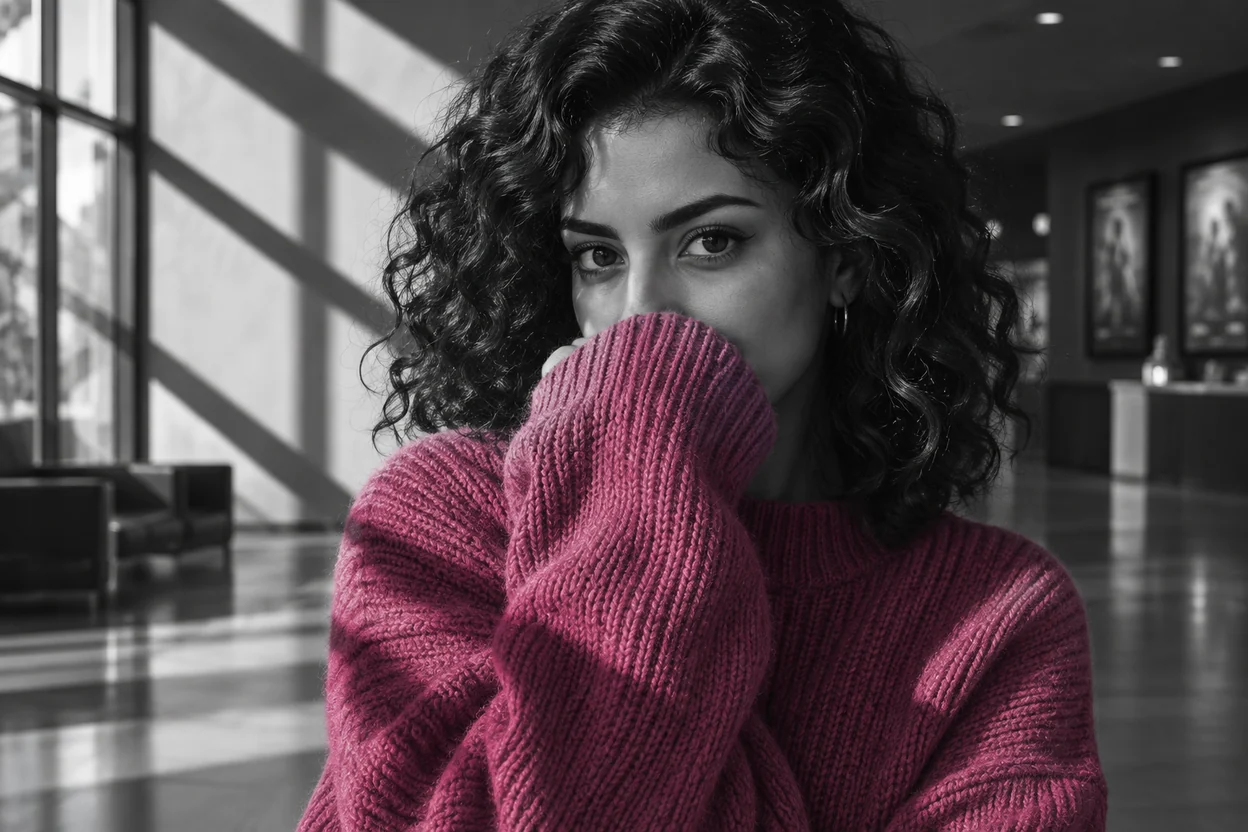
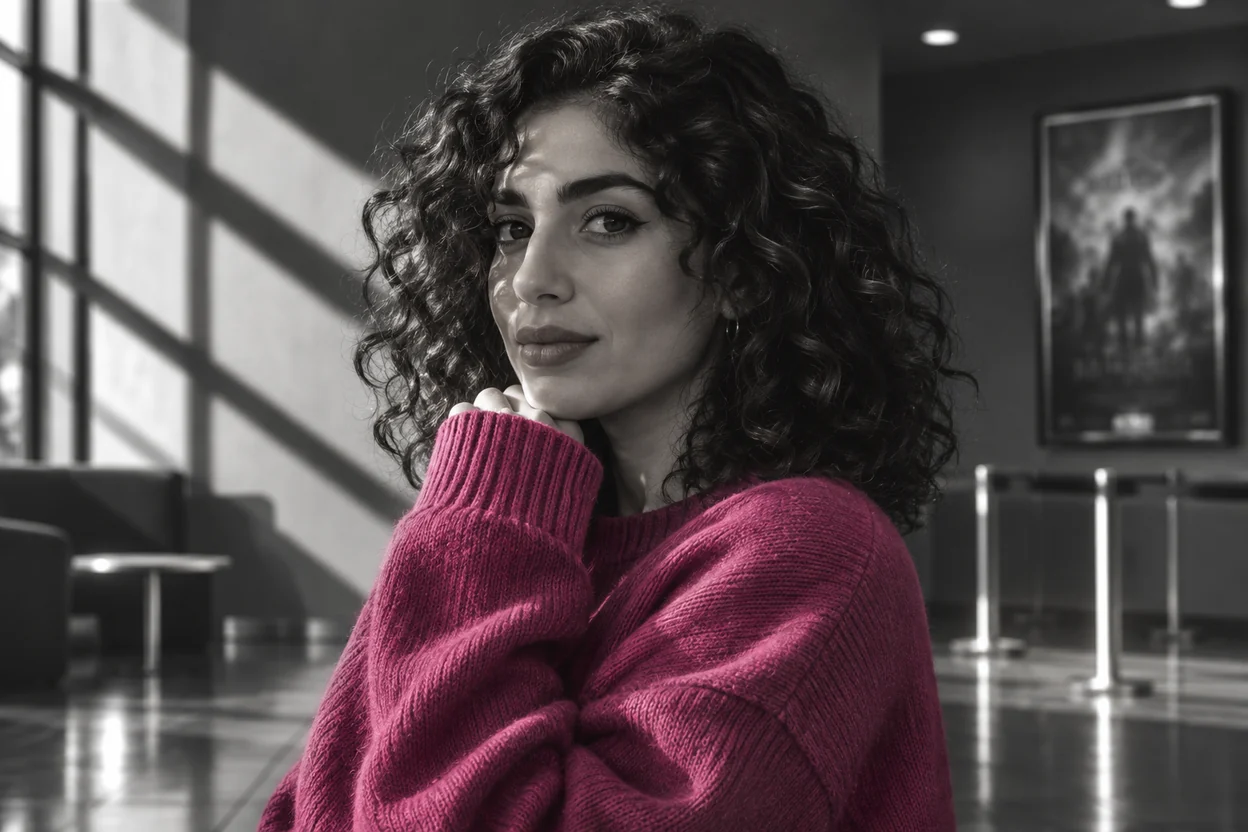
Make the ChatGPT Sweater portrait trend with Nano Banana 2. In edit mode, upload one portrait to keep the person recognizable while adding a pink knit sweater, a sleeve in front of the lower mouth, and monochrome styling everywhere else. Prefer not to upload a photo? Use text-to-image to make a fictional portrait instead.
How to make the portrait
- Choose a mode. For an edit, upload one portrait with a clear, unobstructed face, both eyes visible, and natural hair in frame. For a fictional portrait without uploads, use text-to-image.
- Use the matching prompt and check the framing: keep the face recognizable, place one sleeve just in front of the lower mouth, and leave both eyes uncovered. Include the cinema-lobby light and monochrome treatment if you want this specific setup.
- Review the result for facial features, visible curls, sleeve position, and cuff detail. If needed, refine the prompt to adjust the crop, cuff visibility, or shadows without changing the face.
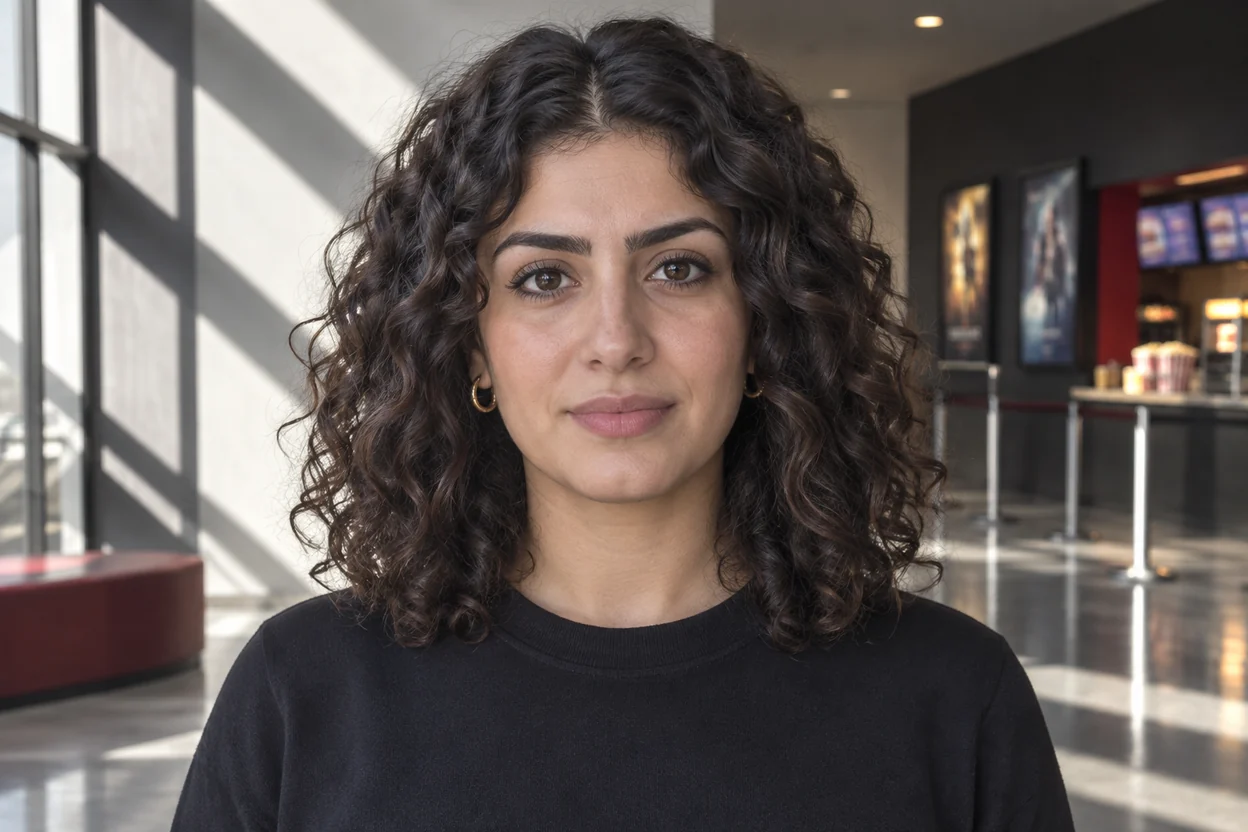
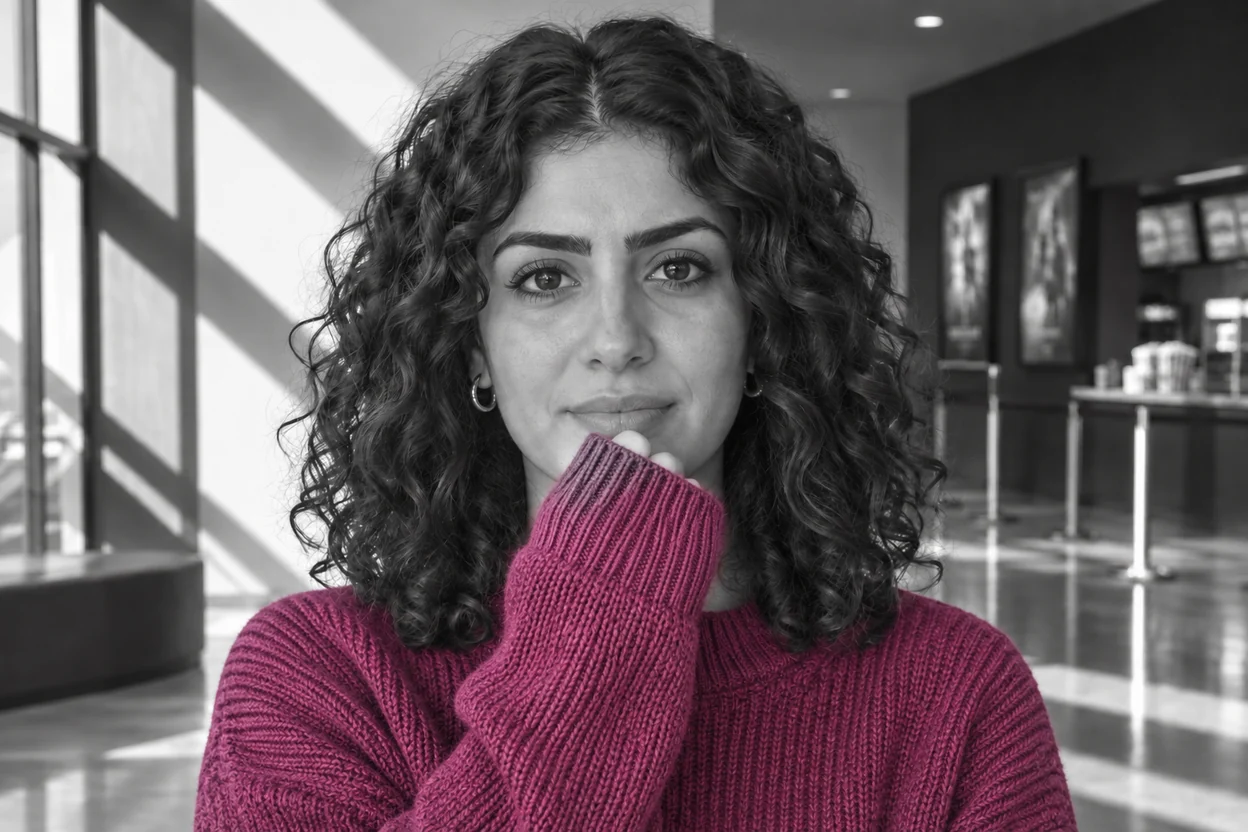
Compare the original portrait and pink-knit edit
What to check in the result
- Face and hair: the portrait should retain the person’s identity and facial features, with both eyes and natural hair visible.
- Sleeve placement: one sleeve should sit just in front of the lower mouth without obscuring the eyes or hiding too much of the face.
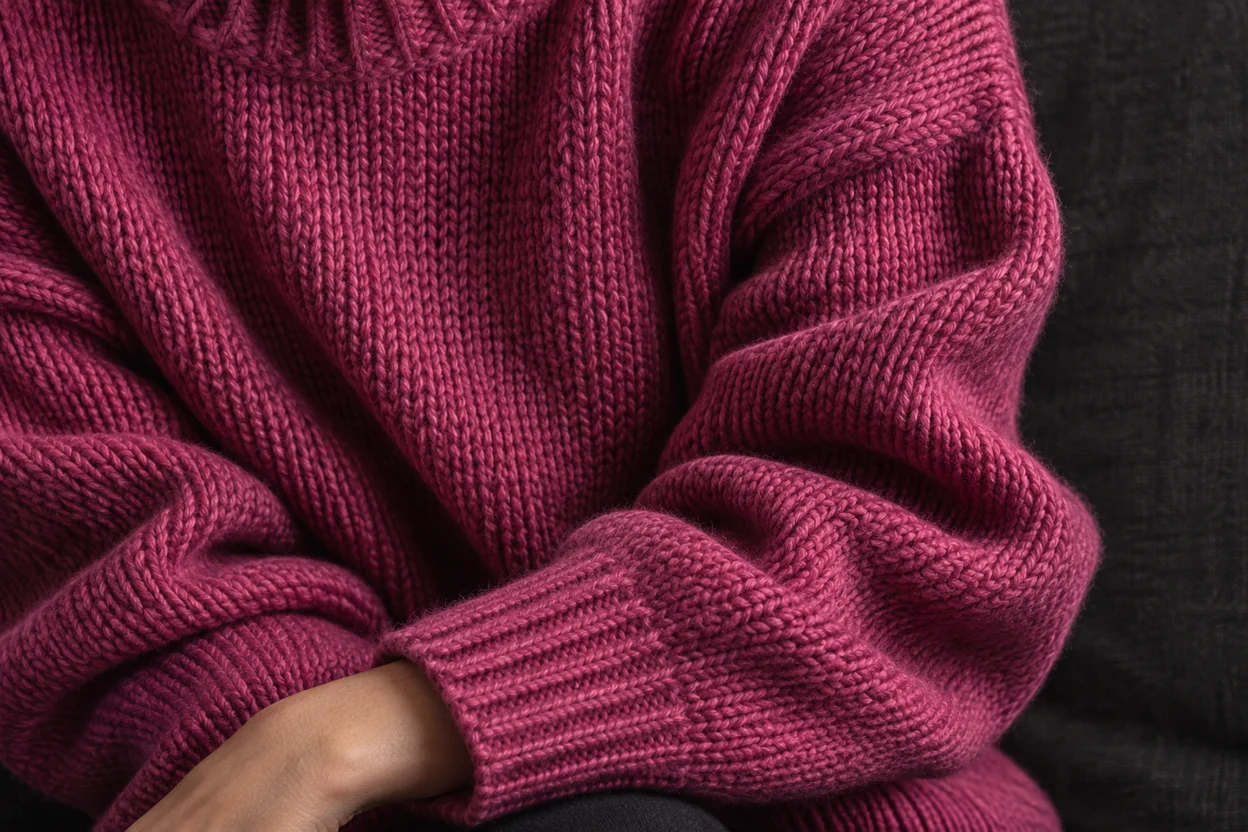
- Color and knit: keep the image monochrome except for the sweater, with a muted magenta tone and visible cuff stitches.
Questions about the pink-knit portrait
Does edit mode need a photo?
Yes. Edit mode accepts one uploaded portrait. For a fictional portrait without an upload, use the separate text-to-image mode.
How can I help preserve the person’s appearance?
Use a clear portrait and ask the model to preserve identity and facial features. Keep both eyes and the person’s natural hair visible, and review the result for changes.
How should the sleeve sit?
Ask for one sleeve just in front of the lower mouth, not across the eyes. A visible cuff gives the knit detail room to read.
Can I make a version without uploading a real person’s photo?
Yes. Choose text-to-image and describe a fictional portrait. That mode is separate from editing an uploaded portrait.
How long does the pink-knit edit take?
Check History after you submit. The task status shows when your edit is ready to compare with the original portrait.
Can I try this with my current credits?
Related tools
highsfield.com · Updated
See update history
- — Use Nano Banana 2 to make a ChatGPT Sweater portrait trend image: edit one portrait while preserving the face, or generate a fictional portrait without an upload. Keep both eyes and natural hair visible, place one sleeve just in front of the lower mouth, and reserve color for the pink knit.