
Kling Image 4.0 Review: What 8K Cropping and Cover Artwork Buyers Should Know
A documentation-based Kling Image 4.0 review focused on 8K cropping, cover artwork, reference images, and what remains unverified before you choose a workflow.
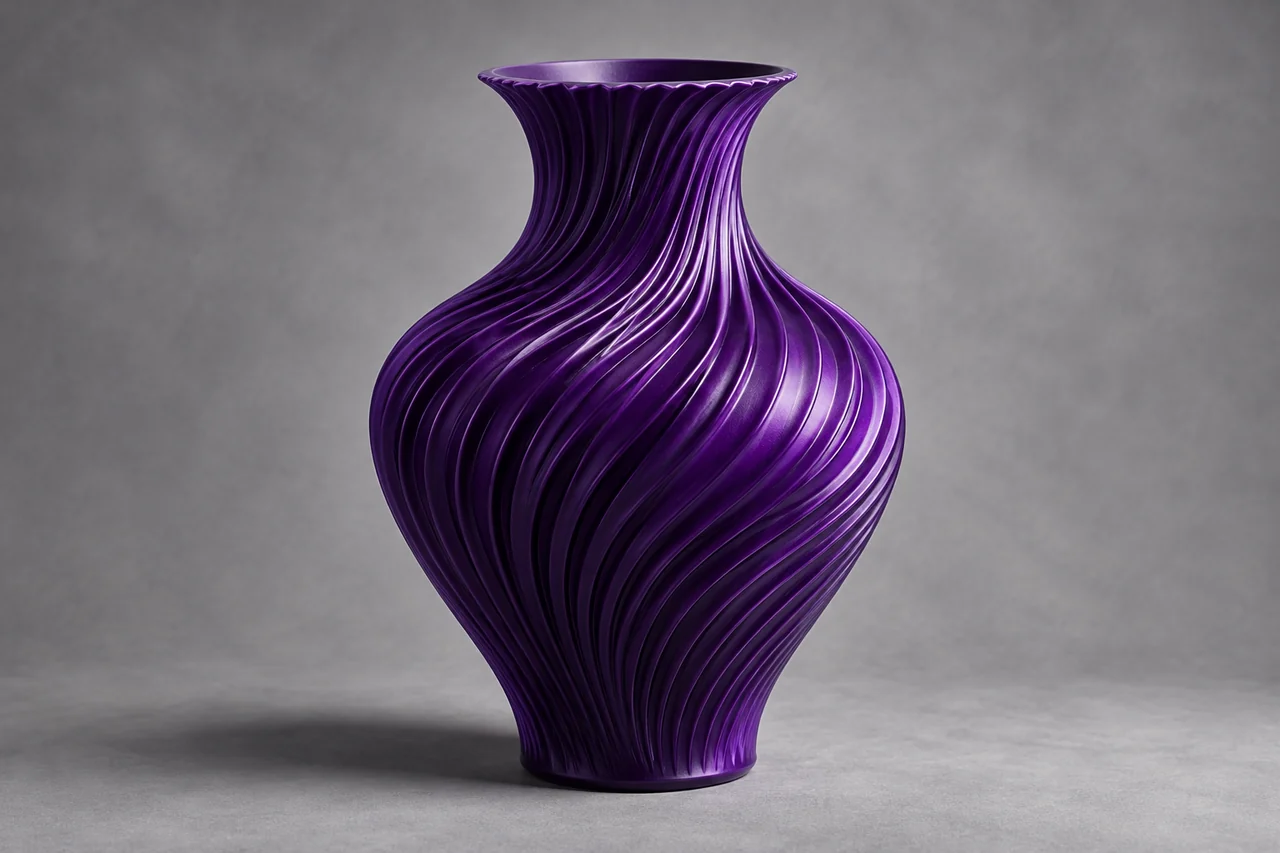
A useful Kling Image 4.0 review for cover-art buyers starts with one distinction: the vendor reports native 2K, 4K, and 8K image generation, but that claim alone does not establish how well a particular result will hold up when cropped, resized, or prepared for a specific cover layout. Kling also describes support for text, up to 10 reference images, and series of up to 10 images. Those features make the model worth investigating for visual projects—but they are not a substitute for checking the actual image, output dimensions, and delivery requirements in the product or service you plan to use.
This review is based on Kling’s published materials and a proposed consumer workflow, not hands-on testing. The available evidence does not confirm that Kling Image 4.0 is listed on highsfield.com, nor does it establish its price, delivery times, or availability through a particular account or integration. If you need dependable cover art today, confirm access and export details before building a project around it.
The short answer for 8K cover cropping
Kling’s documentation reports native 2K, 4K, and 8K generation. That is a vendor-stated resolution capability, not a guarantee that every image will be generated at every resolution, that all access routes expose the same choices, or that a finished file will meet a cover platform’s technical specifications. The documentation reviewed here does not establish those details. Kling’s Image 4 overview and release notes are the primary sources to consult for the vendor’s stated features.
For a cover, “8K” is most useful when it gives you room to reframe a composition: a square image might be cropped into a portrait cover, or a subject placed off-center might leave space for a title. But resolution cannot rescue a composition that puts an important face, object, or piece of lettering in the wrong place. Nor does an 8K label by itself tell you whether the delivered file has the required pixel dimensions, color profile, file type, or safe area for your intended destination.
Treat the resolution claim as a reason to inspect cropping possibilities—not as proof that a cover is ready to publish. Make a copy of the candidate image, test the intended crop, and check the resulting file against the requirements of the service where it will appear.
What Kling says Image 4.0 can do
Kling’s published materials describe three capabilities especially relevant to cover-art workflows:
- Native 2K, 4K, and 8K generation. These are vendor-reported output options. The materials reviewed do not establish which options are available in each product, account, or API route, or whether a particular prompt will produce the same resolution consistently. Kling’s Image 4 overview
- Up to 10 reference images. This could be useful when a project needs visual guidance from several sources, such as a color palette, a character reference, or an existing campaign image. The maximum is a vendor-reported feature; it does not, on the evidence reviewed here, explain how references are weighted or guarantee that the result will preserve every supplied detail. Kling’s release notes
- Text support and series of up to 10 images. These claims may matter if you are exploring cover concepts with text in the image or want a group of related visuals. The available evidence does not establish typography accuracy, exact text-rendering behavior, or how consistently a series maintains the same subject and style. Kling’s Image 4 overview Kling’s release notes
These are feature claims, not independent test results. A consumer should check the output itself, especially when the art will carry readable lettering or needs to stay consistent across multiple placements.
A practical cover-art workflow
Start by writing down the final placement and crop, rather than asking for a generic “high-resolution cover.” Decide whether you need a square, portrait, or landscape composition; where the title will sit; and which parts of the image must remain visible after trimming. If the destination has technical requirements, check those before generating artwork.
Then build a prompt around the composition. For example: “Portrait book-cover concept, a lone climber positioned in the lower right, open pale sky in the upper third for a title, muted blue and amber palette, no lettering.” This is an illustrative prompt, not a tested Kling prompt. Its value is that it specifies subject placement and negative space, which are central to a cover crop. If you want text in the generated art, test that separately and inspect every character; the vendor’s text-support claim does not tell you how reliably a specific phrase will render.
If using reference images, choose them for distinct purposes rather than uploading several near-duplicates: one for the subject, another for palette, and another for the overall mood, for example. Kling reports support for up to 10 references, but the available documentation does not specify a best number or guarantee that the result will follow each reference equally. Keep a note of what each reference is meant to contribute so you can assess the output against your brief.
When you have a promising image, make the crop test explicit. Duplicate the file and create the exact crop you intend to publish. Check that the subject remains complete, the title area stays clear, and important details are not cut off. Inspect the cropped image at the size and context in which readers will see it, as well as at a larger view for visible artifacts. If a crop fails, revise the composition or prompt rather than assuming a larger resolution will solve the problem.
Reader-run checklist before committing
Use this checklist to evaluate a candidate image without treating a vendor specification as a finished-cover guarantee:
- Confirm access. Verify that the specific product, account, or integration you plan to use actually offers Kling Image 4.0. General API availability, if stated elsewhere, would not by itself prove access in a particular consumer-facing service. Highsfield.com does not list Kling Image 4.0 in the information covered by this brief.
- Confirm the output. Check the generated file’s actual pixel dimensions and format. Do not infer them from a prompt or a model name.
- Make the final crop. Apply the intended cover dimensions and inspect the result, including the title-safe area and any required trim.
- Check the subject and details. Look closely at faces, hands, fine lines, small objects, and any other details that matter to the design. This is a proposed review step, not a claim that these areas have been tested in Kling Image 4.0.
- Verify lettering separately. If the artwork includes words, compare every character with the intended copy. If the result is not dependable enough for the job, consider adding final typography in a separate design workflow.
- Check consistency across a series. If you need multiple related covers or campaign images, review them side by side. Kling reports series support for up to 10 images, but the available evidence does not establish character or style consistency across a series.
- Confirm delivery requirements. Check the destination’s file, color, dimension, and usage requirements independently. The cited Kling materials do not establish those requirements for your publisher, retailer, or design platform.
Availability and what is not established
Feature descriptions, API access, studio tools, and actual availability are separate questions. A vendor may describe a capability without making it available in every interface. An API reference or availability statement would not prove that a particular website offers the model. This matters here because highsfield.com does not list Kling Image 4.0. Do not assume that reading about the model means you can select it on this site.
The primary sources support the vendor’s stated resolution options, reference-image limit, text support, and series capability. They do not provide evidence for a highsfield.com listing, a price, delivery times, independent image-quality measurements, or a guarantee that any generated cover will satisfy a particular platform’s specifications. Those details should be checked directly with the relevant provider before you rely on them.
For broader discovery, highsfield.com’s AI image guide is relevant if you are comparing image-generation workflows or looking for general guidance on image tools. The pricing page is useful for checking prices shown by highsfield.com, but it should not be read as evidence that Kling Image 4.0 is offered there. Use those destinations for what they actually cover, and confirm model access with the provider that would generate or deliver the image.
Verdict
Kling Image 4.0’s reported 2K, 4K, and 8K options, reference-image support, text capability, and image-series feature make it a model to consider for cover-art exploration. For an 8K crop, the decisive question is still whether the actual output preserves the composition and details your final layout needs. The evidence reviewed here supports describing Kling’s claims, but not declaring a cover workflow tested, available on highsfield.com, or guaranteed to meet a production specification. Confirm access, inspect the file, and run the exact crop before committing.
What's new on this page
- 2026-11-23 — Page published. Added a documentation-based review and a checklist readers can run against their own images.