
Kling Image 4.0
Kling Image 4.0

History
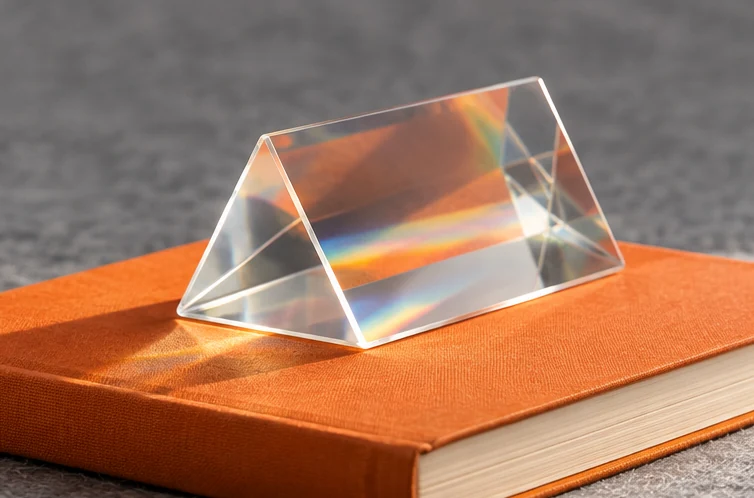
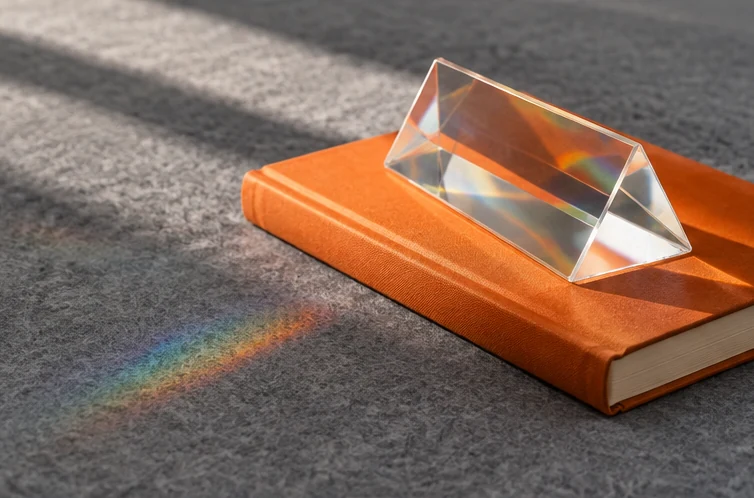
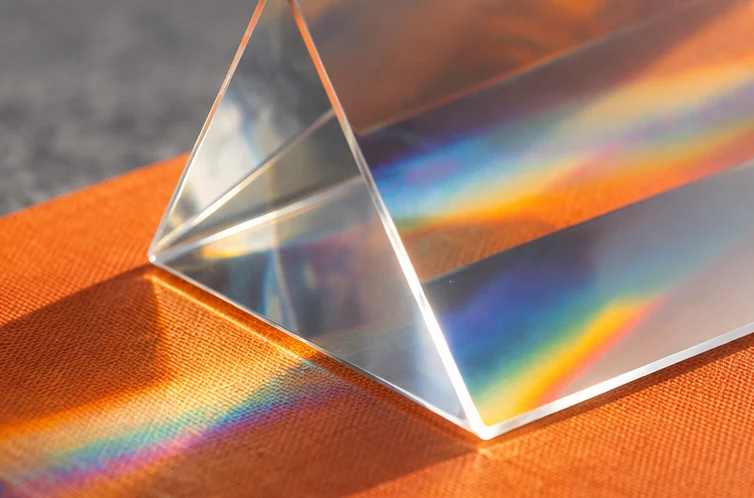
Describe the changes you want to make to the scene of a glass prism over an orange book on grey felt. Use text or an optional reference according to the selected mode. Generate one result at 2K or 4K.
How to edit an image
- Choose the mode and add text or an optional reference.
- Describe the edit and details you want preserved.
- Select 2K or 4K and generate one result.
What to know before generating
- State which details should remain unchanged.
- Use a clear, specific description of the requested edit.
- Check the live credit quote; the service is paid.
Common questions
How can I preserve details in an edit?
Name the scene details you want to keep, such as the prism, orange book, and grey felt.
Can I use a reference image?
You can use text or an optional reference according to the selected mode.
What output controls are available?
Choose 2K or 4K. Each generation returns one result.
highsfield.com · Updated
See update history
- — Kling Image 4.0 generates one image per request at 2K or 4K.