
Huss Huss Huss AI Video Guide
Create your Huss Huss Huss AI Video
Watch a short motion study
History
Loading history…
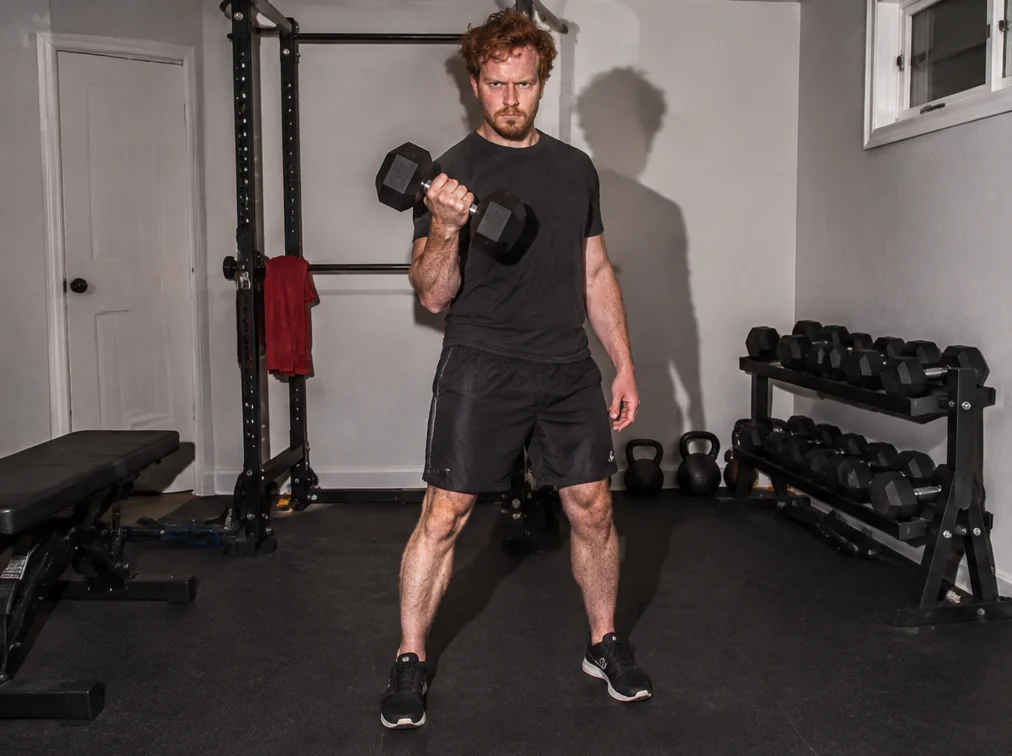
Huss Huss Huss AI Video turns one portrait into a comedic gym moment: a serious lifter makes a dramatic dumbbell curl while everyone else is out partying. Upload one clear portrait, edit the pre-filled effect prompt if you like, and start the generator.
How to make your gym meme
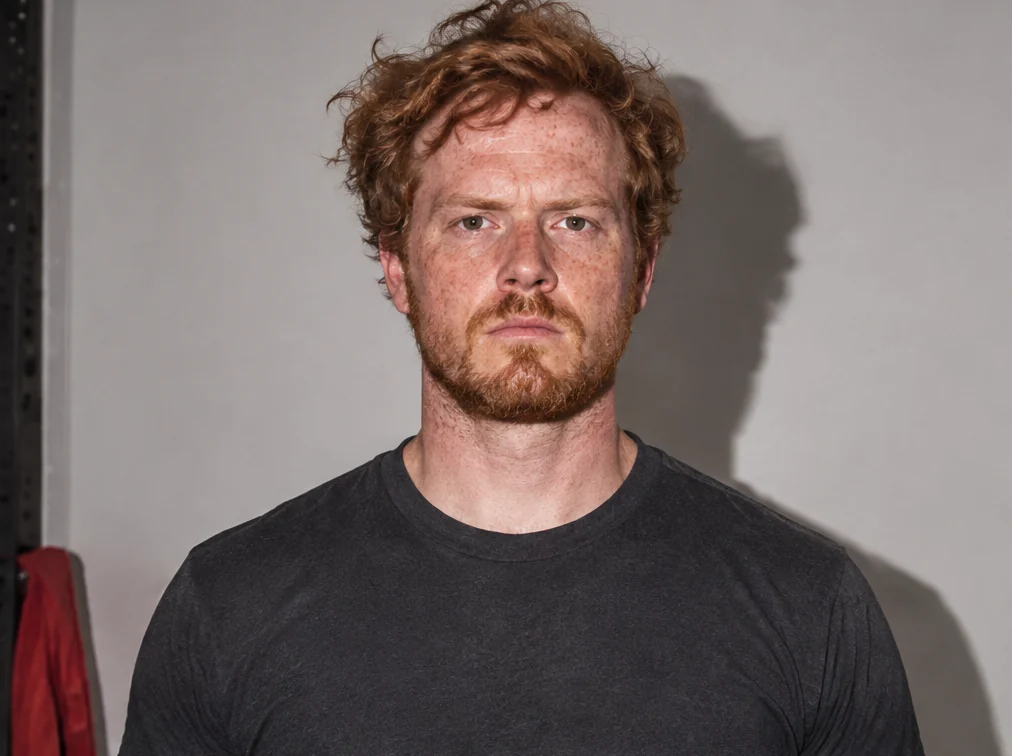
- Choose one clear portrait. The generator requires exactly one photo, and the face should be easy to see.
- Review the pre-filled effect prompt. Keep it as written or edit it to suit your idea.
- Check the live credit quote shown in the generator before you start. Then launch the video.
- Wait for the clip to finish processing, then review it and save it if it fits your brief.
Portrait input and scene concept
Ideas for the over-serious curl
- Home-gym comedy Frame a modest workout corner like a dramatic training moment, with one lifter treating a single curl as a major event.
- Party-versus-focus contrast Build the joke around a focused lifter while the imagined social energy stays outside the frame; keep the visual attention on the curl.
- A playful fitness brief Use the earnest effort and proud finish as a lighthearted visual hook for a gym-themed concept or creative pitch.
Check before saving
- Make sure the portrait is clear and the person’s face is visible.
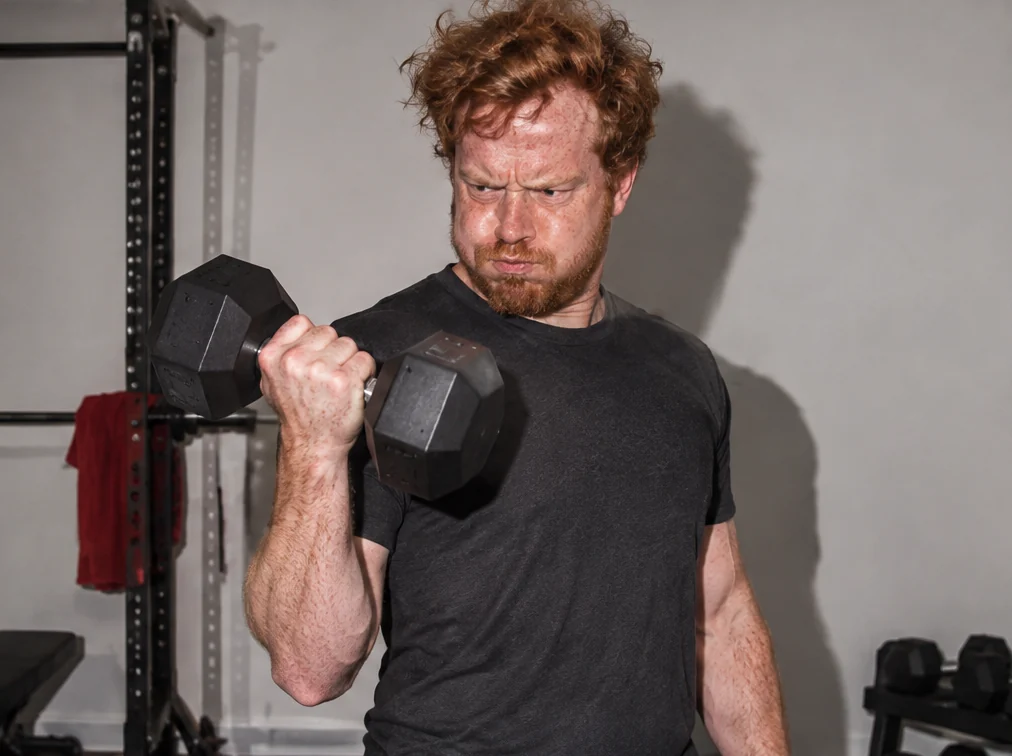
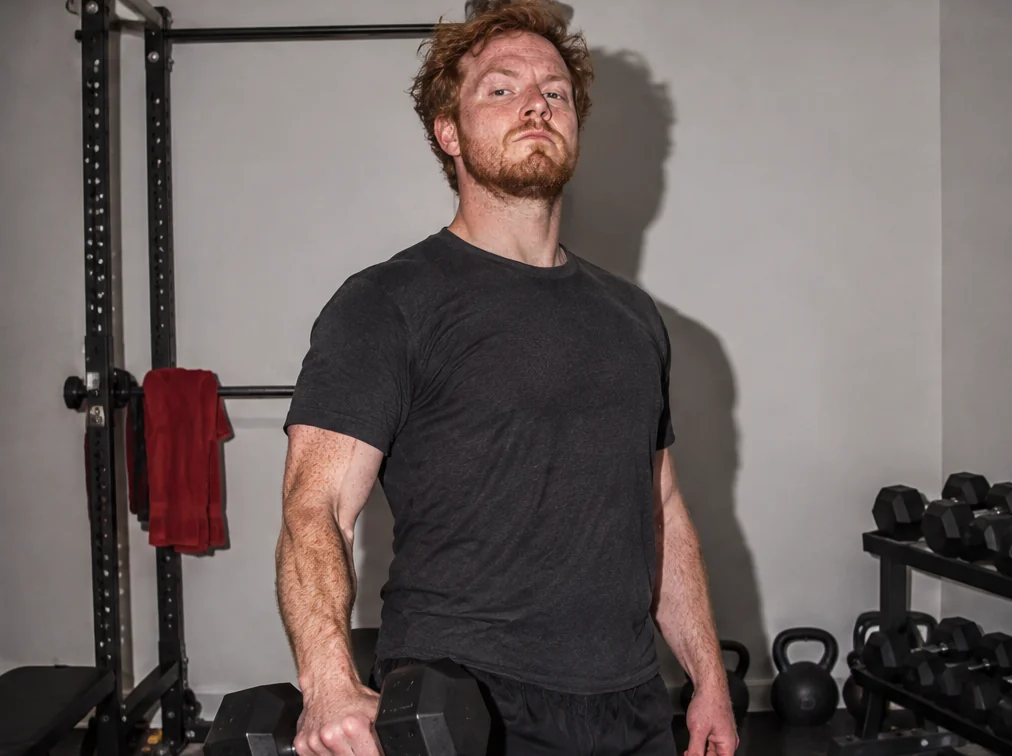
- Check that the serious stare, exaggerated curl, and triumphant finish read as one playful scene.
- Review the clip for identity consistency and any visual details you would rather revise.
Common questions
What is Huss Huss Huss AI Video?
It is a comedic gym-meme effect that turns one portrait into a short scene of an intensely serious lifter performing a dramatic dumbbell curl while everyone else is out partying. Highsfield’s generator uses Seedance 2.0 and creates clips up to 15 seconds.
Can I try Huss Huss Huss AI Video free?
Check the live credit quote in the generator before starting, and visit the pricing page for current plan details. The quote shown there is the best guide to the cost of your generation.
What do I need to upload or type?
Upload exactly one clear portrait. The effect prompt is pre-filled, so you can start with it as is or edit it before generating.
How long does it take?
Processing usually involves a short wait, and the time depends on queue load. Check the generator for the current status.
How can I make the curl funnier?
Use a portrait with a clear, direct expression, then keep the prompt focused on the contrast between a solemn stare and exaggerated effort. A simple scene helps the puffed-cheek curl and proud finish carry the joke.
More video prompt ideas
highsfield.com · Updated
See update history
- — Added a portrait-based guide to Highsfield’s Huss Huss Huss AI Video effect, including prompt guidance, scene concepts, and FAQs.